Tutorials
Step-by-step tutorials for creating Roblox items, 3D assets, node graphs, and renders in Customuse.
66 articles
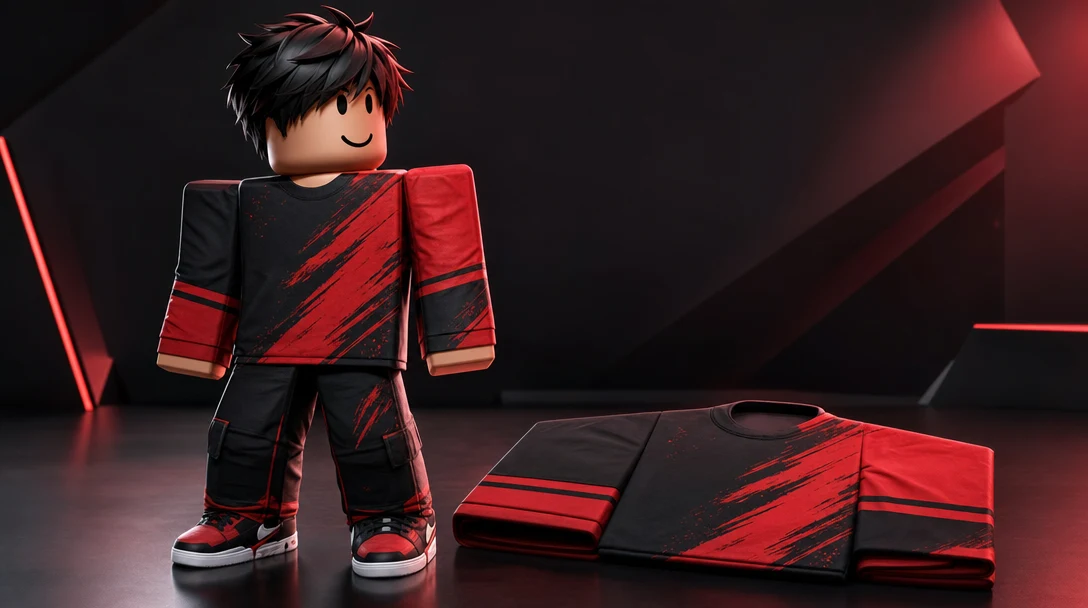
How to upload Roblox Classic Clothing directly into Roblox from Customuse
Send Roblox Classic Clothing directly into Roblox without leaving the Customuse Editor. This tutorial will help you navigate it. Let's get started!
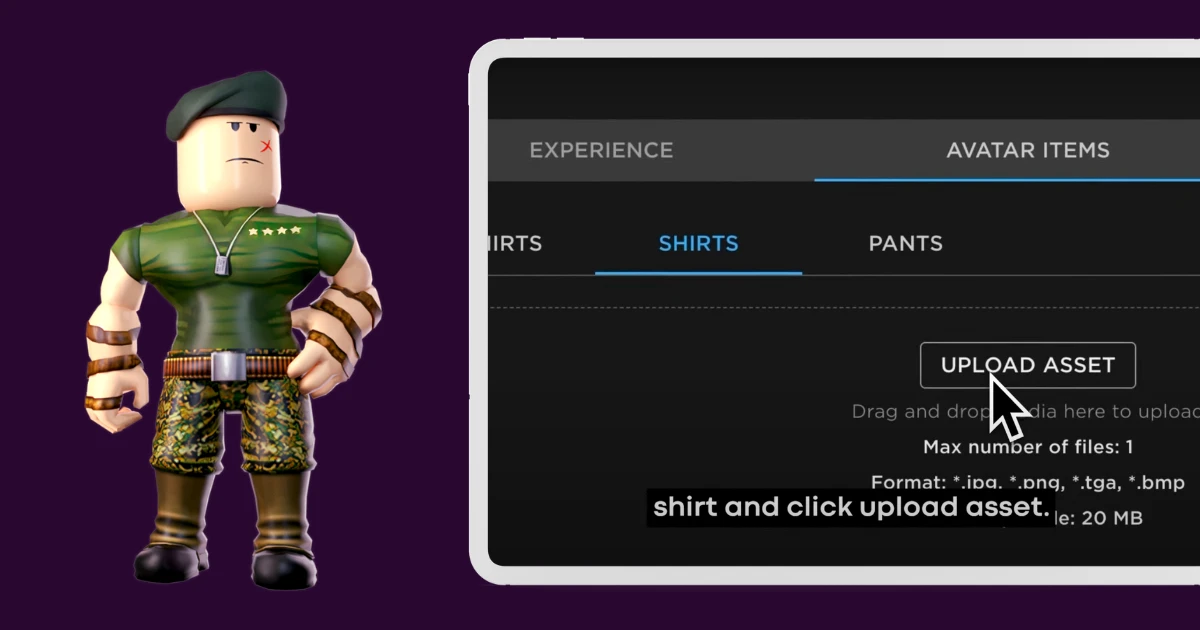
How to Upload a Shirt in Roblox: a Step-by-Step Guide
Bring your Customuse designs to life in Roblox. Our guide explains how to save, publish, and upload your unique outfits to Roblox, making your avatar stand out.
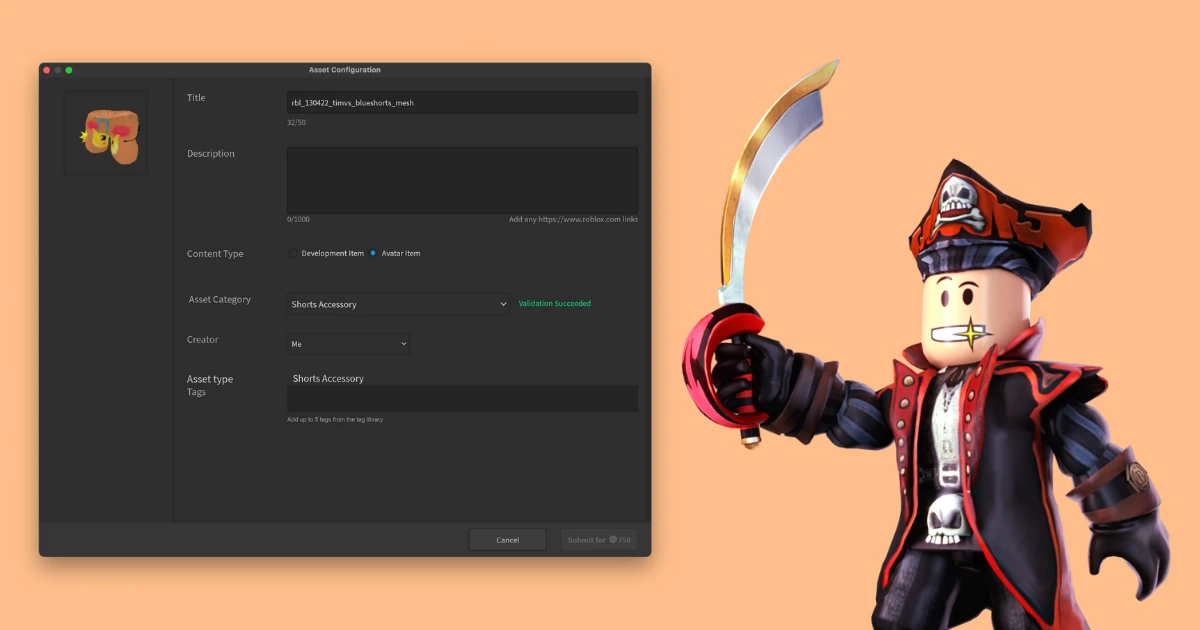
How to upload a 3D Shirt or Accessory to Roblox: a Step-by-Step Guide
Discover how to share your Roblox Clothes and Accessories from Customuse and use them for your Roblox Avatar. This guide will walk you through each step from saving your design in Customuse to wearing it on your Roblox Avatar.
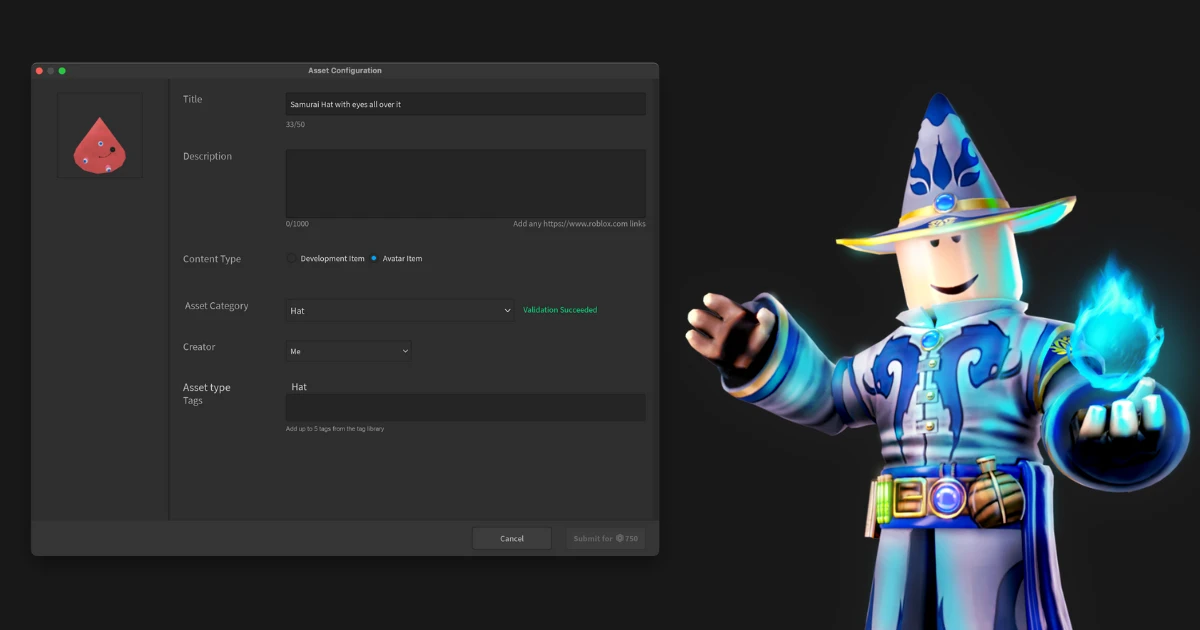
How to upload a Hat or Mask to Roblox: a Step-by-Step Guide
Discover how to create Hats and Masks in Customuse for Roblox (Rigid Accessories in Roblox lingvo) and how to upload and use them on your Roblox avatar. In this guide you will go through the process from creating a Hat to wearing it on your Roblox Avatar.
How to link your Roblox account to your Customuse account
Link your Roblox account to Customuse to upload and preview designs. Must select an account during linking (most common error). Ensure your Roblox account is set to 13+ years and you have proper permissions for group uploads.
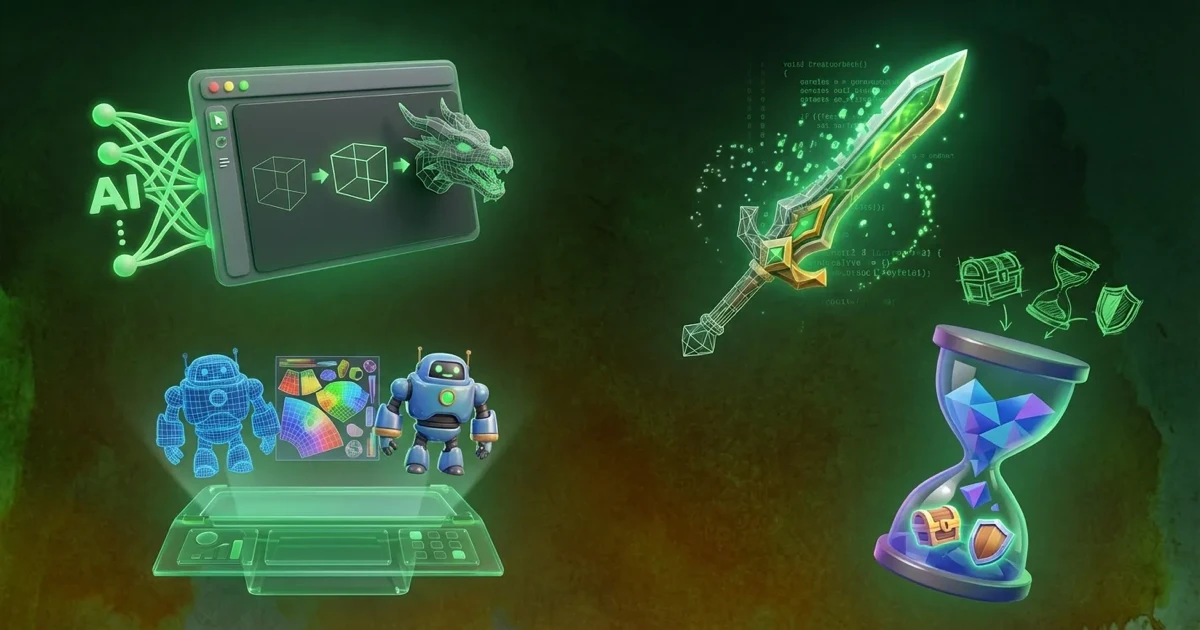
How to Create 3D Assets with Customuse
Create 3D assets in seconds with Customuse AI - no technical skills needed! Transform ideas into game-ready models instantly. Learn the fastest method here.