Tutorials
Step-by-step tutorials for creating Roblox items, 3D assets, node graphs, and renders in Customuse.
66 articles
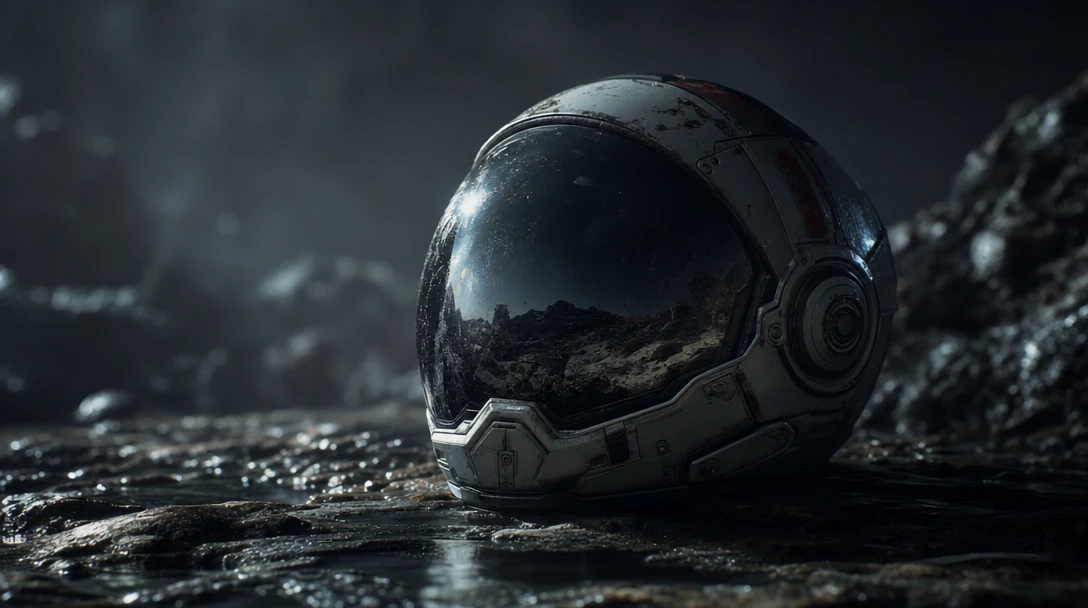
AI 3D for Cinematic Content: Scenes, Cameras, Shots
AI 3D can help cinematic creators plan shots, generate assets, build scenes, control cameras, and move from prompts into visual production.

AI 3D for Product Visualization: Model to Visual System
AI 3D can help product teams create scenes, materials, environments, variations, and campaign-ready visuals faster when the workflow stays controllable.

AI 3D for Creative Agencies: Concepts to Client Review
AI 3D can help creative agencies create campaign visuals, product scenes, brand worlds, pitch assets, and client-ready prototypes faster.
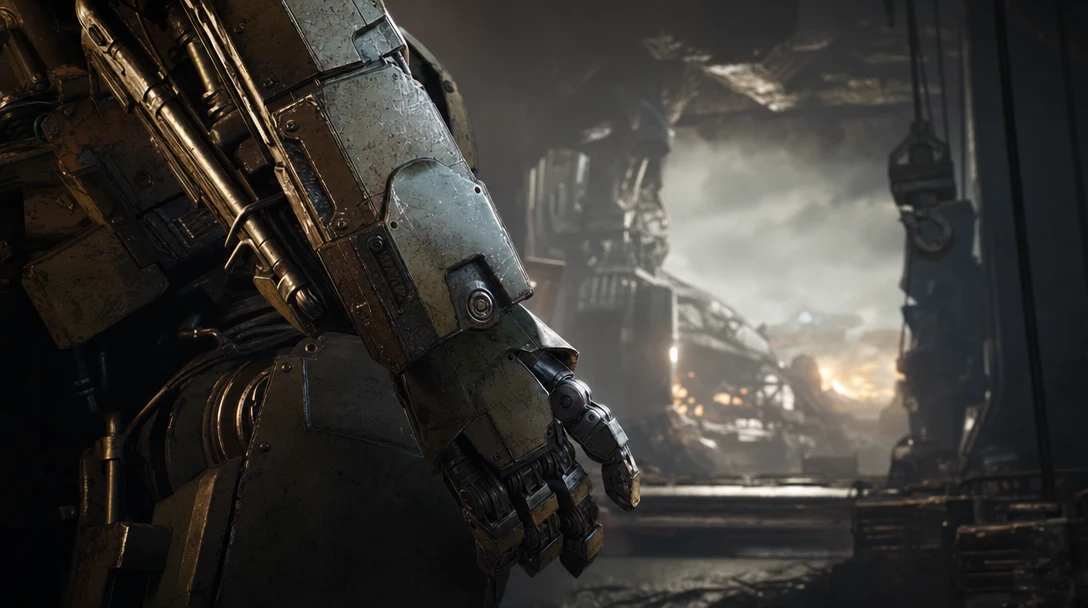
AI 3D for Studios: From Generation to Production
AI 3D can help studios move faster when it supports assets, scenes, review, repeatable workflows, exports, and collaboration rather than one-off outputs.
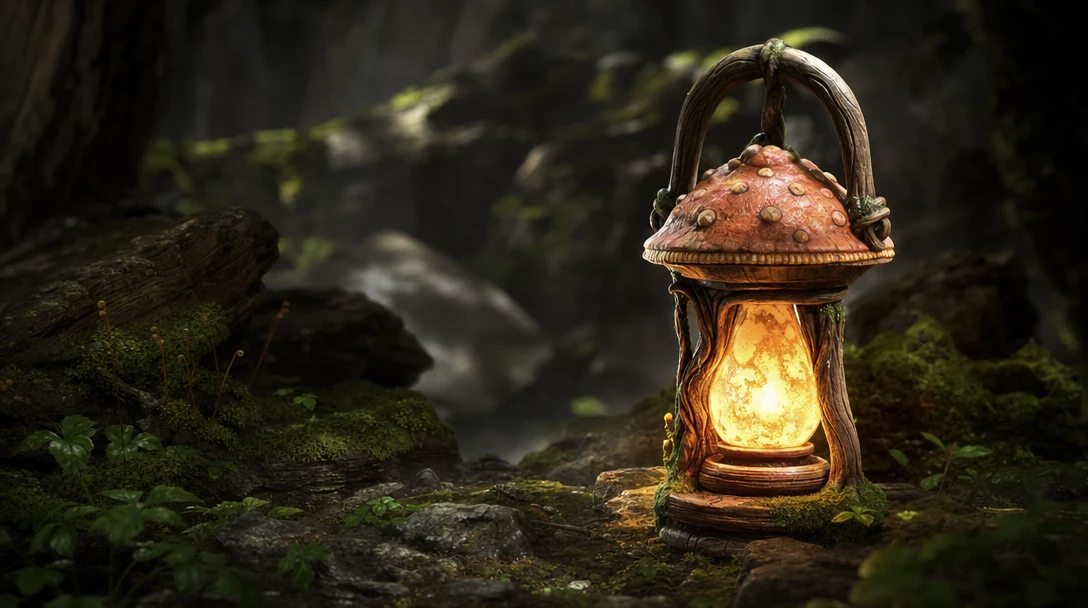
AI 3D for Indie Game Developers: Fewer Cleanup Surprises
Indie game developers can use AI 3D for props, placeholders, style exploration, scene dressing, and workflow acceleration if they control cleanup.

Make Roblox 3D Clothing With AI
A practical guide to creating Roblox 3D accessories and layered clothing with AI in Customuse, covering rigid items, rigged clothing, marketplace upload, and review steps.

How to Make a Roblox Shirt on Mobile With Customuse
A mobile-friendly guide to making a Roblox classic shirt with Customuse, based on a video walkthrough and updated with practical notes on originality, export, upload, and selling safely.

Create Roblox UGC Items With AI in Customuse
A transcript-backed walkthrough of creating Roblox UGC accessories, avatars, and world assets with AI in Customuse, with notes on poly counts, previewing, export, and Roblox Studio handoff.
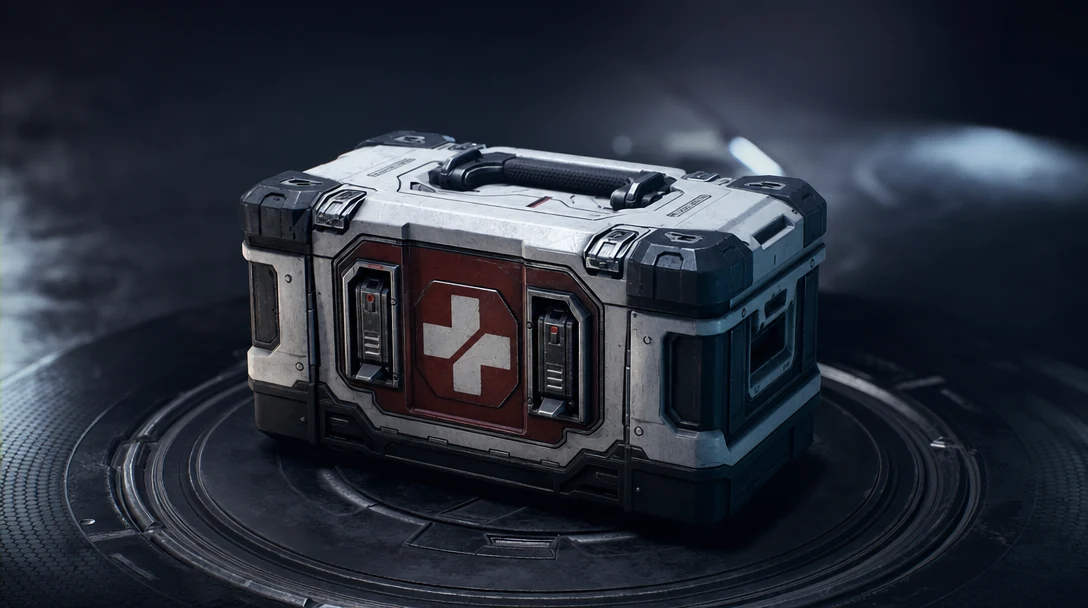
Production-Ready AI 3D Asset Checklist
A practical checklist for deciding whether an AI-generated 3D asset is ready for games, VFX, product visualization, ecommerce, or studio production.
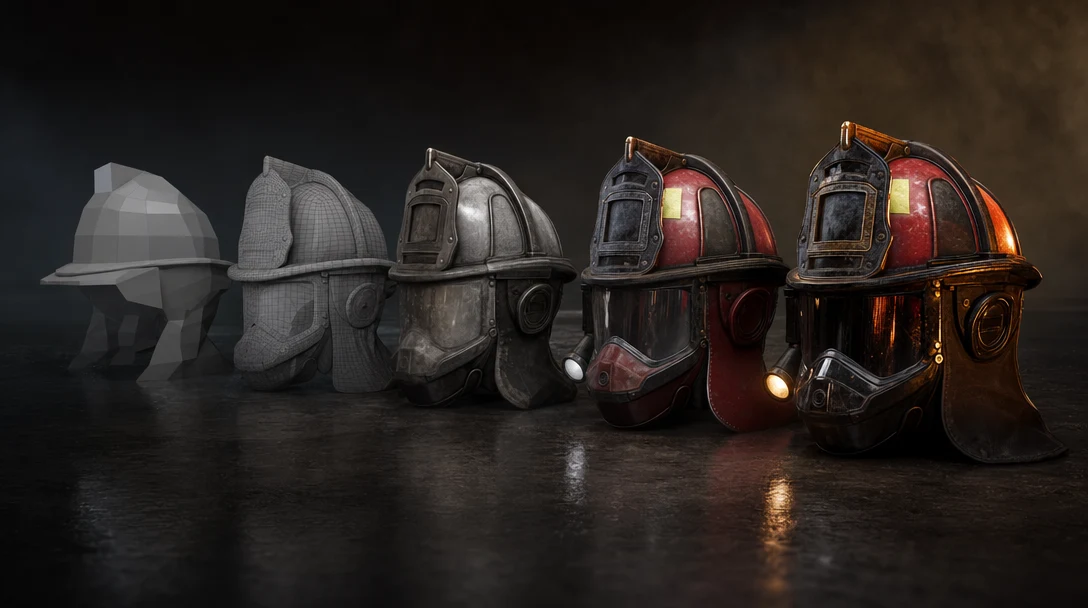
AI 3D Asset Pipeline: From Prompt to Production-Ready Files
An AI 3D asset pipeline turns generation into usable production work. Learn the steps from prompt and reference to cleanup, materials, export, and review.

AI 3D Node Editor: The Workflow Layer for Modern 3D Creation
How AI 3D node editors turn generation, references, models, textures, agents, and exports into visible workflows teams can control.

AI 3D Tools for VFX: Scene Control Beats Prompt Rerolls
A guide to AI 3D tools for VFX, cinematic workflows, scene control, camera blocking, continuity, and directed AI rendering.