Tutorials
Step-by-step tutorials for creating Roblox items, 3D assets, node graphs, and renders in Customuse.
66 articles
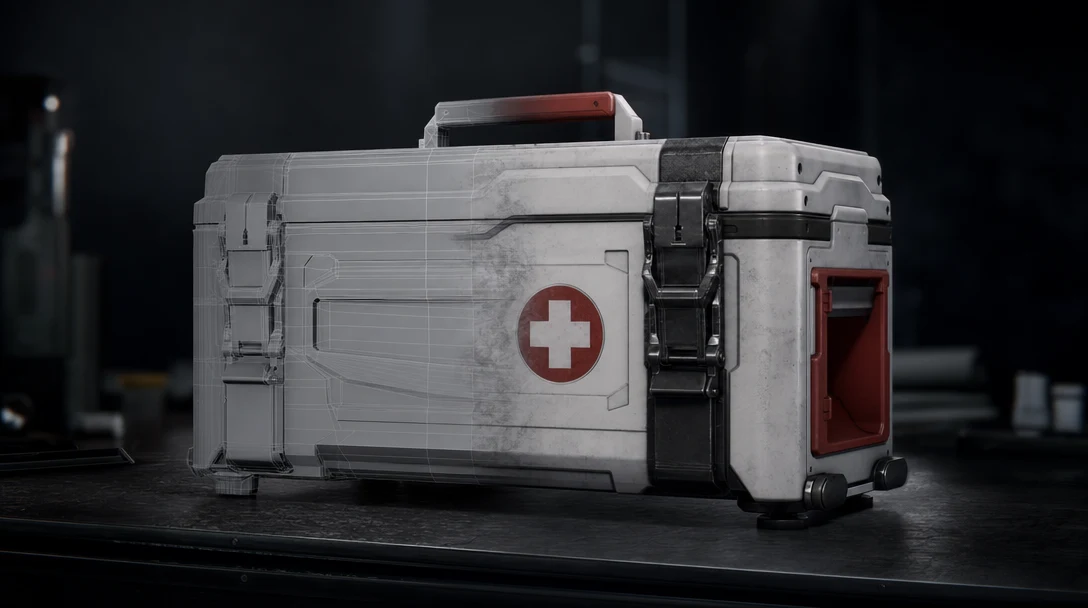
AI 3D Workflow Tool: Production Beyond a Generator
A category-defining guide to AI 3D workflow tools and why nodes, agents, collaboration, memory, and exports matter after the first model.
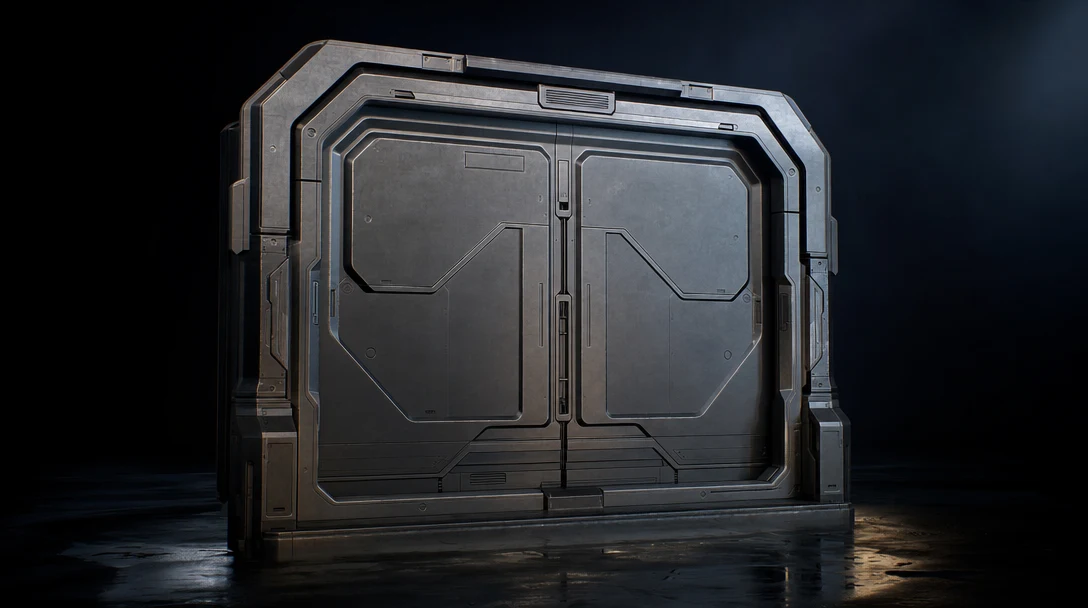
AI 3D Asset Generator: From Concept to Production-Ready
A production-focused guide to AI 3D asset generators, from concept speed to topology, texturing, rigging, export, and team workflow.
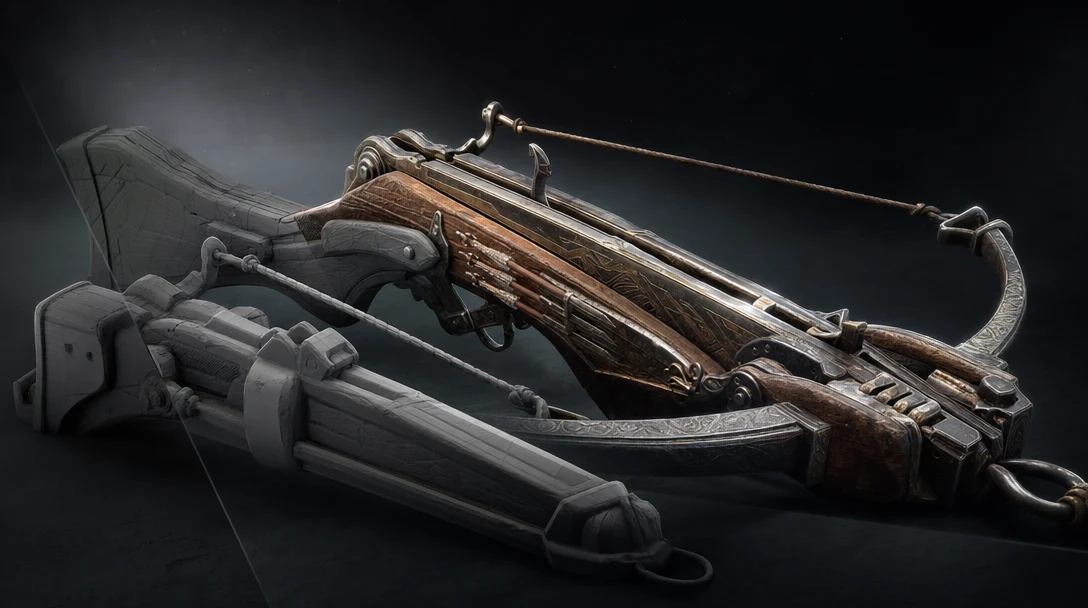
Text to 3D Model: From Prompt to Production Workflow
A guide to text-to-3D model generation, where prompts work well, where they break, and how to turn prompt outputs into usable 3D assets.
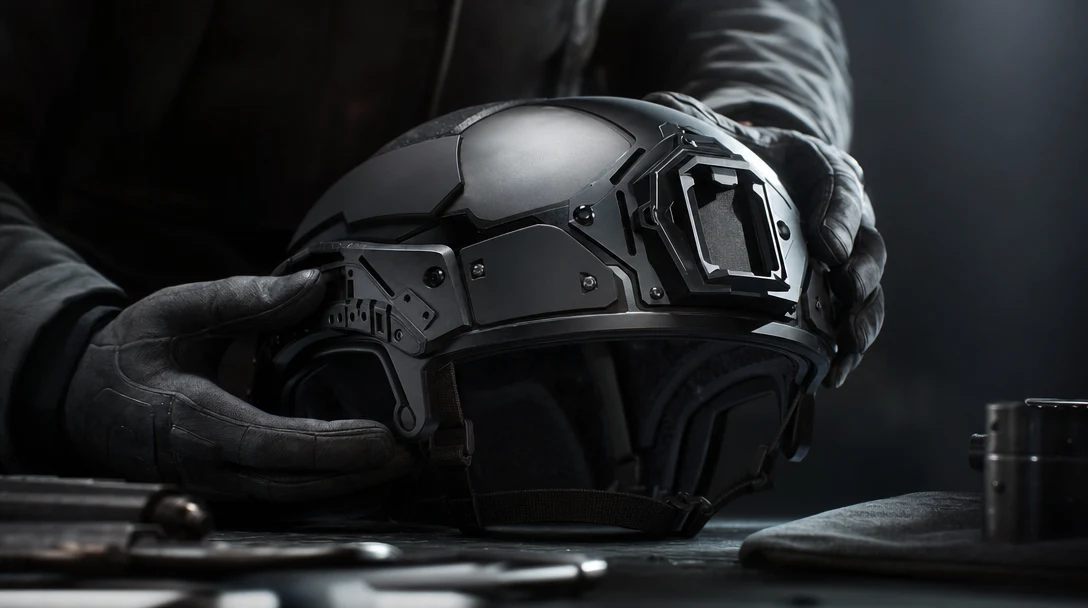
AI 3D Model Generator: How to Choose One for Real Production
A practical guide to AI 3D model generators, what they can do today, and why the best workflow is more than a prompt-to-mesh tool.
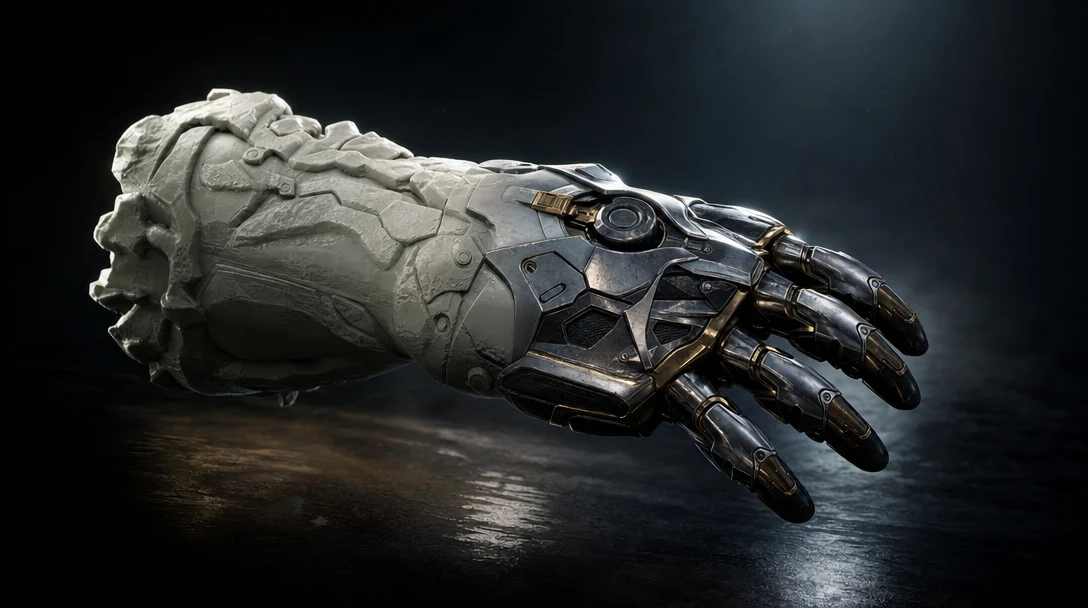
AI Agents for 3D Game Art
A practical explanation of AI agents for 3D game art, based on Customuse Shorts showing node-based workflows for concept, high-poly generation, retopology, baked normals, and engine handoff.
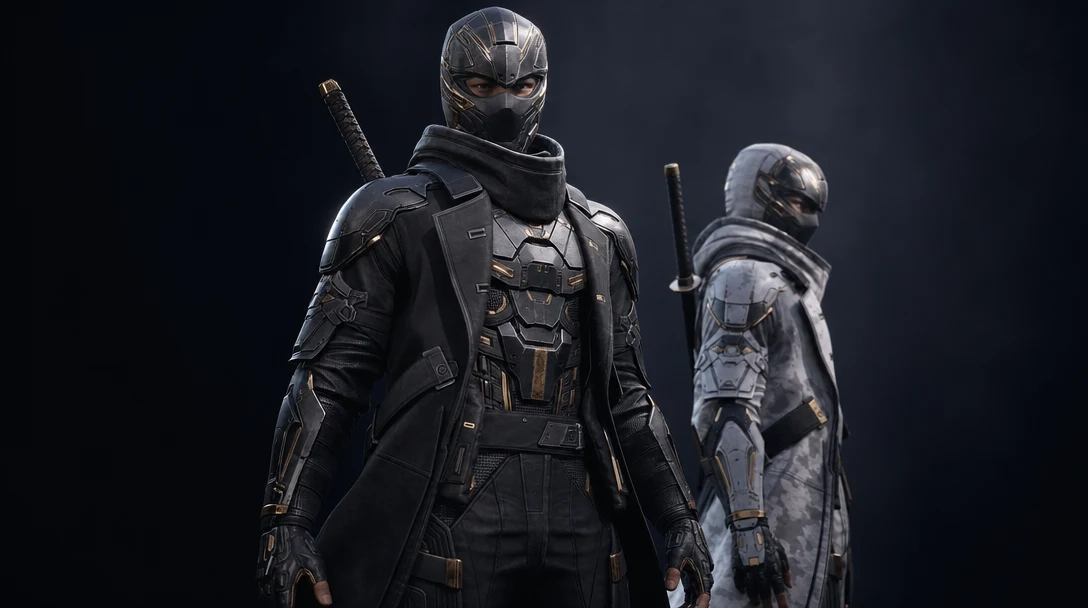
AI to 3D Game Character With Skins
A full AI character workflow for games, based on a Customuse tutorial covering part extraction, low-poly generation, UV cleanup, texture variants, Blender assembly, rigging, and Unreal Engine handoff.
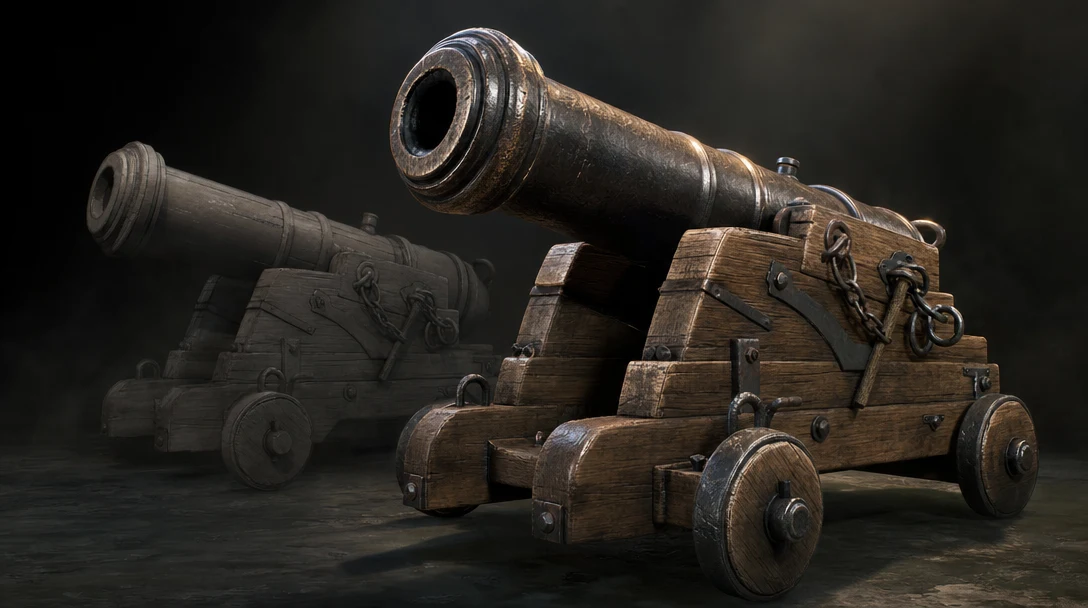
Making Game-Ready 3D Models With AI
A practical AI game-asset workflow based on a Mars rover and alien enemy case study, covering concept generation, multi-view 3D, retopology, texturing, Unity handoff, and final inspection.

AI 3D Tools for Game Assets: Concept to Engine-Ready
A production-focused guide to choosing AI 3D tools for game assets, covering concepts, meshes, retopology, PBR textures, rigging, and engine exports.
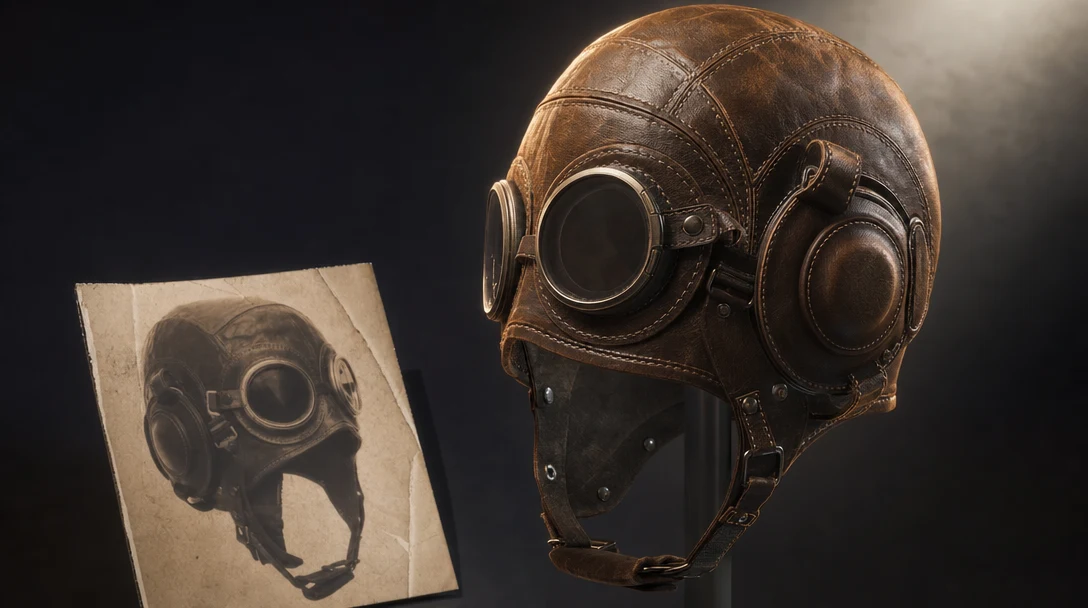
Image to 3D Model: From Reference to Usable Asset
Learn how image-to-3D tools work, where they fail, and how to turn a reference image into an asset that can move into a real 3D workflow.
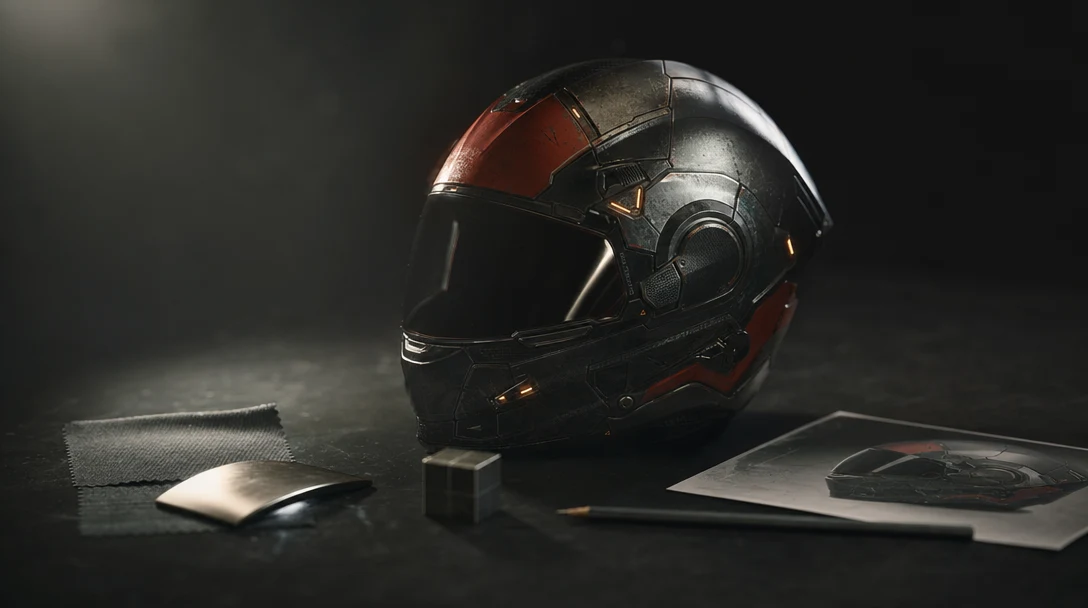
AI 3D Workspace: Why You Need More Than a Prompt
An AI 3D workspace gives creators control over assets, scenes, references, materials, cameras, versions, collaboration, and exports.

Text to 3D Model: How to Turn a Prompt Into a Usable Asset
Text-to-3D tools can move fast, but prompts need inspection, refinement, scene context, and export checks before the model is useful.
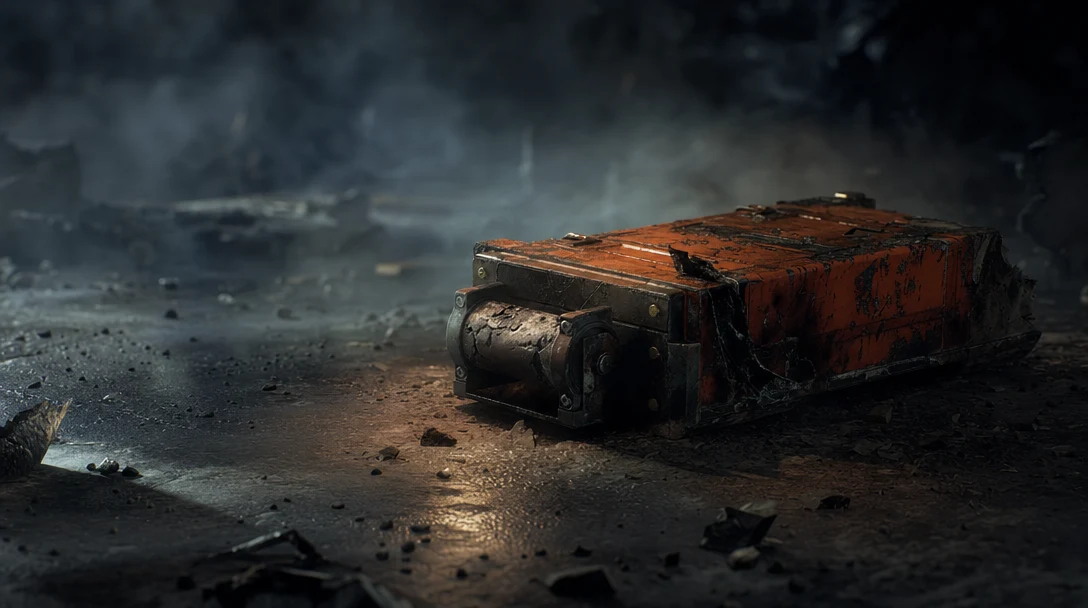
AI VFX Tools: Where 3D Fits Into the New Creative Stack
AI VFX tools are changing how creators think about shots, assets, and production. Learn why 3D scenes and workflows matter as much as generation.