
Quick Answer
For building Roblox games, the best AI is the one with the smoothest path into Studio. In a side-by-side test, Customuse handled the Roblox-aware workflow best, Meshy produced the strongest single object (a fantasy flower), and Roblox's built-in generation was convenient but visually weak. Judge every asset inside the game, not a viewer.
Watch the Video
This page is built on a real head-to-head test: the video What Is The BEST AI For BUILDING Roblox Games? generates fantasy trees, rocks, flowers, bushes, and lily pads with Roblox's built-in tool, Customuse, and Meshy, then drops each result into a low-poly Roblox scene to judge it.
The best AI for building Roblox games is not necessarily the tool that produces the prettiest model in a gallery. A Roblox game developer needs assets that match the world, import without drama, stay reasonably optimized, and can be placed into Studio quickly. A beautiful mesh that takes hours to export, costs extra at every step, or arrives with unusable geometry may slow the game down more than it helps.
This article is based on the video What Is The BEST AI For BUILDING Roblox Games?. The test compares Roblox's built-in asset generation, Customuse, and Meshy by asking each tool to create fantasy-style assets for a bright low-poly scene. The creator tests trees, rocks, flowers, bushes, and lily pads, then judges the results inside Roblox.
The video is entertaining, but the useful SEO lesson is serious: the right AI tool for Roblox game building should be evaluated as a pipeline, not a screenshot.
What Roblox game builders actually need from AI
A Roblox scene usually needs a lot of supporting props. Trees, rocks, plants, doors, weapons, signs, furniture, terrain details, treasure, effects, and decorative set dressing can take a long time to model by hand. AI can help, but only if the output lands in the style and scale of the game.
For Roblox, the most important asset criteria are practical:
Does the object match the art direction?
Is the geometry reasonable for the platform?
Are the textures readable and not broken?
Can the asset move into Roblox Studio quickly?
Does the tool force extra paid steps before export?
Does the result need cleanup that cancels out the time saved?
That framework is more useful than a generic "best AI asset generator" ranking. Roblox has its own constraints, and a game developer's time matters.
There is also a platform-specific layer most generic rankings ignore. A Roblox asset has to survive the upload pipeline: it becomes a MeshPart, it needs a sane triangle budget so it does not tank performance on lower-end devices, and its collision geometry has to behave once a player walks into it. A model that looks great in a desktop viewer can arrive in Studio with a bounding-box collision that blocks a doorway, or with a texture that fails to bake onto the mesh. The video's low-poly fantasy brief makes this concrete: the goal is not photoreal detail, it is dozens of consistent, lightweight props that read as one coherent world. That brief rewards tools that keep style and scale stable across many generations far more than tools that nail one hero asset.
Roblox's built-in generation is convenient, but limited
The video starts with Roblox's own generation flow inside Studio. The benefit is obvious: the tool is already close to the destination. You can prompt from inside the environment and avoid a separate import process.
The problem is output quality. In the test, Roblox's generated fantasy tree and later props do not hold up well against the alternatives. Convenience is useful, but it does not solve the whole problem if the assets do not match the scene or look too rough for use.
That does not mean Roblox's built-in tools have no place. They can be useful for quick blocking, experiments, or future workflows where native generation improves. But for a creator trying to make a game world feel visually coherent today, convenience alone is not enough.
Customuse performs well because it is Roblox-aware
Customuse enters the test through a different setup: the creator signs in, connects a Roblox account, writes the same style of prompt, chooses relevant style options, disables realistic textures for a low-poly look, reviews preview images, generates the selected model, and uploads it to Roblox.
That sequence matters. Customuse is not only generating a model. It is giving the creator Roblox-specific decisions before and after generation. The video calls out style options, 2D and 3D clothing, accessories, retexturing, previewing, and direct upload. For the tree test, the Customuse result is judged as more usable in the fantasy scene than Roblox's built-in result.
The biggest advantage is not that every Customuse output is perfect. The video itself notes occasional issues, including a texture bug in one round and a bush result that the creator does not love. The advantage is that Customuse is closer to the Roblox workflow: generate with platform intent, inspect, adjust, and move the asset into Studio with less friction.
For game builders, that is the correct bar. The question is not whether an AI tool can produce one stunning asset in isolation. The question is whether it can repeatedly create usable candidates that fit the game.
Meshy is strong, but the Roblox handoff can be heavier
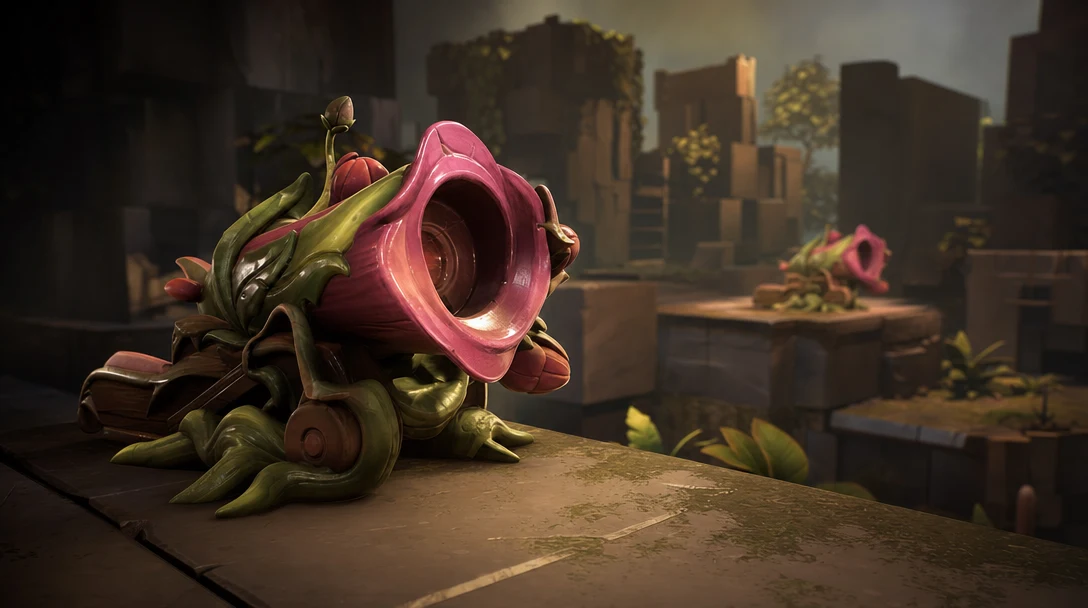
Meshy is an important competitor in AI 3D, and it can produce attractive models. In the video, Meshy wins one of the rounds with a colorful fantasy flower. That matters because a fair comparison should admit where a generation-first tool can outperform on a single object.
The tradeoff is workflow cost. The video shows friction around queueing, remeshing, texturing, paid export, downloading, importing, and fixing collision or hitbox issues in Roblox. Those steps may be acceptable for some creators, especially when the raw output is strong, but they are not free. Time spent exporting, remeshing, importing, and fixing setup is still production time.
This is the broader distinction between Customuse and tools like Meshy. Meshy can be a strong first-pass generator. Customuse is better framed as a Roblox-aware and workflow-aware creation surface, especially when the creator wants assets to land inside a game pipeline quickly.
The math is worth being honest about. If Meshy's flower is the best object in the test but it costs a queue wait, a remesh pass, a paid export credit, a download, an import, and a collision fix, then the per-asset cost is real even when the per-asset quality is high. For a single hero prop, that cost is easy to justify. For forty pieces of scene dressing, it compounds into an afternoon. The right call depends on which problem you are solving: one showpiece, or a whole world that has to feel finished by the end of the session. Neither answer is wrong, and a serious builder will often keep both tools open.
A better way to compare AI Roblox tools
Instead of asking "which tool won the tree?" use a scorecard that matches how game builders work.
Give each tool a score from one to five on five criteria: prompt fit, style consistency, Roblox handoff, texture reliability, and cleanup cost. Then test at least five asset types, not one. A tree, rock, flower, bush, and lily pad reveal different weaknesses than a single hero prop.
The table below scores the three tools the way a game builder would, based on the patterns the video surfaces across its rounds. Scores are directional, not absolute benchmarks; your prompts and art direction will shift them.
Tool | Prompt fit | Style consistency | Roblox handoff | Texture reliability | Cleanup cost (lower is better) |
|---|---|---|---|---|---|
Roblox built-in | 3 | 2 | 5 (native) | 2 | Low, but quality often forces a redo |
Customuse | 4 | 4 | 4 (connect account, upload) | 3 (one texture bug noted) | Low to moderate |
Meshy | 4 | 3 | 2 (queue, paid export, fix collisions) | 4 | Moderate to high |
No tool sweeps every column, and that is the point. Roblox's built-in generation owns the handoff column because it never leaves Studio. Meshy earns the texture and raw-detail edge that won it the flower round. Customuse leads on the blend that matters for filling a scene: prompts that land in style, plus a short, Roblox-aware path from preview to upload.
That is what makes the video useful. It does not pretend one round settles the category. It exposes variation. One tool may win on flowers but lose on rocks. One tool may generate strong raw geometry but require more export work. One tool may be slightly less detailed but much faster to place.
For Roblox game developers, the best tool is the one that keeps the scene moving.
Where Customuse is strongest for Roblox game assets
Customuse is strongest when the creator needs a practical asset loop: prompt, style, preview, generate, inspect maps, retexture if needed, upload, and test in Roblox. That is especially useful for scene dressing and rapid game iteration.
The video's fantasy world example is a good search-intent match. A Roblox developer with a half-built scene does not need a lecture about AI. They need a faster way to fill the world with assets that look like they belong together. Customuse helps because it treats Roblox as a destination rather than an afterthought.
This also connects to Customuse's broader positioning in AI 3D. The same workflow logic applies outside Roblox: define the output, generate candidates, inspect them in context, fix what matters, and export to the engine. Roblox is one proof case. Game asset production is the larger category.
The honest verdict
Based on the video test, Customuse is a strong choice for Roblox creators who want AI-generated game assets with smoother Roblox handoff. Meshy can produce excellent individual results and should still be considered for raw generation quality. Roblox's native tools are convenient but, in this test, not strong enough to win on visual quality.
The best answer is not "use only one tool forever." The practical answer is: use Customuse when you want a Roblox-aware workflow, use model-first generators when you want to explore raw output quality, and judge every result inside the game instead of in a standalone viewer.
That is how real game assets get made.
FAQ
What is the best AI for making Roblox game assets?
It depends on the job. For filling a scene with consistent, low-poly props that upload into Studio quickly, Customuse handled the workflow best in this test. For a single high-detail hero object, Meshy's raw generation can win a round outright. Roblox's built-in generation is the fastest path but the weakest on quality. Test each on five asset types before committing.
Can I use Roblox's built-in AI generation instead of a third-party tool?
You can, and it is genuinely convenient because it never leaves Studio. In the video test, though, its fantasy tree and props did not hold up visually against Customuse or Meshy. It is useful for fast blocking, prototyping, and experiments, and it may improve over time, but for a world that needs to look coherent today it often forces a redo.
How do I get an AI-generated 3D model into Roblox Studio?
The asset has to become a MeshPart, which means exporting a clean mesh and texture, then importing through Studio's asset manager. Customuse shortens this by letting you connect a Roblox account and upload directly after previewing. With a generation-first tool like Meshy you typically export (sometimes a paid step), download, import, then fix collision or hitbox issues by hand.
Is AI good enough to build a whole Roblox game on its own?
No. AI is excellent for generating candidate props and scene dressing fast, but every asset still needs inspection for scale, triangle budget, texture integrity, and collision behavior before it ships. Treat AI as the first pass in a pipeline, not a one-click game maker, and judge results inside the game rather than in a standalone viewer.
Why did Meshy win the flower but not the overall workflow?
Meshy produced the strongest single object because its raw generation and texturing are strong. It lost on workflow because getting that flower into Roblox involved queueing, remeshing, a paid export, downloading, importing, and collision cleanup. Strong output and a smooth Roblox handoff are different scores, and for filling a scene the handoff usually matters more.


