The best Roblox tools do not just make something cool. They make something you can actually upload, sell, use in your game, and promote with a thumbnail that looks native to Roblox.





Roblox moves fast. Asset production has to move faster.
Roblox games live on momentum: new drops, seasonal events, thumbnails, outfits, worlds, and marketplace assets need to ship while the trend is still alive.
The bottleneck is not the idea. It is the time between a prompt and something usable: checking polycounts, fixing clothing fit, making thumbnails, packaging assets, and pushing them live.
Customuse is built for speed: generate, preview, package, and upload Roblox-ready assets from one place so your team can keep pace with the game.
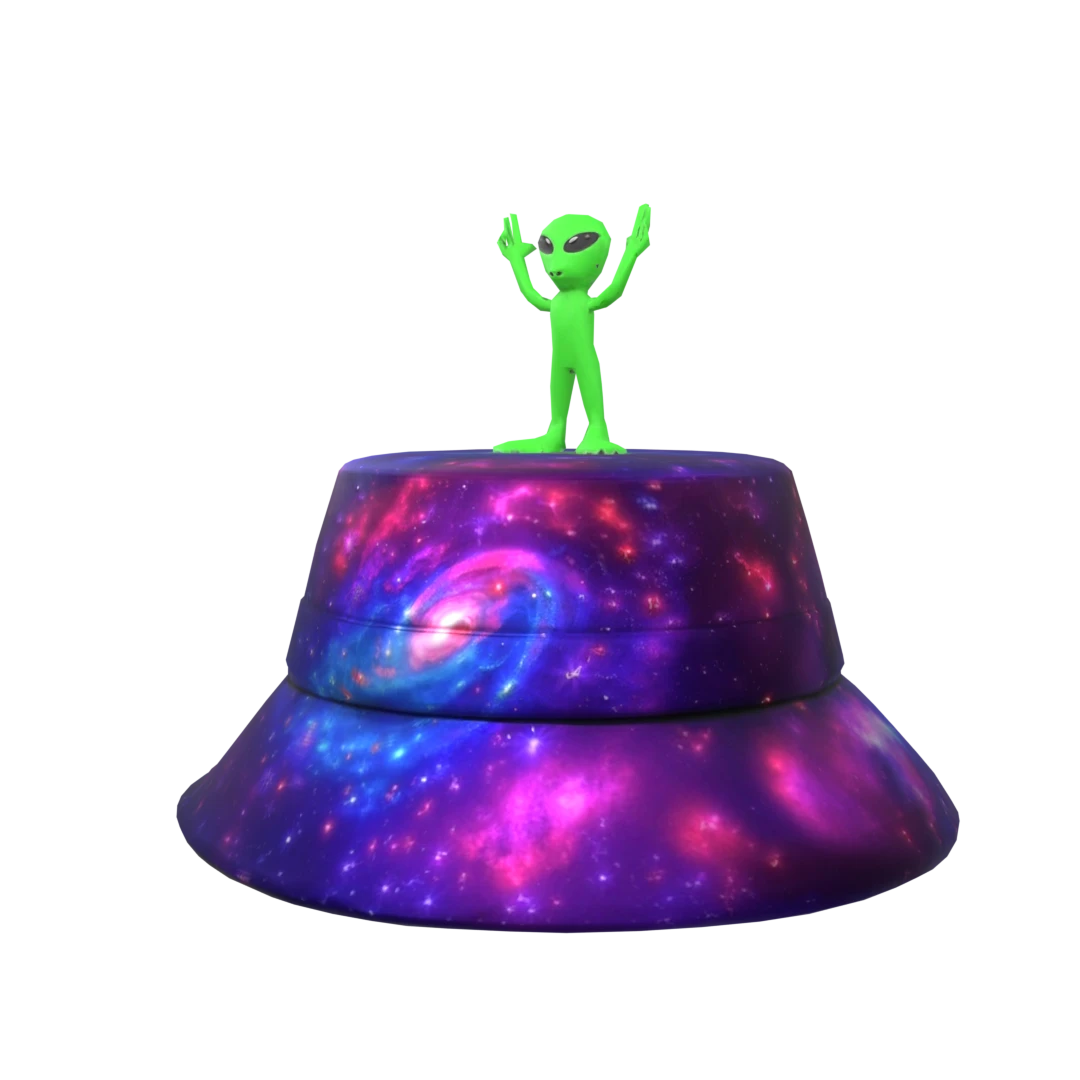
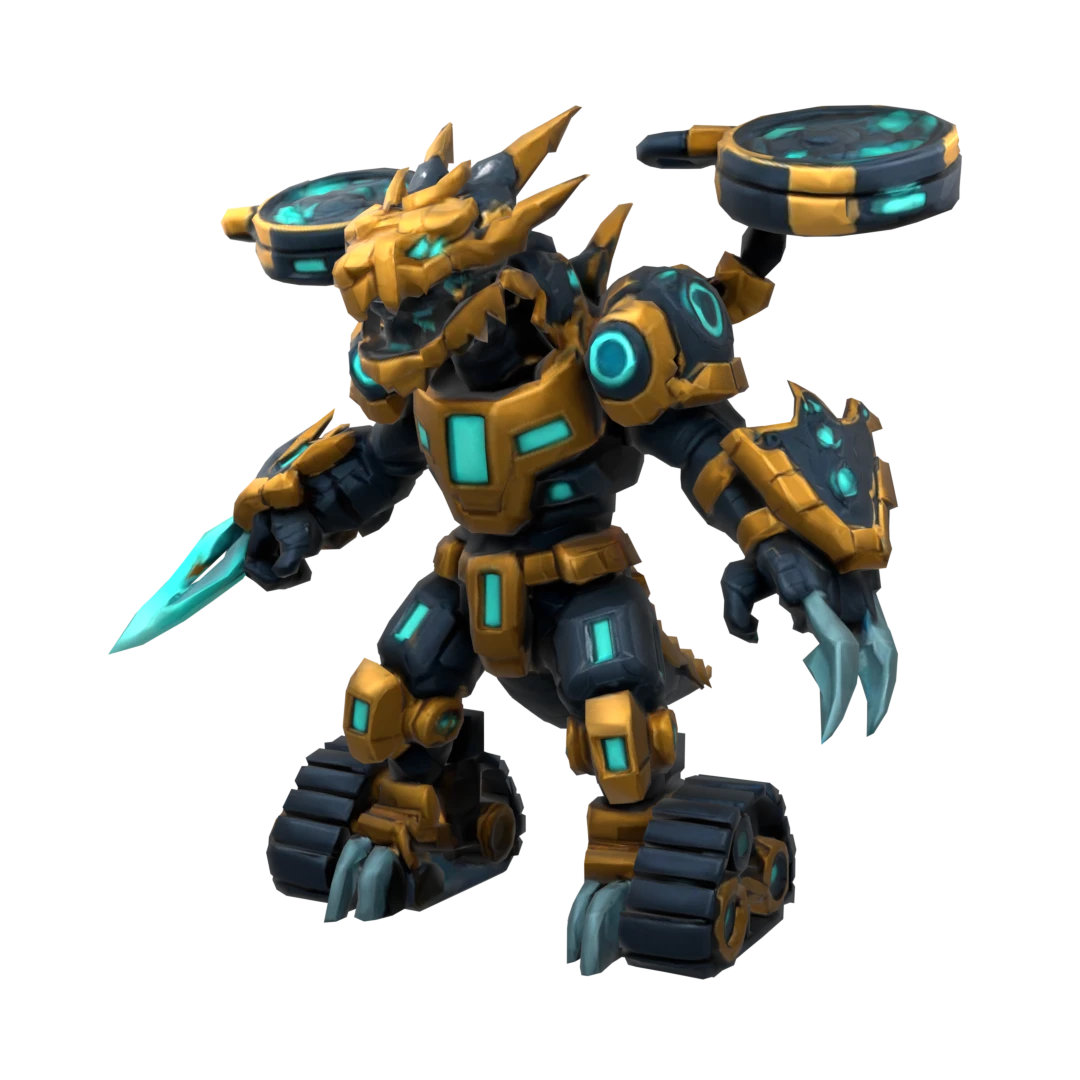
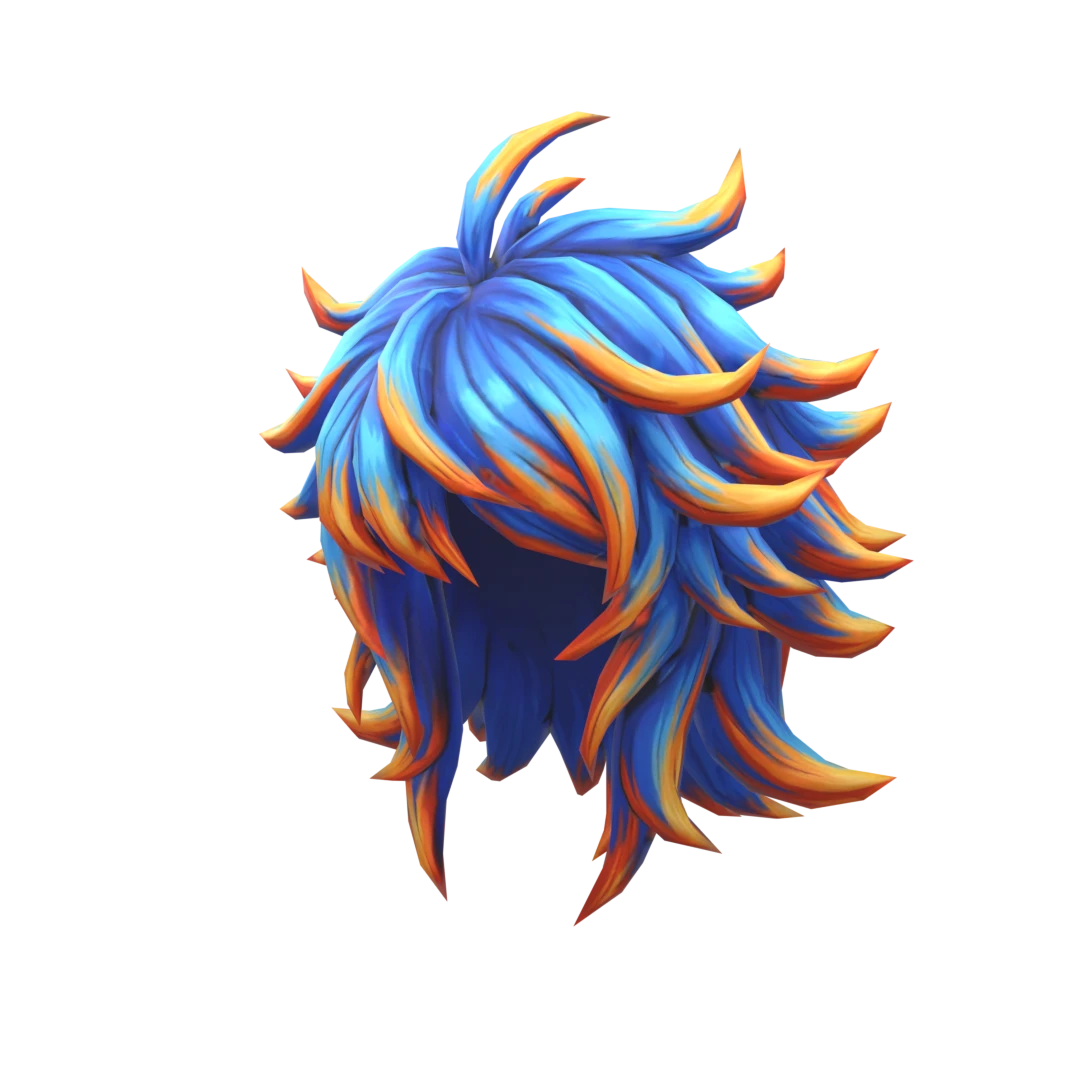
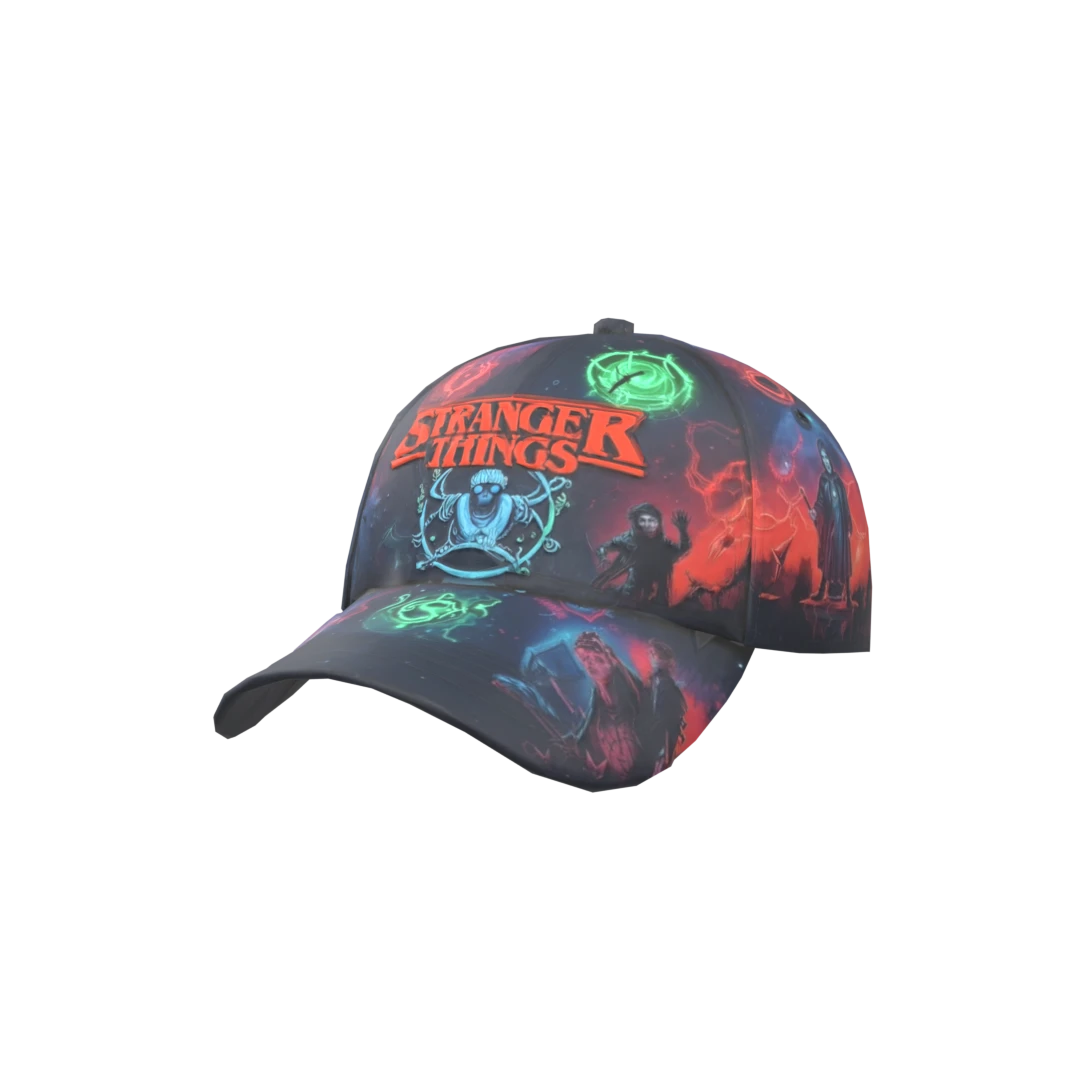
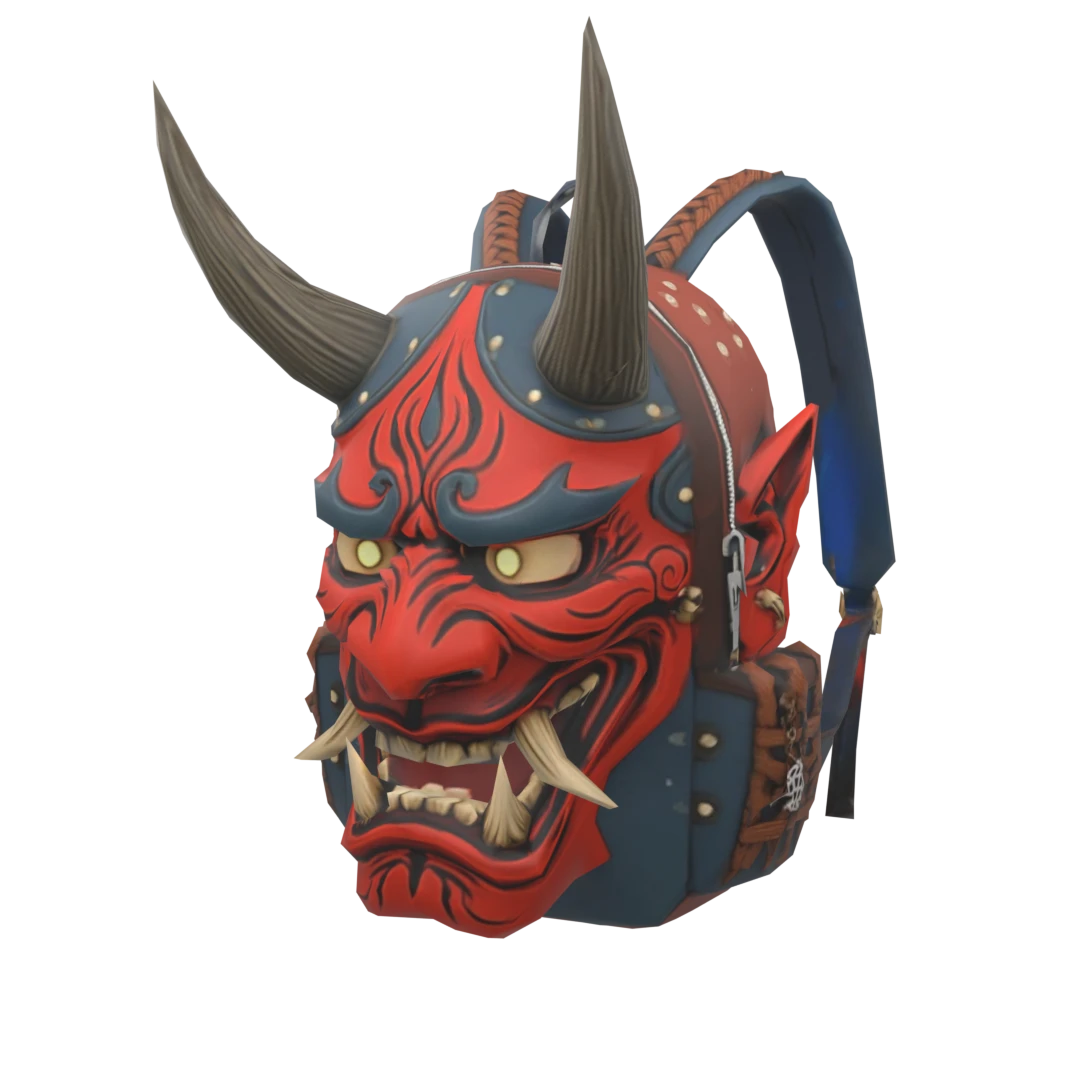
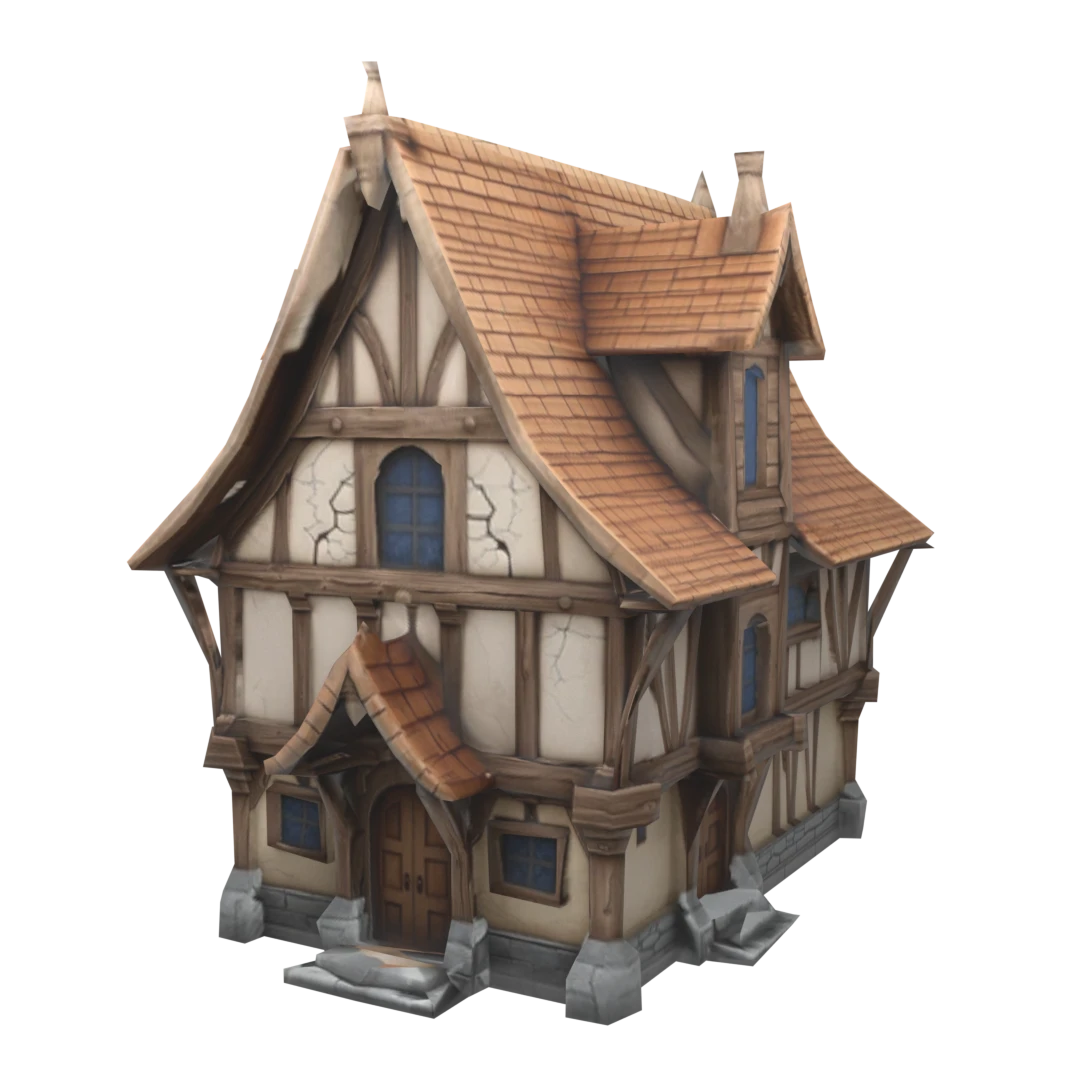
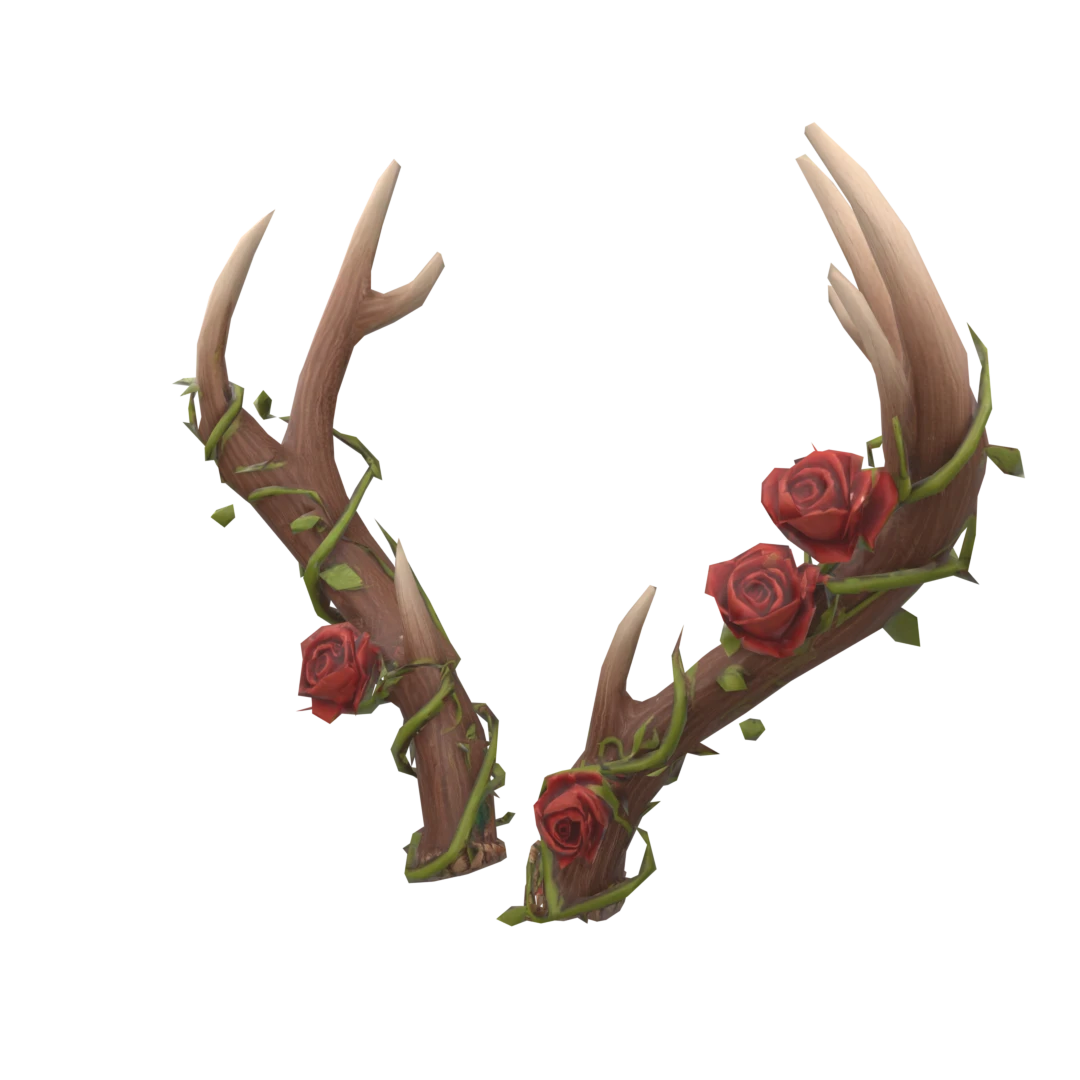
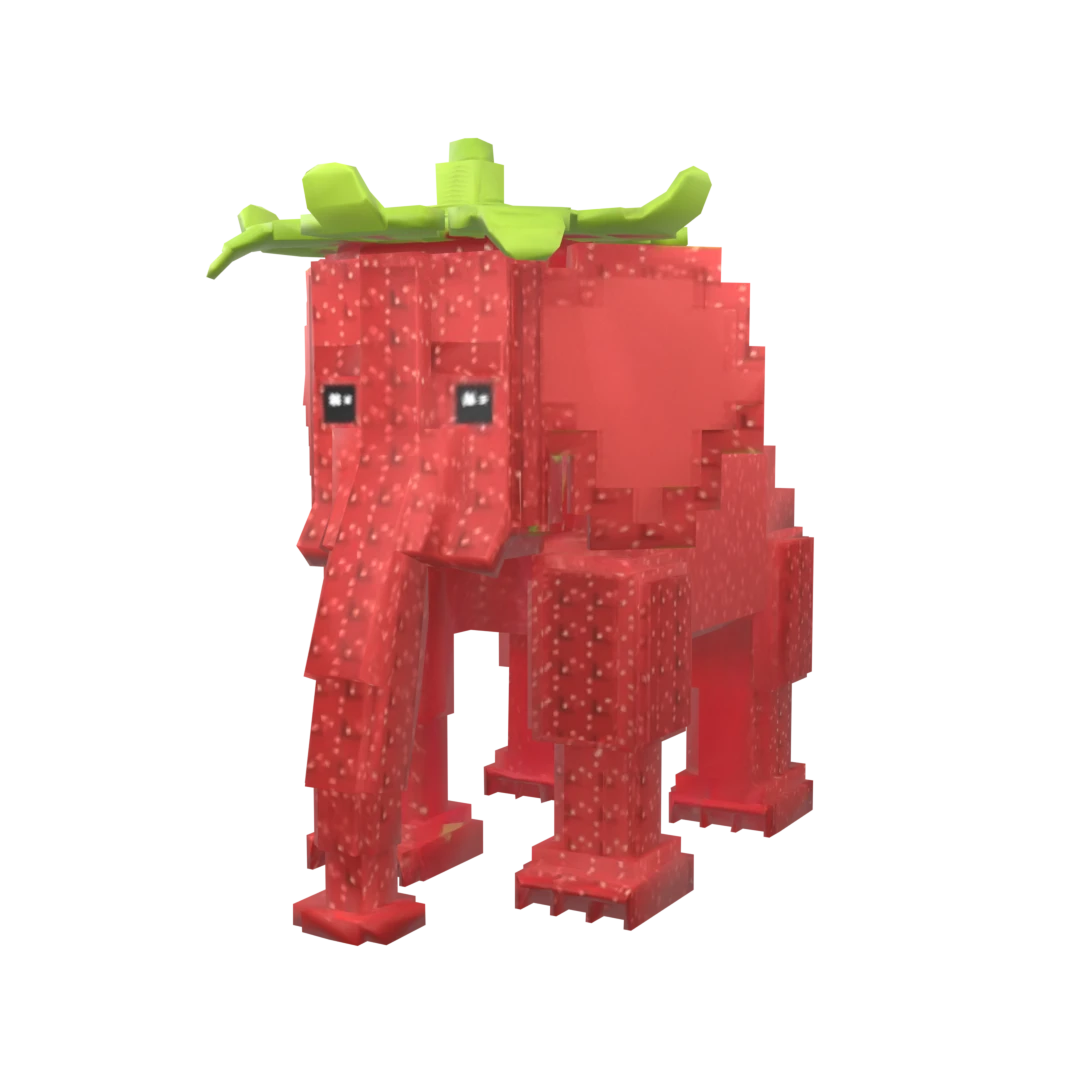

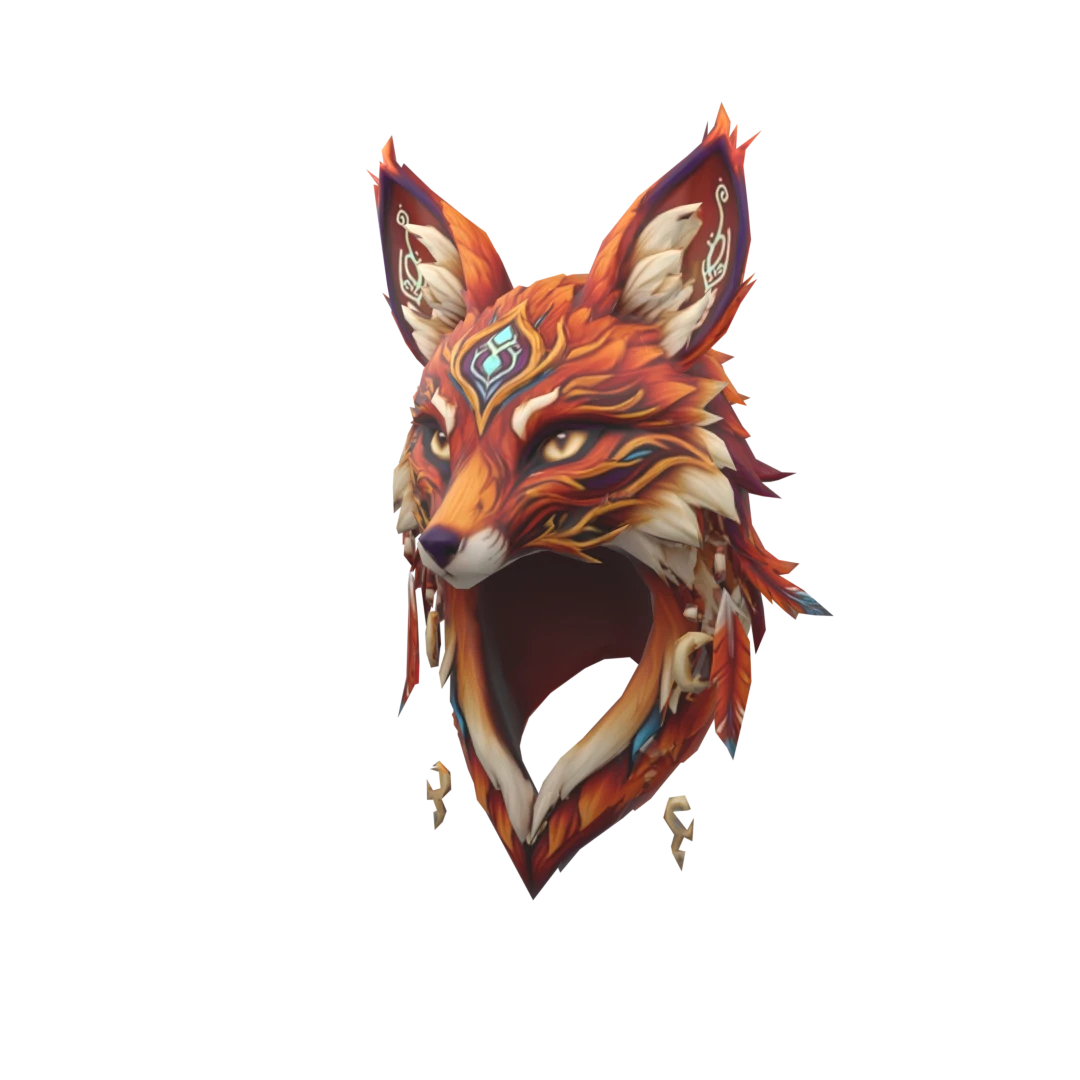
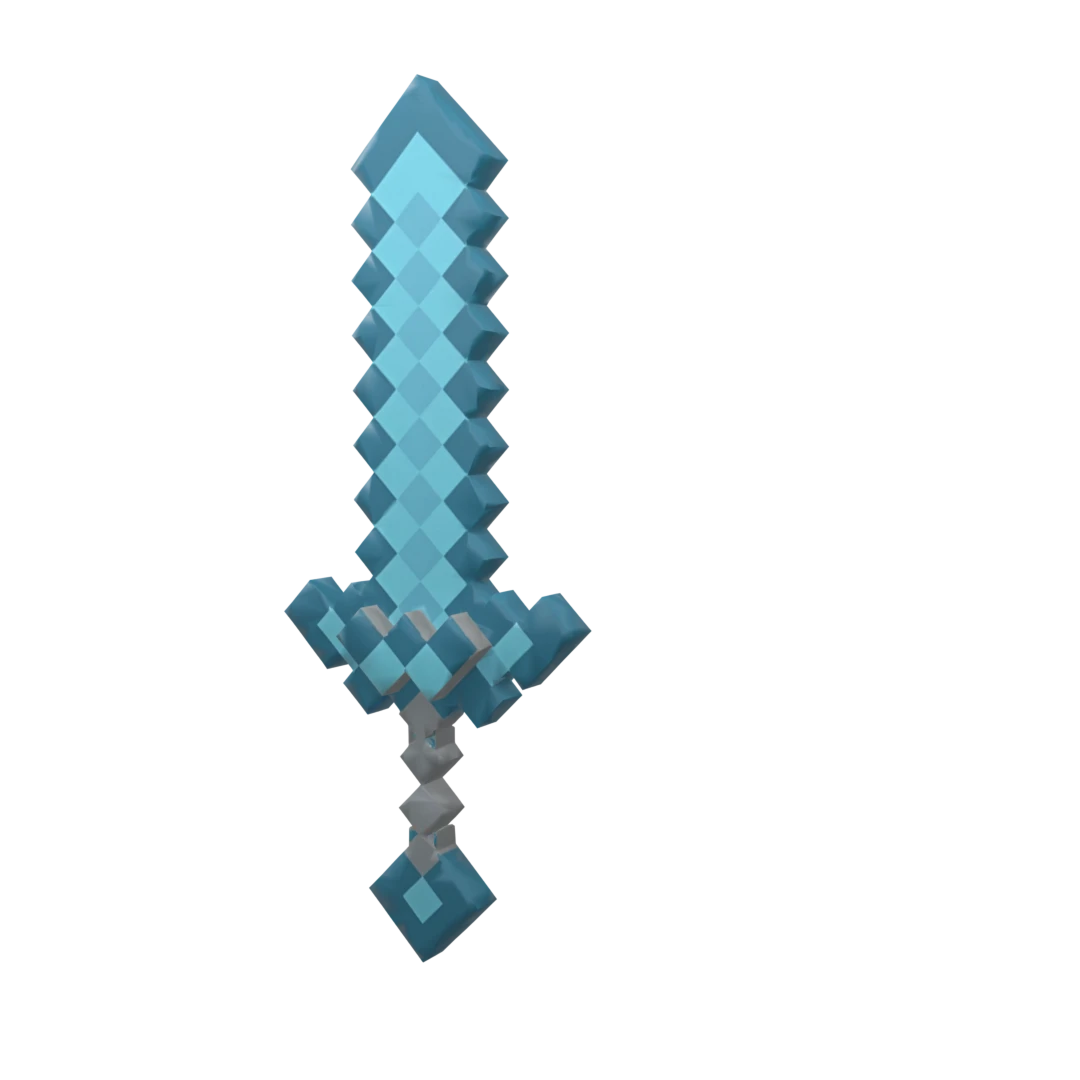
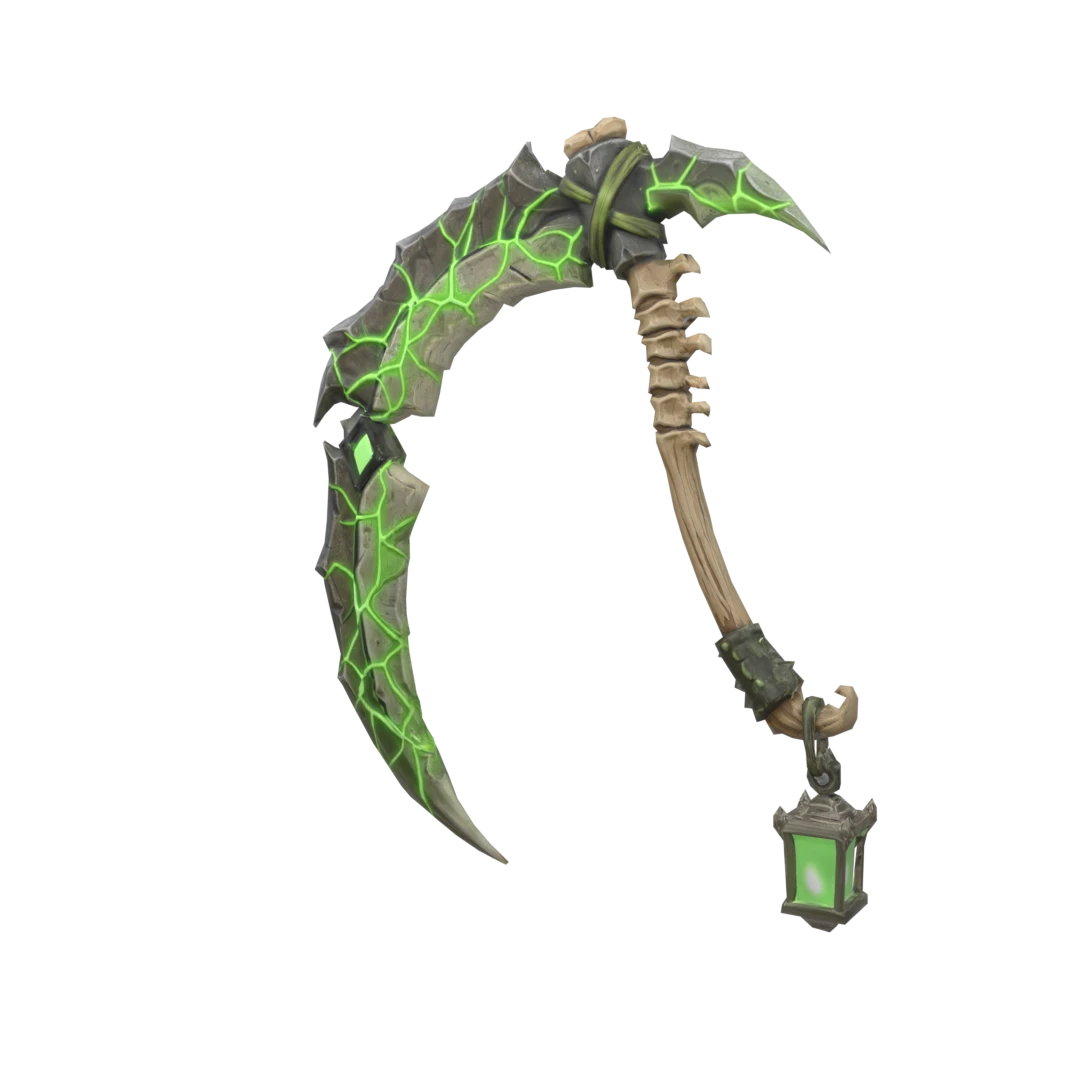
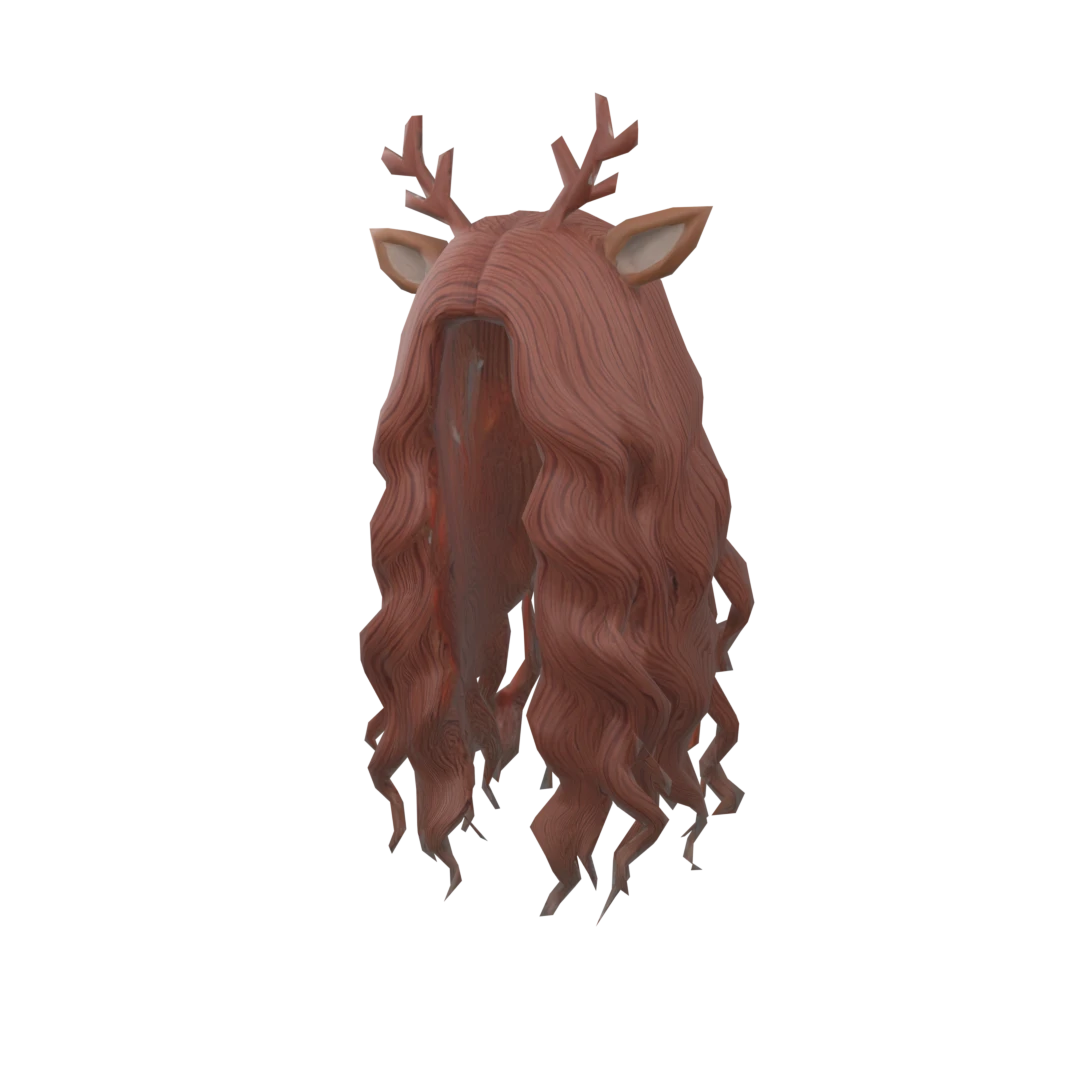
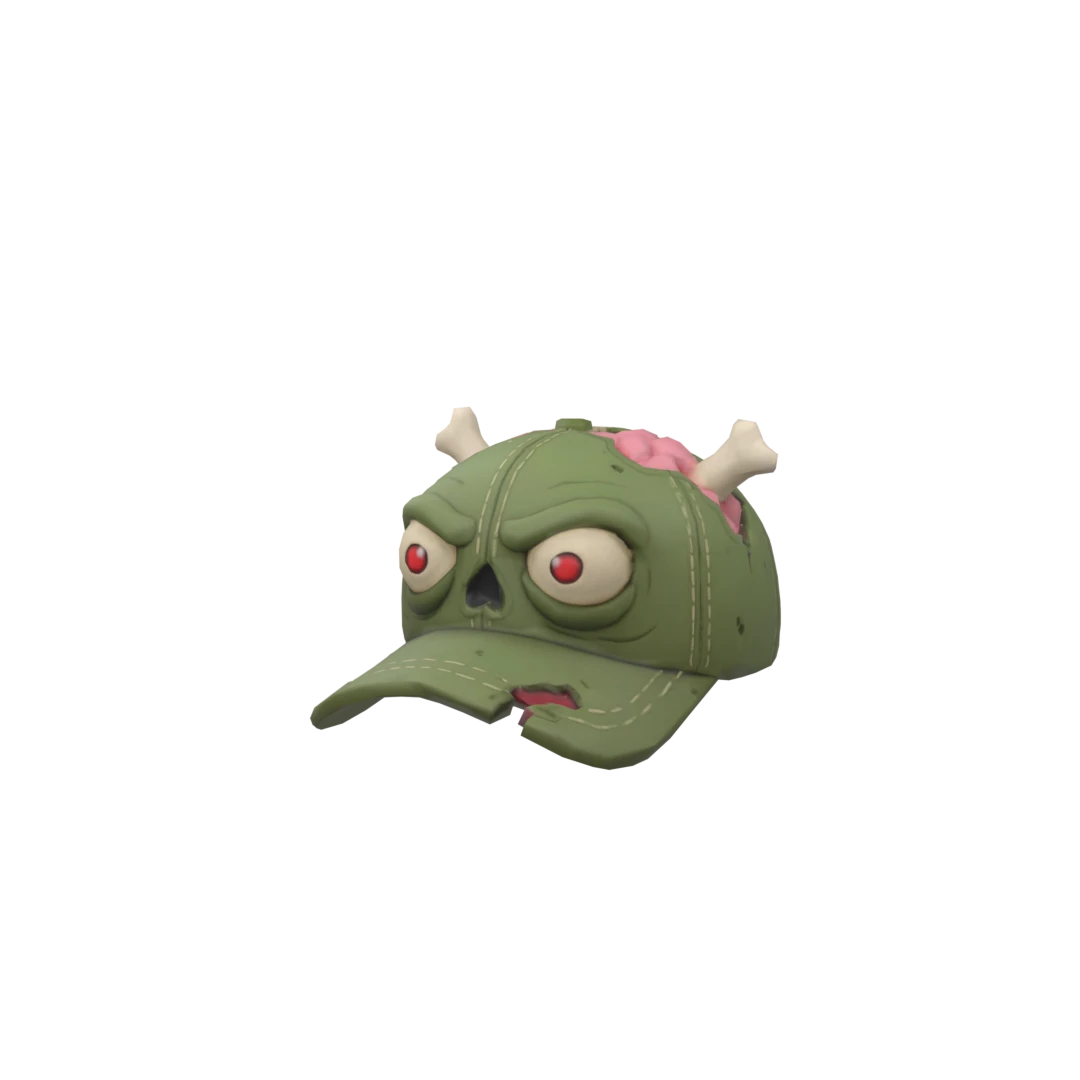
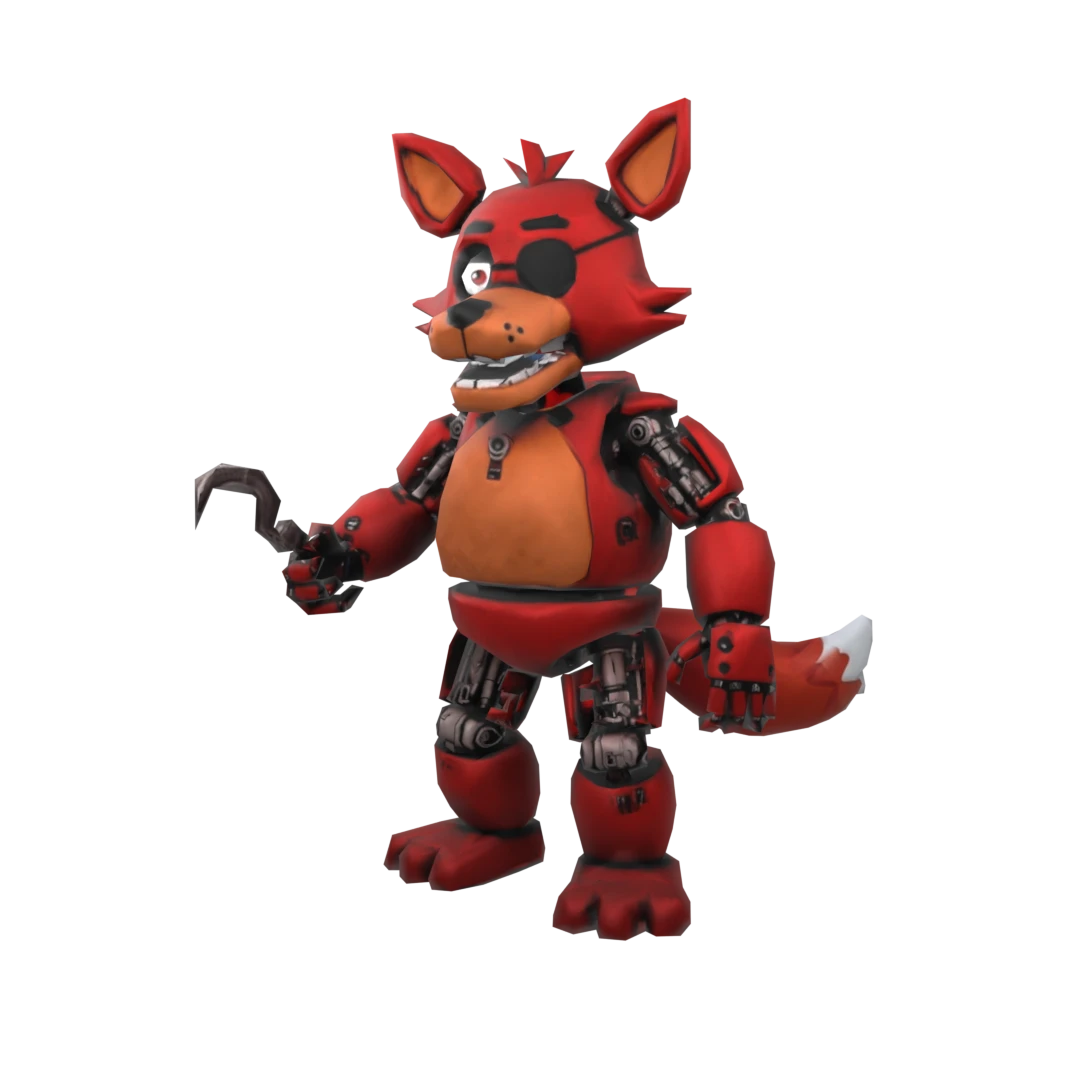

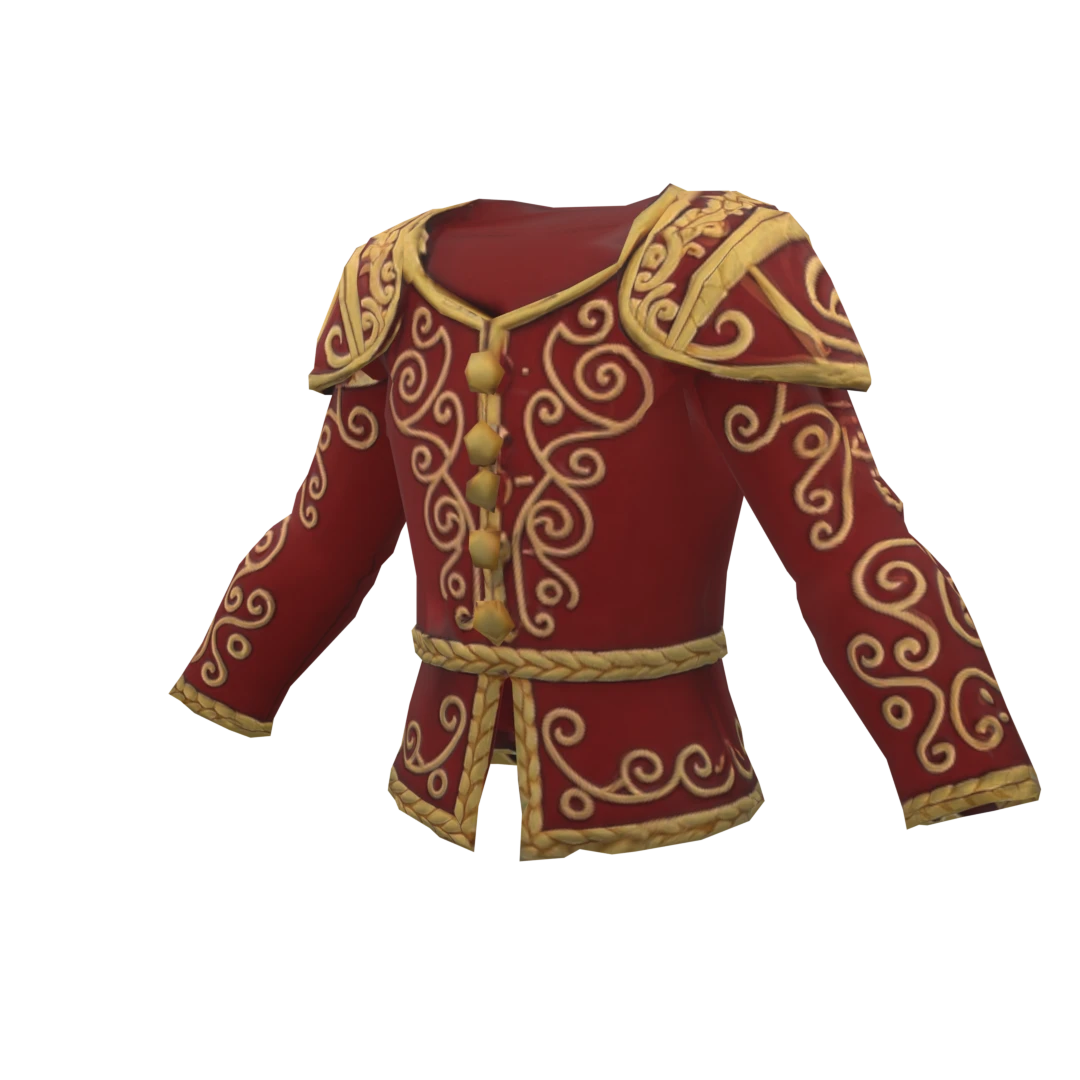
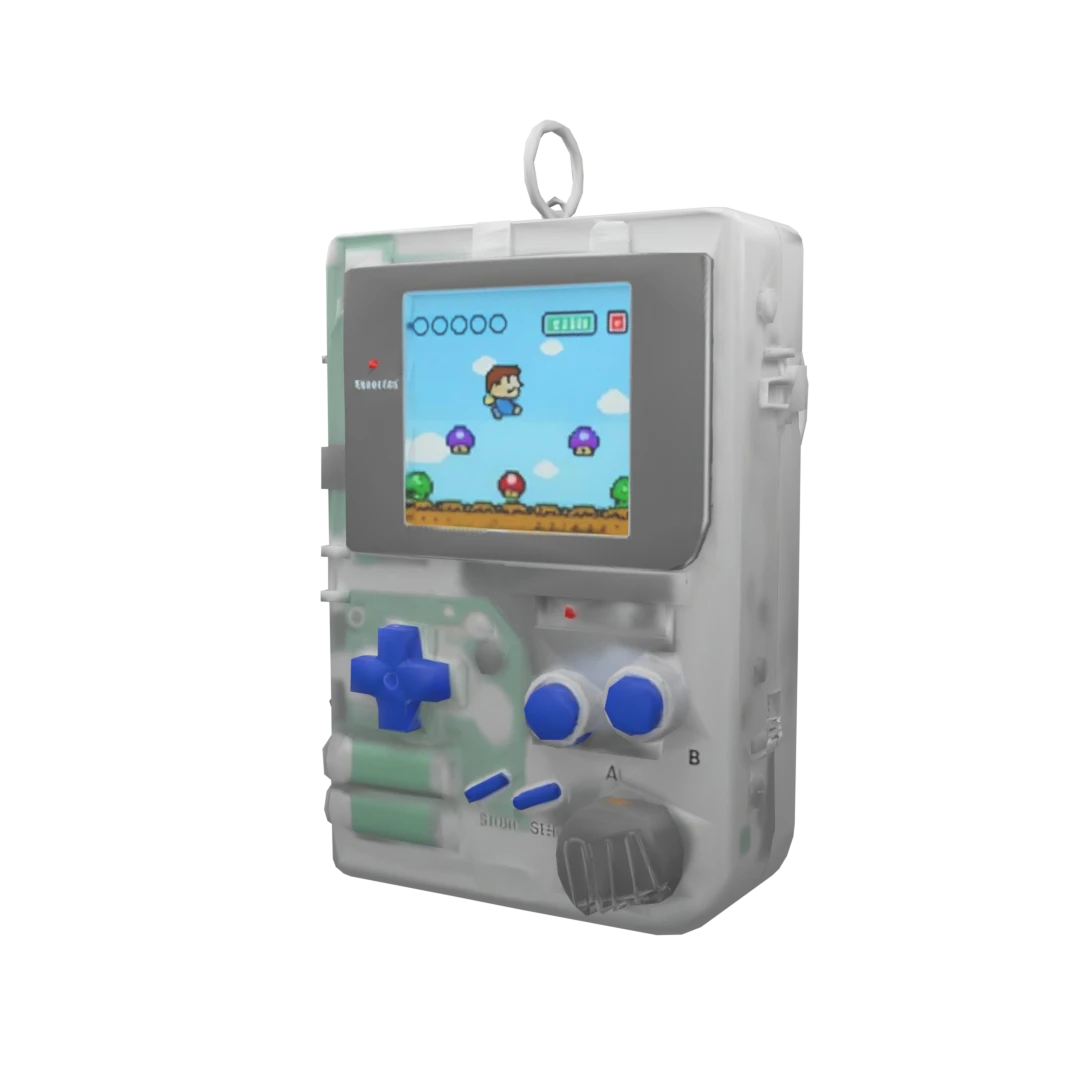
One workspace. Every Roblox asset type.
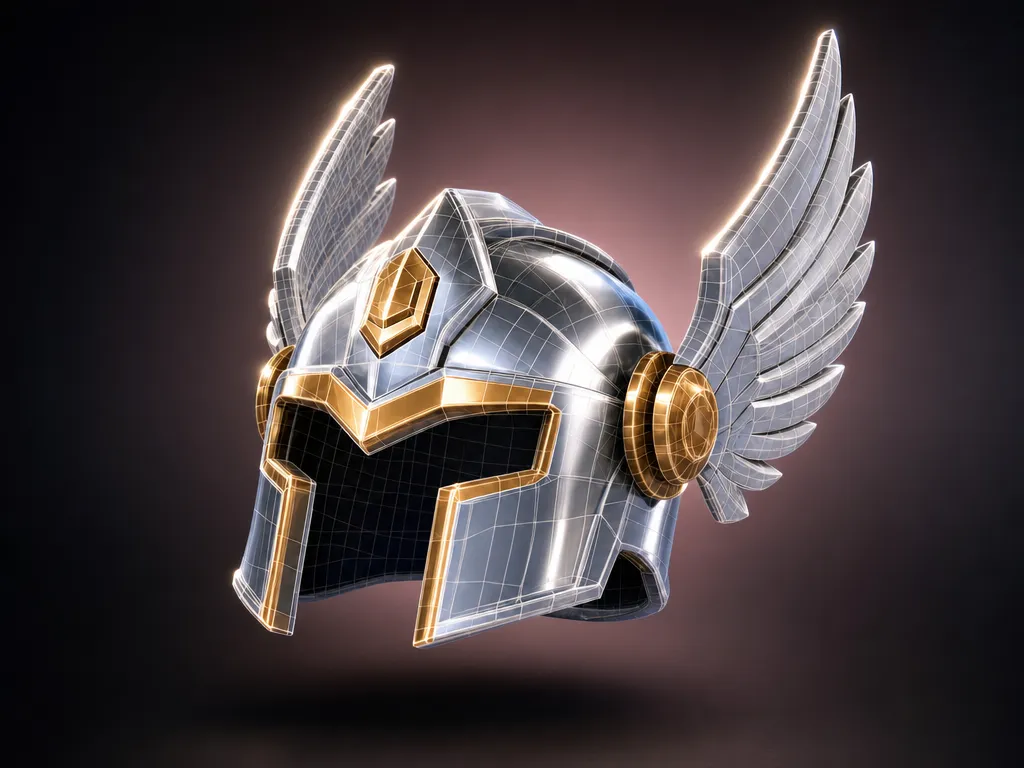
Roblox-ready assets
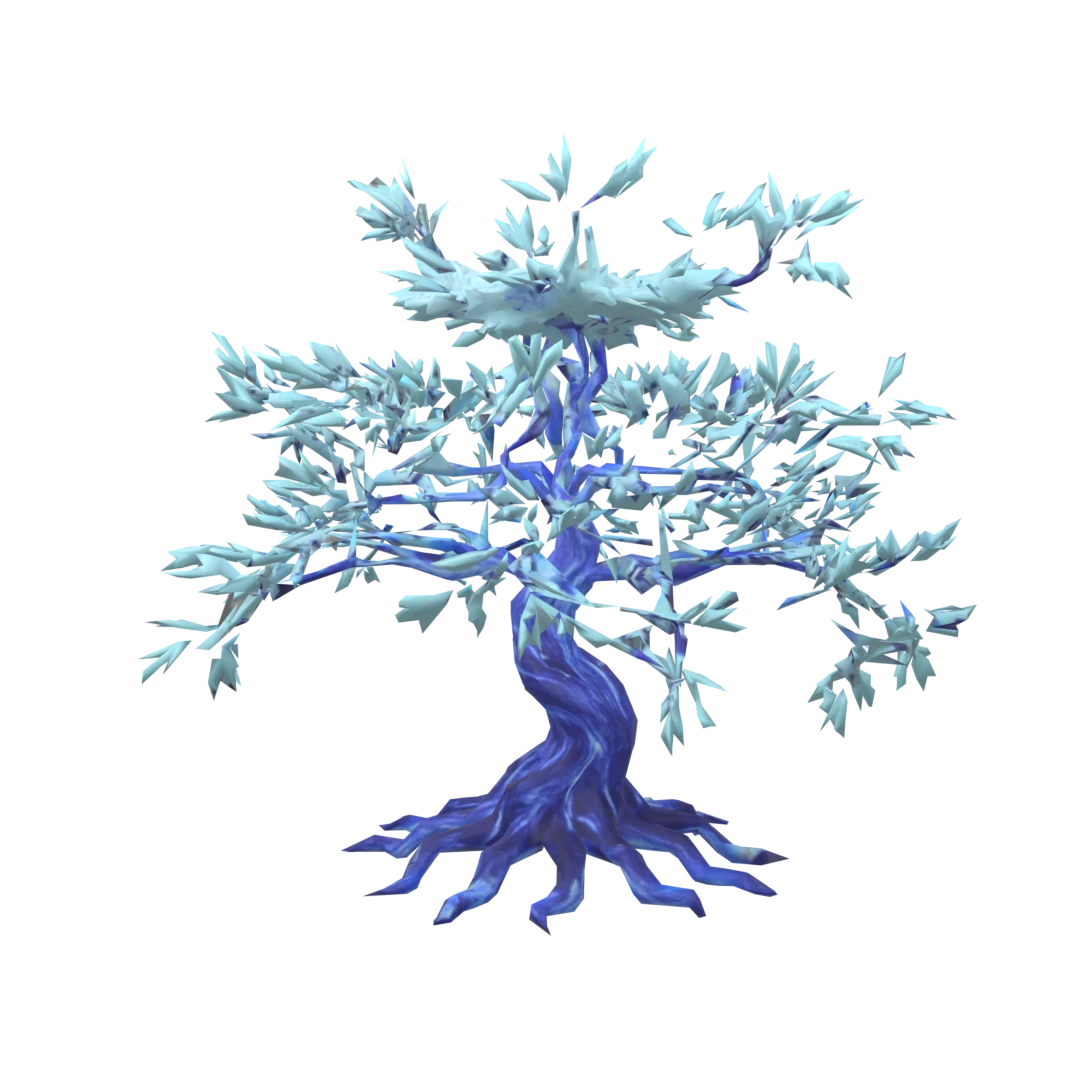
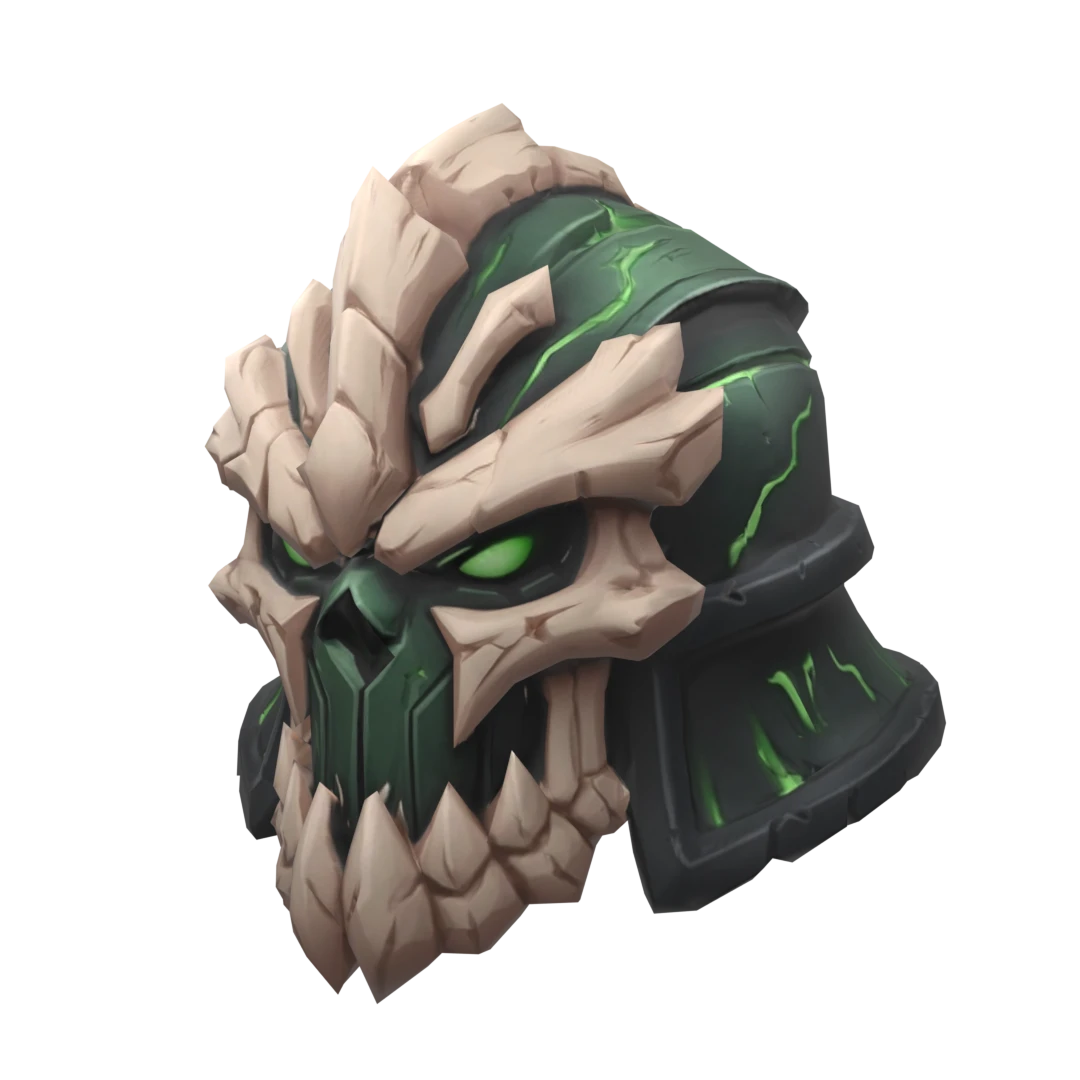
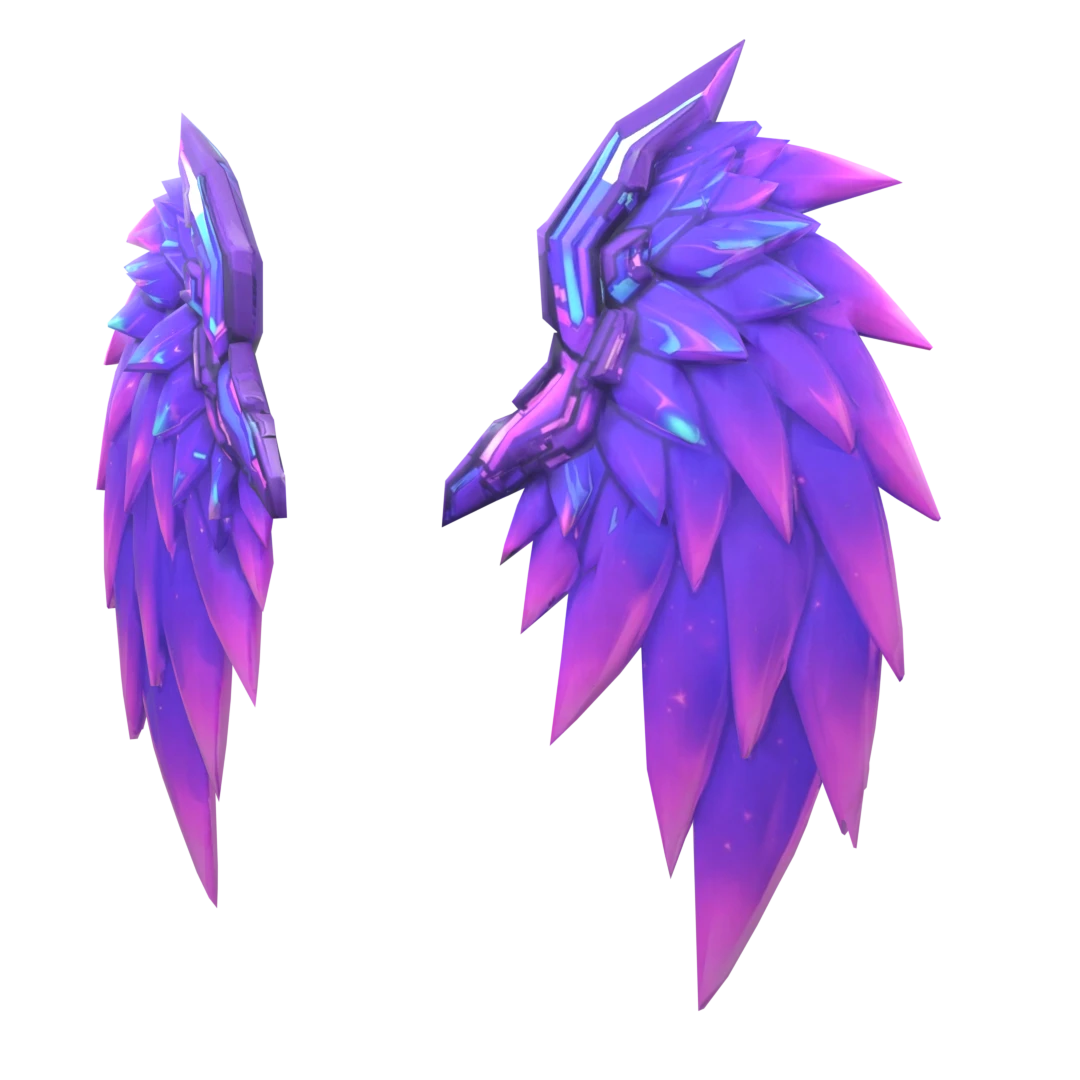
Generate accessories, props, pets, collectibles, vehicles, and avatar items already built around Roblox constraints. Polycount, scale, textures, and file packaging are handled for Roblox output instead of left as cleanup work.
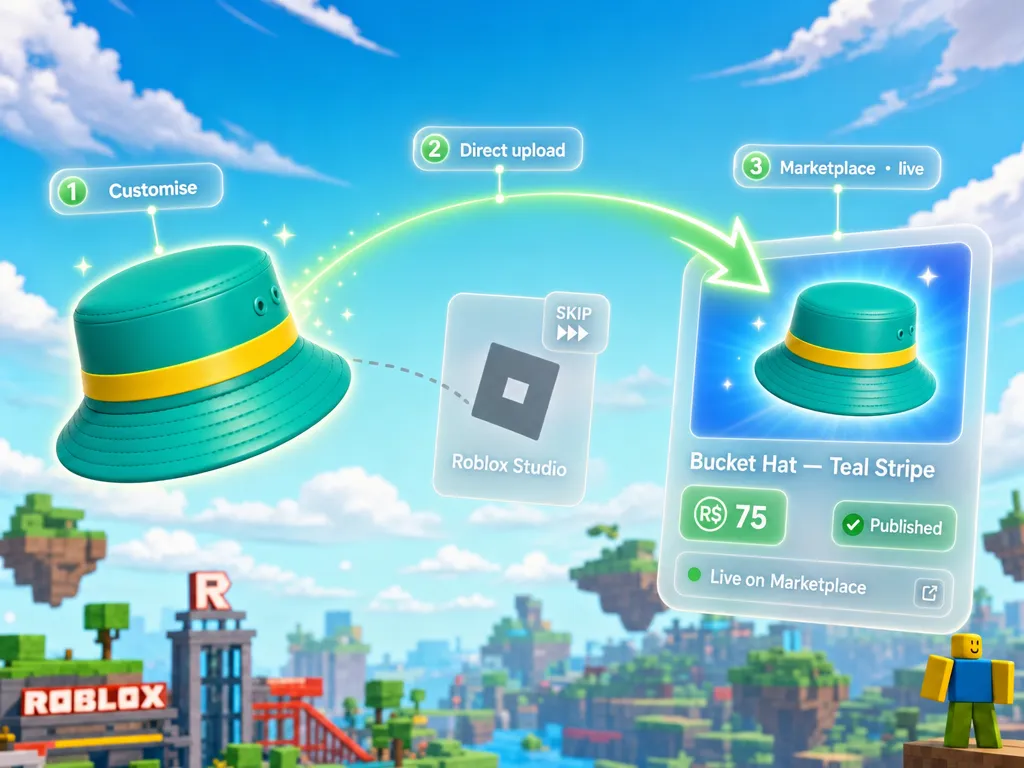
Direct Roblox upload
Publish faster without routing every asset through Roblox Studio first. Generate the asset in Customuse, review the output, then use direct Roblox upload when you are ready to send it toward the marketplace.
Roblox thumbnails
Generate thumbnails for your Roblox games and assets in styles that feel native to the platform. Create bright, readable, high-click visuals that do not look like generic AI art dropped into Roblox.

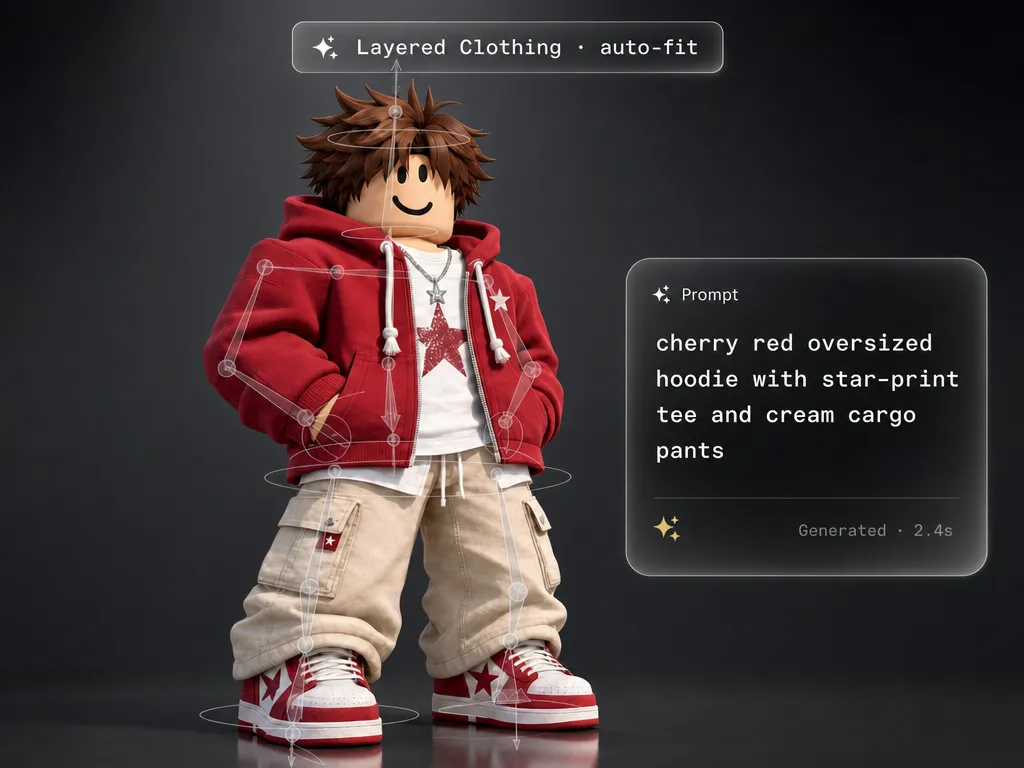
Layered clothing from a prompt
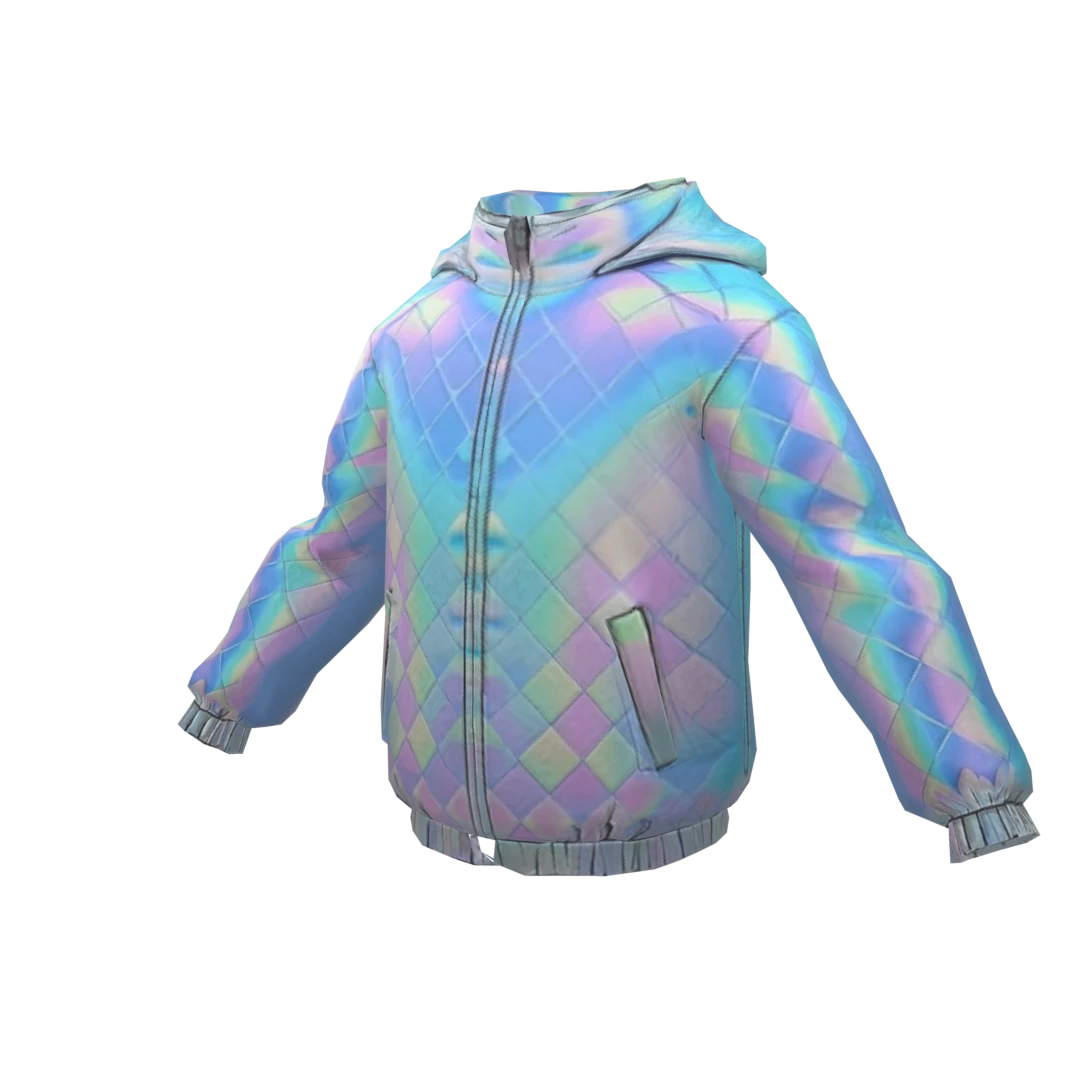
Describe the jacket, hoodie, dress, costume, armor, or outfit you want and generate Roblox layered clothing that fits the avatar immediately. The fit and Roblox compatibility are part of the output.
Classic clothing for your experience
Generate classic shirts, pants, uniforms, merch, team outfits, roleplay clothing, event drops, and themed apparel that make your Roblox experience feel more tailored and complete.
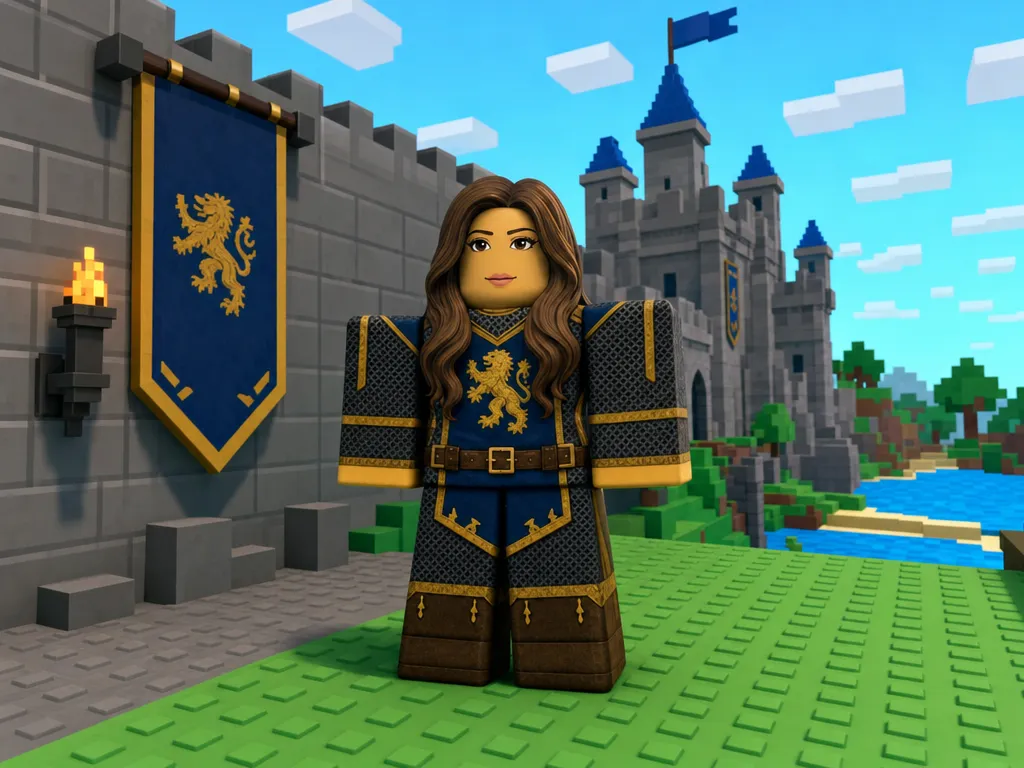
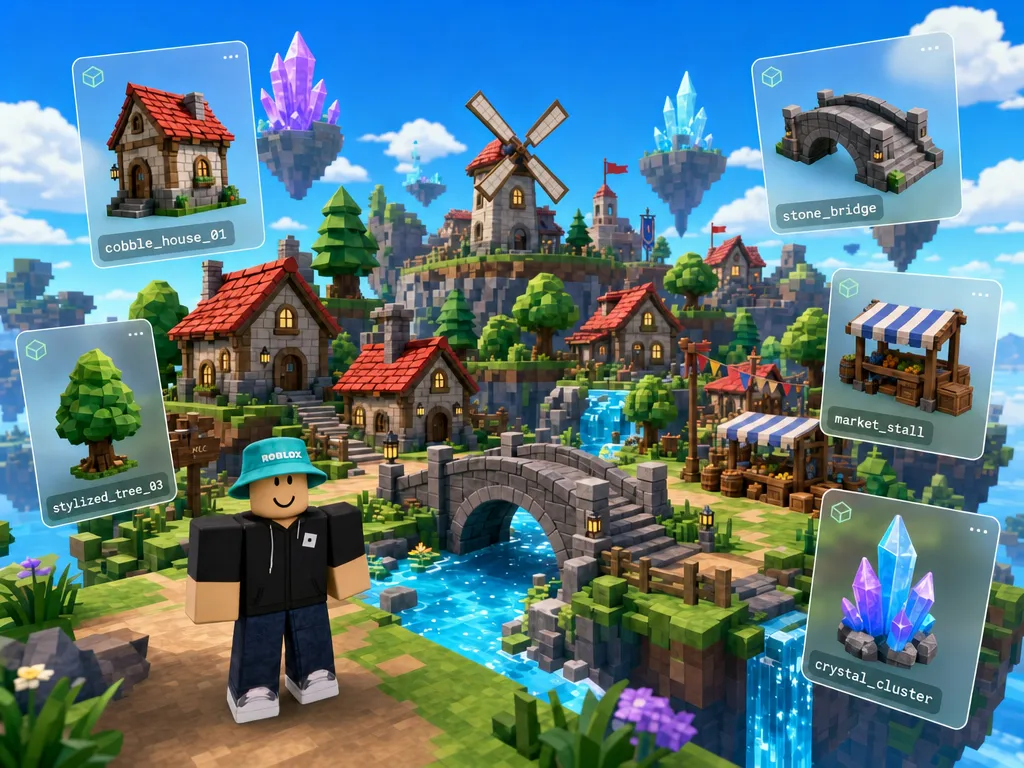
Built for the way Roblox teams actually work.
Concepting options
Start from a prompt, reference image, sketch, or existing asset. Generate multiple directions side by side, compare them quickly, and send the winner downstream.
Automatic retopology
Turn dense or messy generations into cleaner topology with practical Roblox polycounts, readable silhouettes, and asset shapes that hold up in-game.
Auto rigging and fit
Fit clothing, accessories, and avatar items to the character faster. Customuse handles the boring setup so your team can focus on the item.
Texture generation
Generate textures, colorways, decals, material treatments, classic clothing graphics, and style-locked variants from the same visual direction.
Multiplayer workspace
Work with the rest of your team in one shared canvas. Review generations, compare options, reuse references, and keep everyone on the same asset direction.
Reusable workflows
Save the process for a game, event, or asset type, then rerun it for the next pack of thumbnails, clothing, props, or marketplace assets.
Questions, answered.
- Yes. Roblox-ready output is the point: practical polycounts, usable packaging, readable shapes, and asset settings designed so you do not have to manually optimize everything after generation.
- Yes. You can use direct Roblox upload from Customuse for eligible generated assets, instead of routing every marketplace asset through Roblox Studio first.
- Yes. You can prompt layered clothing like jackets, hoodies, dresses, costumes, armor, and outfits, and Customuse generates Roblox layered clothing that fits the avatar immediately.
- Yes. Customuse can generate classic shirts, pants, uniforms, merch, roleplay clothing, event outfits, and themed clothing for your game.
- Yes. You can generate thumbnails for Roblox games, updates, events, marketplace assets, and worlds in styles that look native to Roblox rather than generic AI imagery.
- Yes. Customuse can generate props, buildings, environment assets, decorations, furniture, signs, collectibles, vehicles, and themed objects for Roblox experiences.

Start creating today.
Create with Customuse and bring your ideas to life.