





A room is not just a style filter.
Most AI interior tools start from one 2D photo. They can change the mood, but they cannot reliably move a sofa, test a new furniture plan, adjust scale, or prove that a layout works from the other side of the room.
Interior designers, architects, staging teams, developers, and hospitality studios make spatial decisions first: walls, windows, circulation, furniture placement, sightlines, ceiling height, and how light moves through the room.
Customuse gives you both axes of control. Build the space in 3D, then render it as warm minimalism, Japandi calm, mid-century color, industrial loft, boutique hotel, or your own studio style.
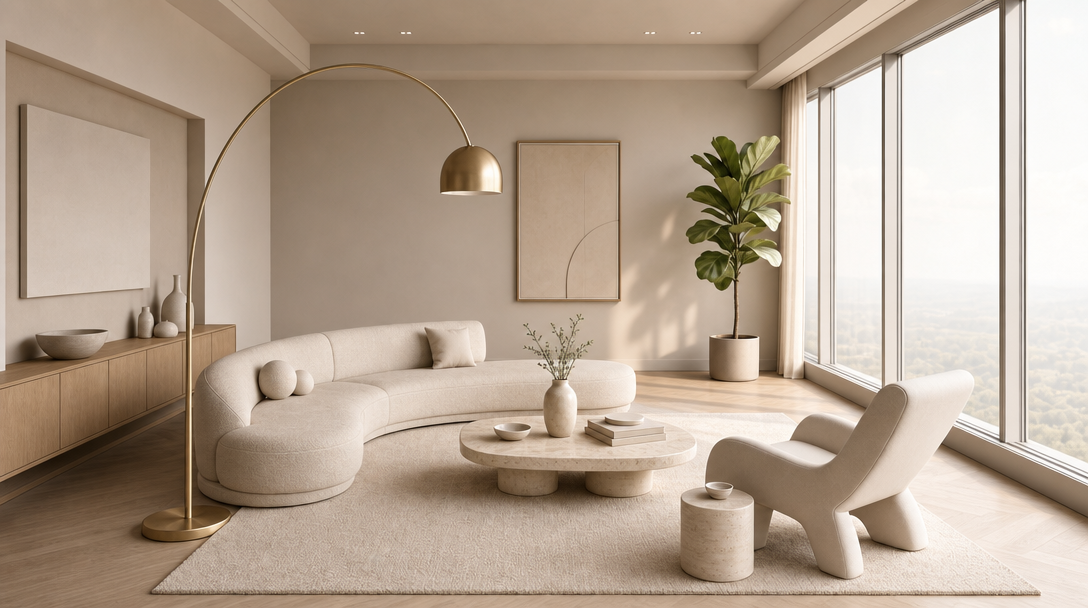
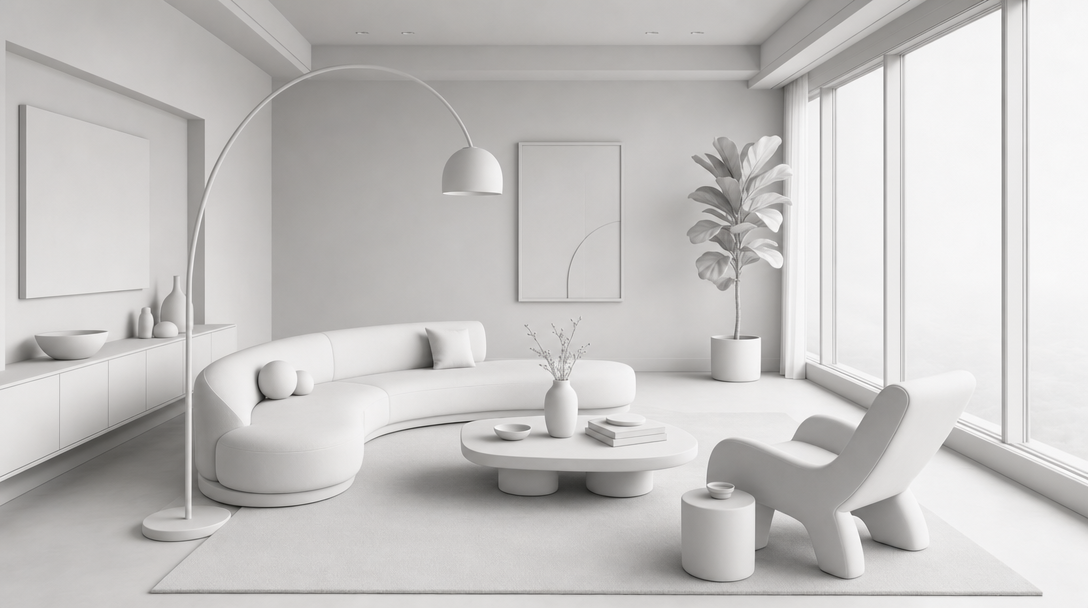
One room. Every layout, style, material, and angle.
A modern living room with floor-to-ceiling windows becomes the anchor scene for layout, furnishing, style, material, lighting, camera, and presentation workflows.
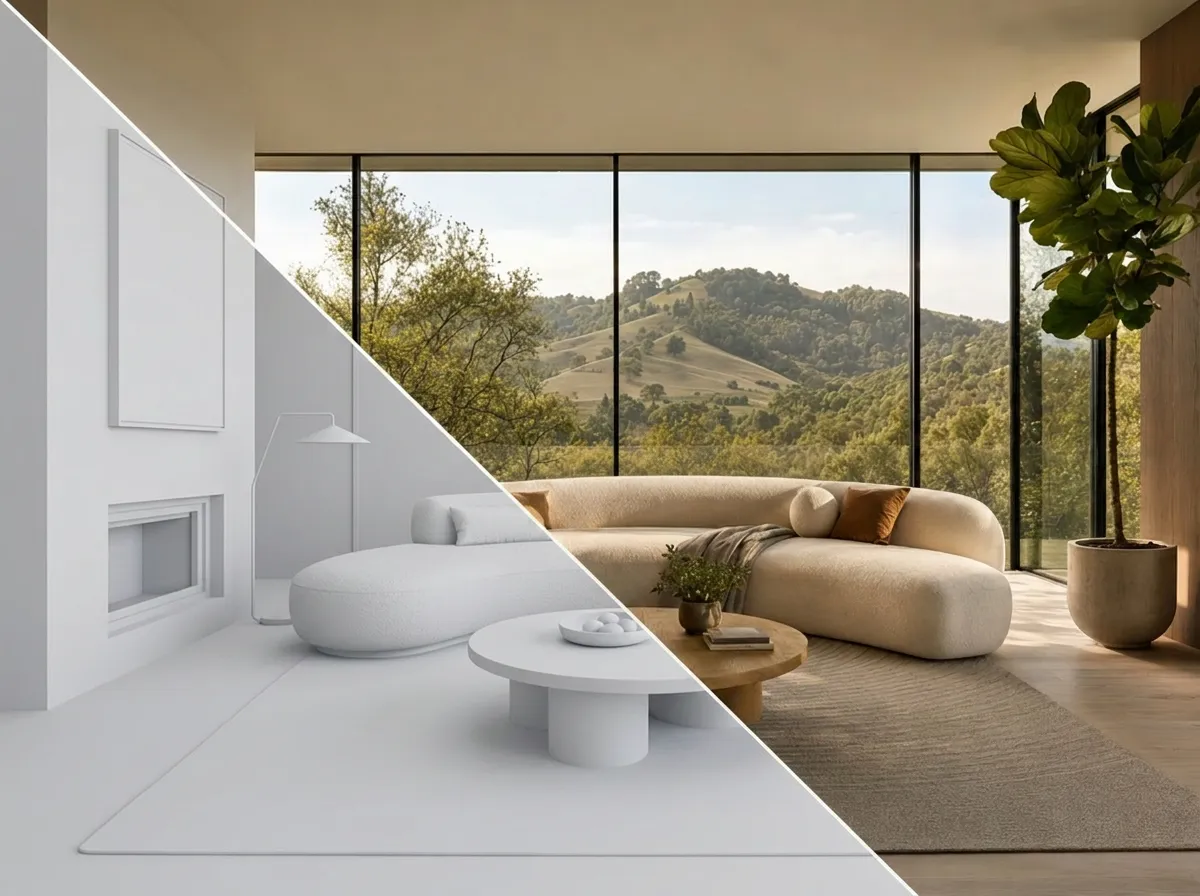
Build the space in 3D
Lay out the room in actual 3D space: walls, windows, ceiling height, floor plan, rug scale, sofa placement, sightlines, and circulation. The layout you build is the layout the AI renders.
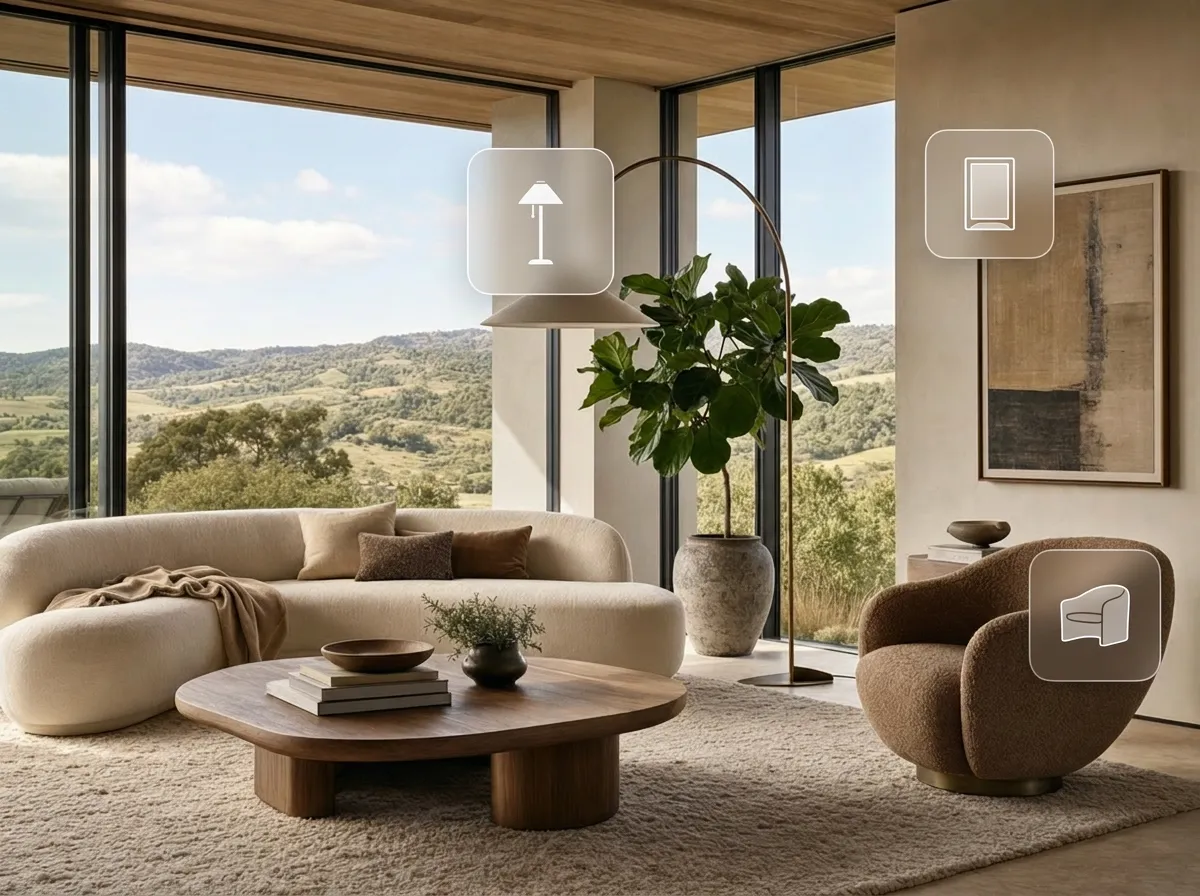
Furnish from a prompt
Generate furniture and decor from a prompt, then place it inside the room as part of the scene. Sofas, coffee tables, lamps, accent chairs, art, and plants become editable spatial decisions, not pasted pixels.
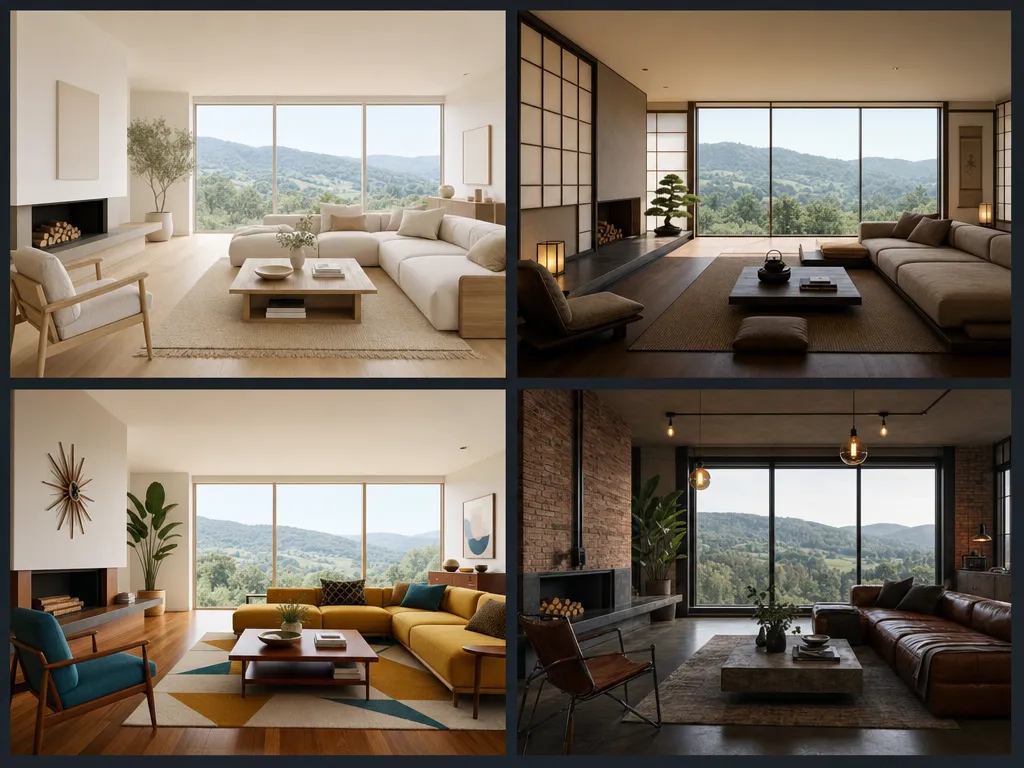
Restyle the room
Keep the same room and the same layout while exploring completely different aesthetic directions: Scandinavian, Japandi, mid-century modern, industrial loft, hospitality, or client-specific brand language.
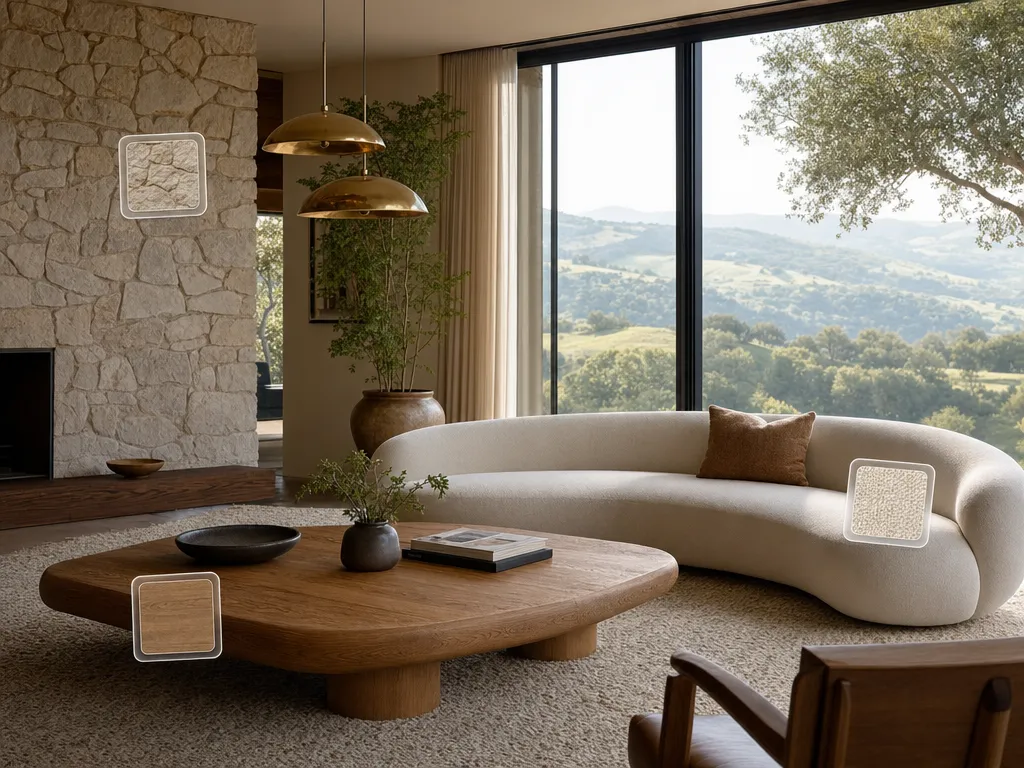
Material studies
Swap wood, stone, fabric, metal, rug, curtain, wall, and upholstery finishes without rebuilding the scene. Test oak versus walnut, marble versus travertine, linen versus boucle, and brass versus warm black.
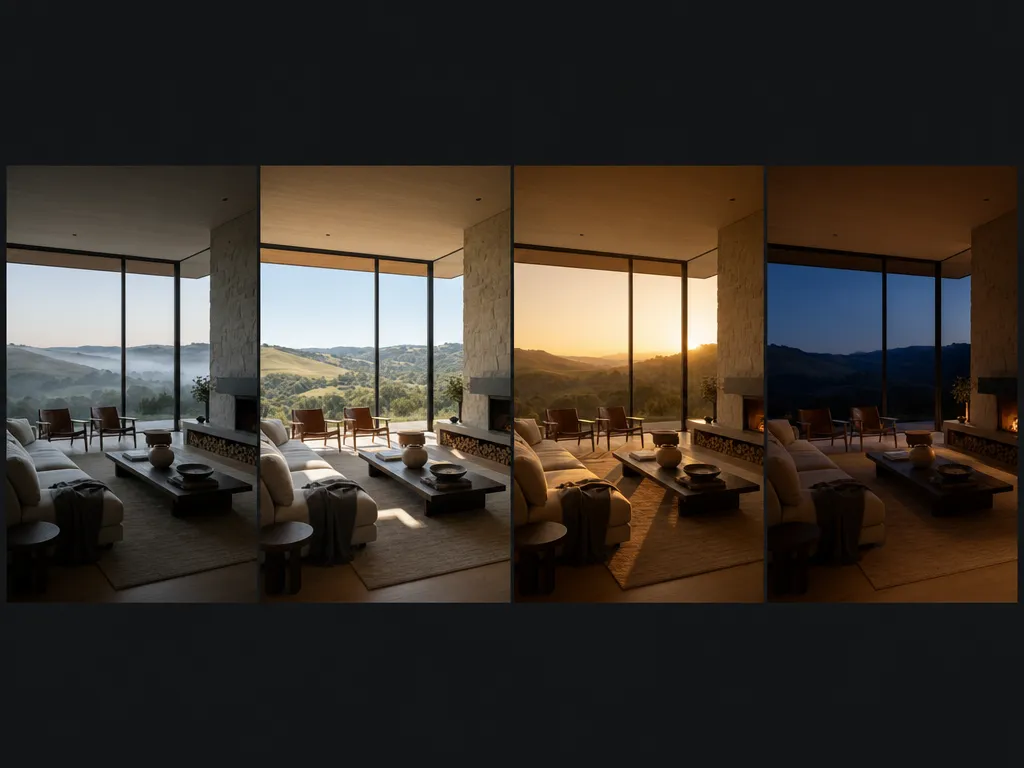
Lighting variants
Render the same room across morning softness, clear daylight, golden hour, evening warmth, and nighttime ambience. Test how the design feels before the client asks.
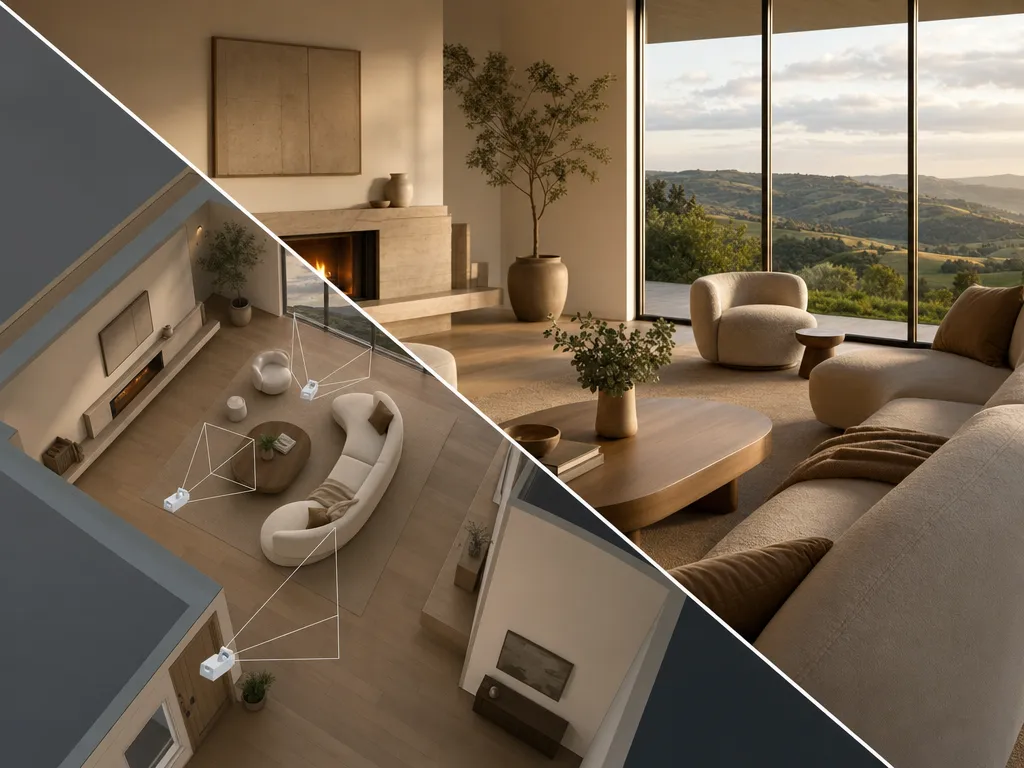
Camera angles
Create every room from every angle: wide establishing view, intimate corner detail, looking back from the window, fireplace close-up, hallway dolly, or developer sales render.
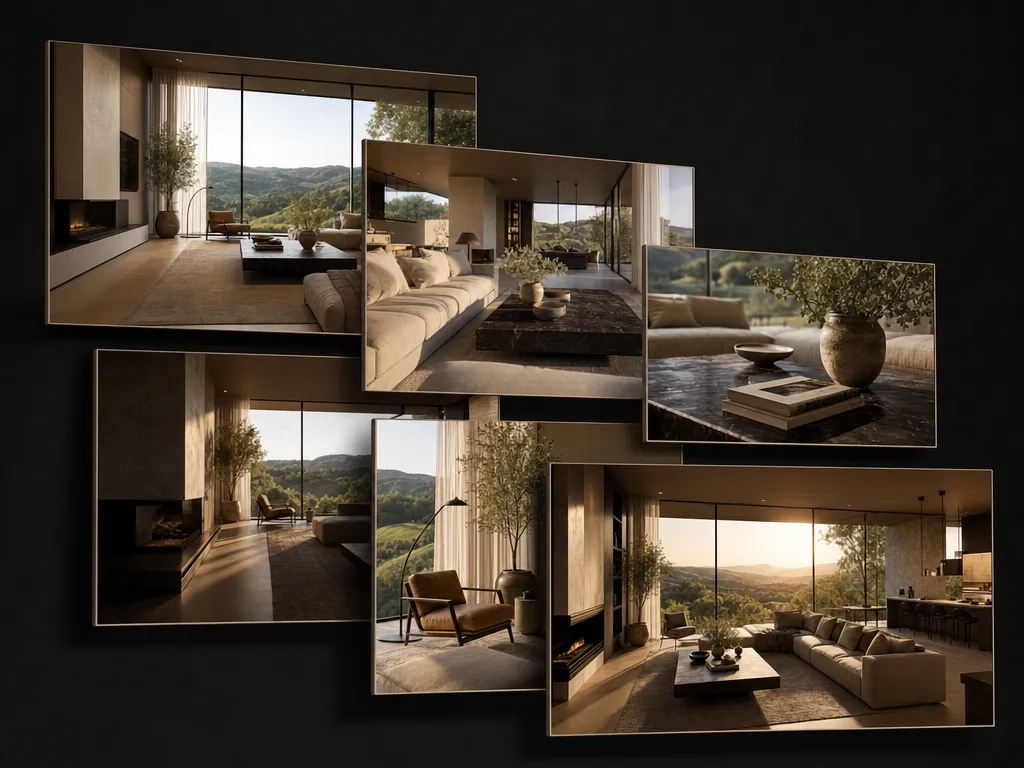
Built for designers who need layout control.
Layout before rendering
Start with the decisions that matter most: floor plan, furniture placement, room scale, sightlines, and circulation. The AI render follows the space you designed.
Furniture as editable objects
Generate sofas, tables, chairs, lamps, art, and accessories, then move, scale, replace, and restyle them in the scene instead of flattening them into one image.
Material systems, not mood filters
Test finish palettes across surfaces while keeping the same room. Wood, stone, fabric, metal, paint, and lighting choices stay connected.
One room, many directions
Save the underlying room and explore multiple schemes for different clients, budgets, buyer personas, seasons, or brand concepts.
Client-ready output
Create polished hero renders, detail crops, moodboards, material studies, staging options, and presentation assets from the same approved scene.
Explore options fast
Run furniture plans, material schemes, lighting moods, camera angles, and style directions in parallel while the layout stays anchored.
Questions, answered.
- Most AI room tools restyle a single 2D photo. Customuse lets you build or control the room in 3D first, so layout, furniture placement, camera angles, and spatial intent can stay consistent.
- Yes. The workflow is built around spatial control. You can place, move, scale, and replace furniture inside the scene before rendering aesthetic variations.
- Yes. You can generate sofas, accent chairs, coffee tables, lamps, art, decor, plants, shelves, and accessories, then position them in the room.
- Yes. That is the core workflow: one room layout can be rendered as Scandinavian, Japandi, mid-century, industrial, hospitality, minimal, or a custom studio style.
- Yes. Customuse can generate hero renders, alternate angles, material studies, lighting variants, moodboards, deck crops, and portfolio-style spreads.
- Yes. Private workspaces are built for client work, unreleased listings, hospitality concepts, and floor plans. We don't train generation models on your private uploads or prompts.

Start creating today.
Create with Customuse and bring your ideas to life.