





Architecture does not start at the final render.
Every AI architecture tool today is basically a render upscaler. You bring a SketchUp, Revit, Blender, or D5 view. It improves the image. That is useful, but it does not help architects make better buildings.
Architectural design is iterative. The form changes. The opening moves. The cantilever gets longer. The facade becomes timber, then concrete, then weathering steel. The site changes from forest to desert to urban infill.
Customuse lets you generate the building in 3D, evolve the model, and render it in every site, material, lighting condition, camera angle, and interior view. The design stays yours. The grunt work goes to the AI.
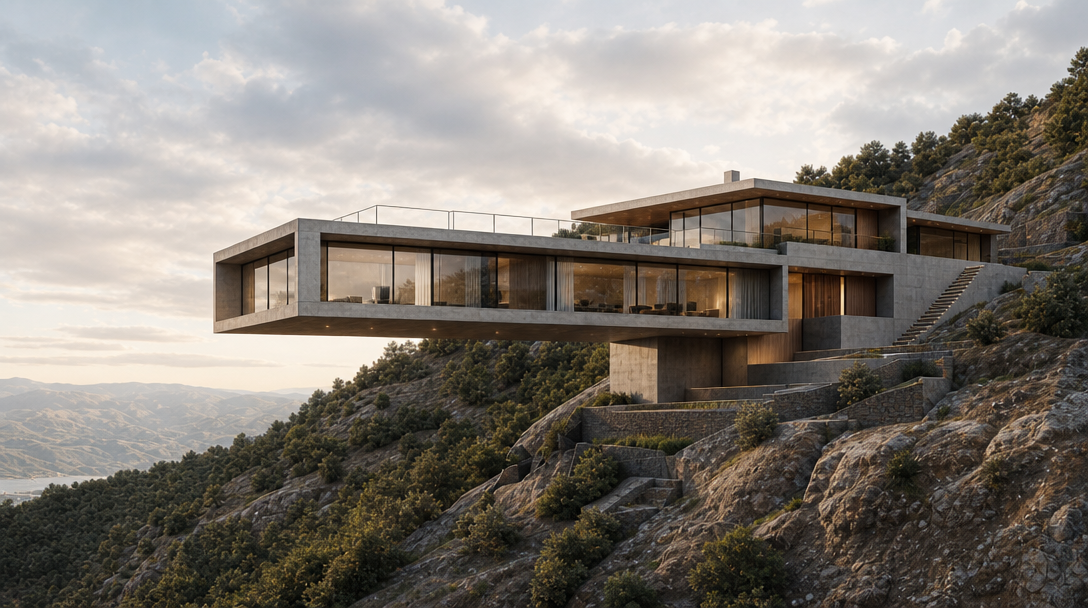
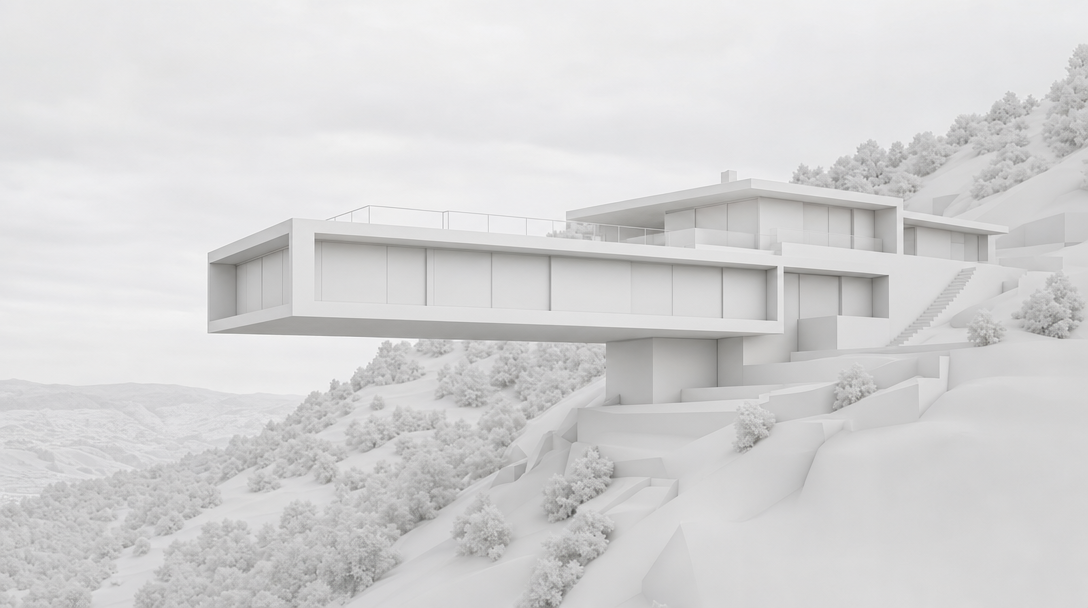
One model. Every form, facade, site, and view.
Generate the form
Describe the building and get a 3D massing model: a cantilevered hillside home, a courtyard museum, a timber retreat, a mixed-use podium, or a competition concept. It becomes a spatial starting point, not a flat image.
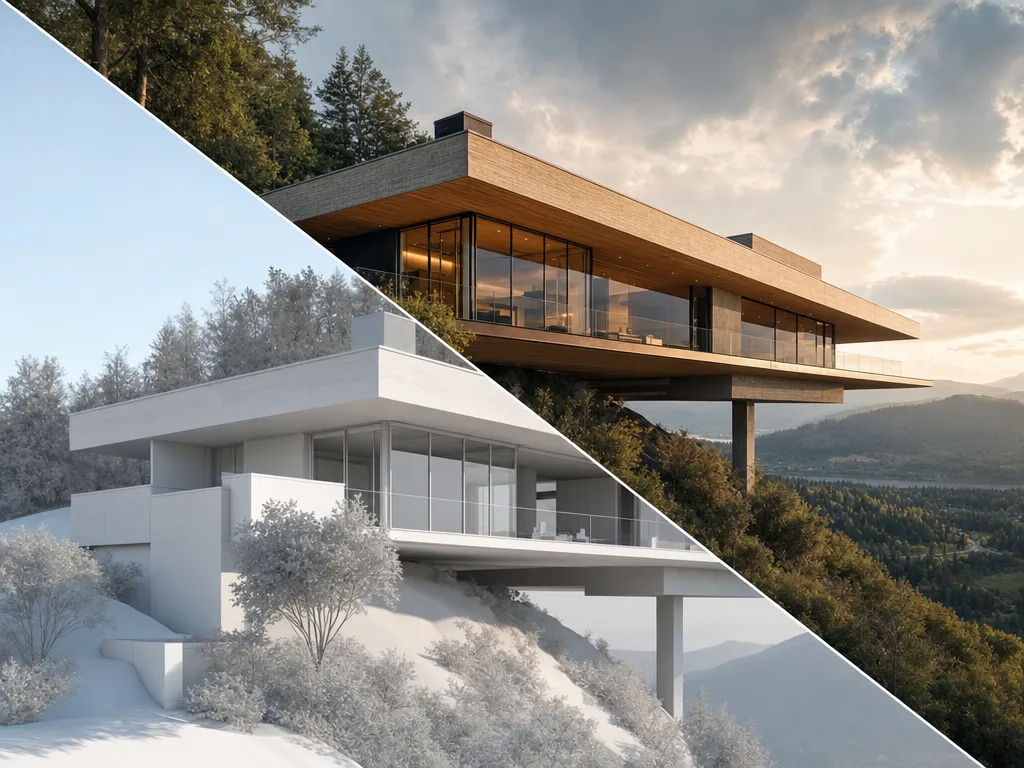
Iterate the design
Modify the form, openings, proportions, overhangs, glazing, terraces, roofline, and geometry directly in 3D. Evolve the model instead of regenerating a new 2D image that forgets the design.
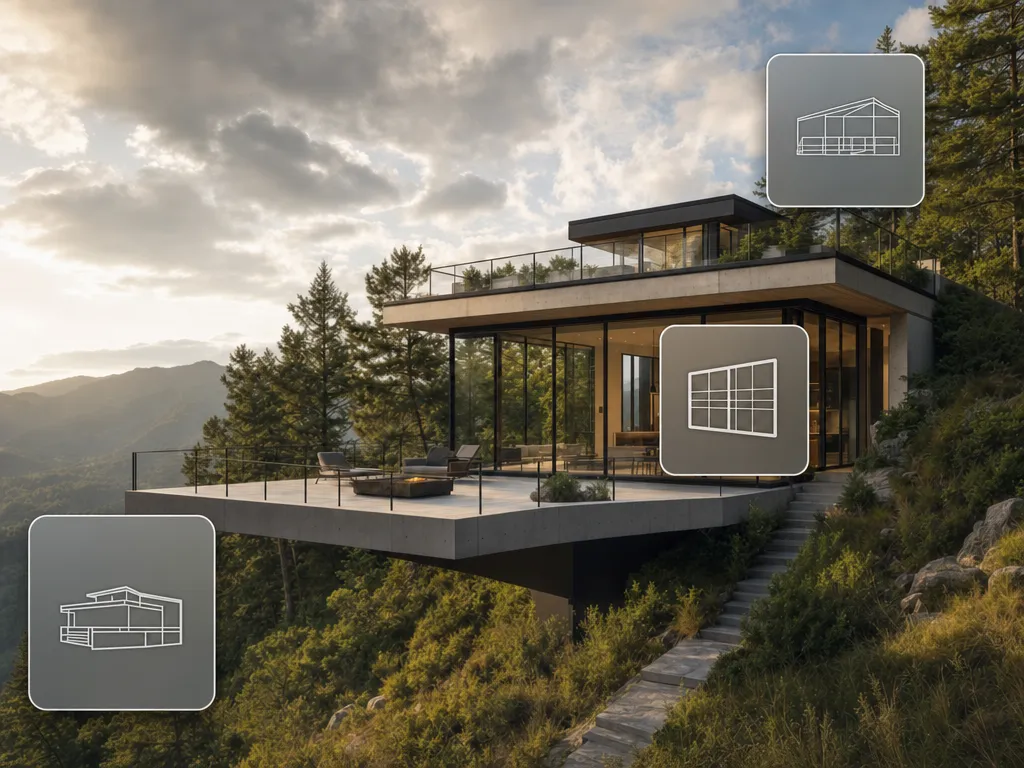
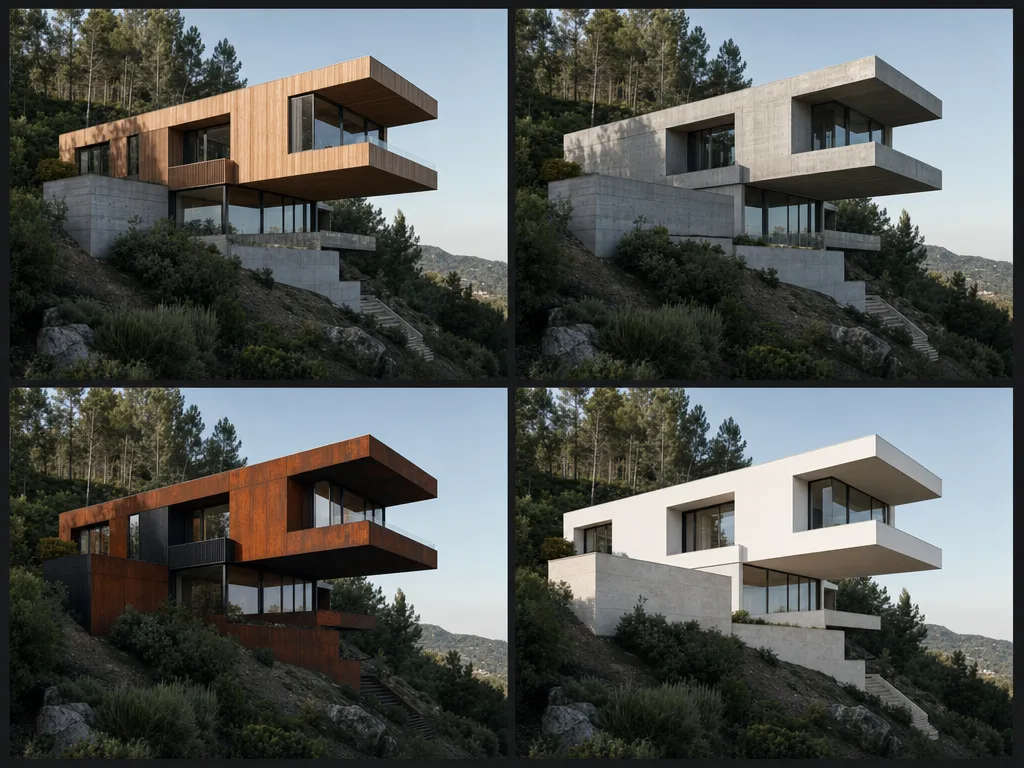
Material studies
Swap facade materials across the whole building without rebuilding. Test warm timber, board-formed concrete, brick, glass, stone, white render, black steel, or weathering steel from the same model.
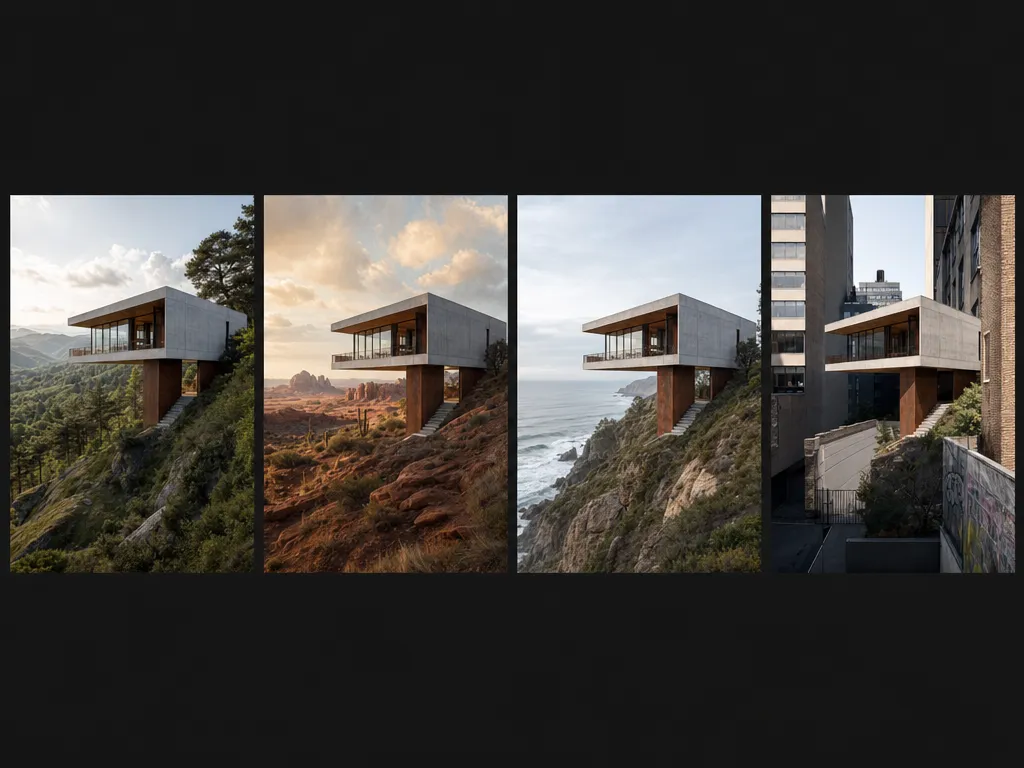
Site context
Drop the same building into different environments: forested hillside, desert plateau, coastal cliff, urban infill, suburban edge, or competition site. Test whether the design belongs in the world around it.
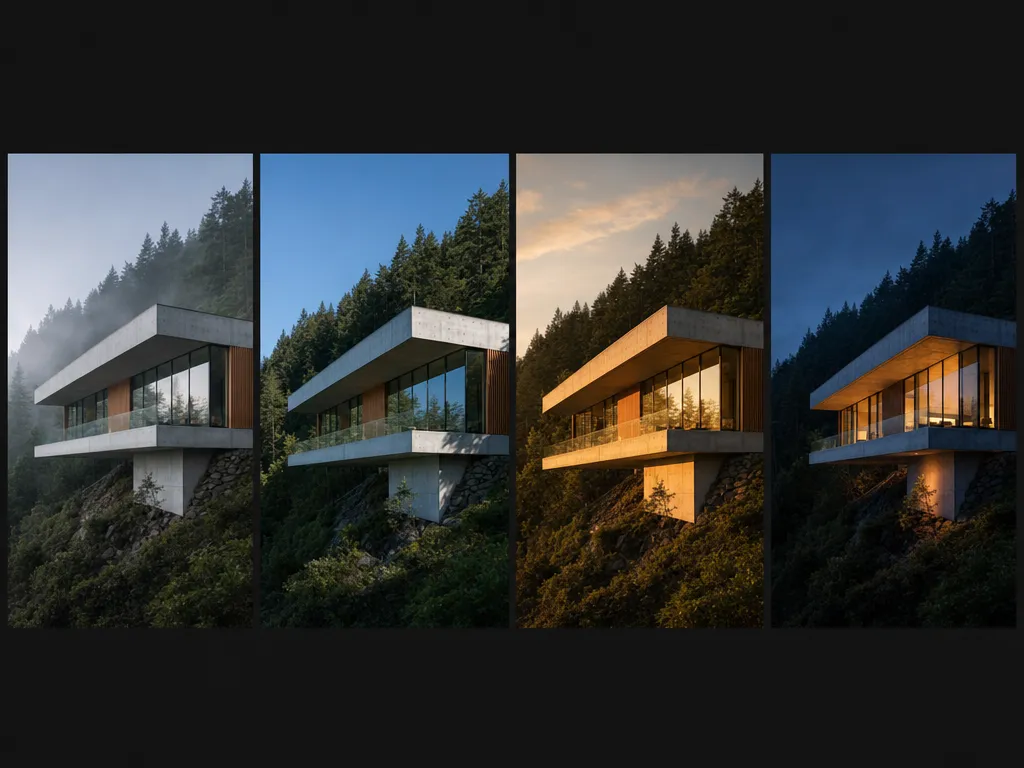
Time and light
Render the same building across misty dawn, clear midday, golden hour, dusk, and night. See how the massing, glazing, overhangs, and interior glow read at every hour.
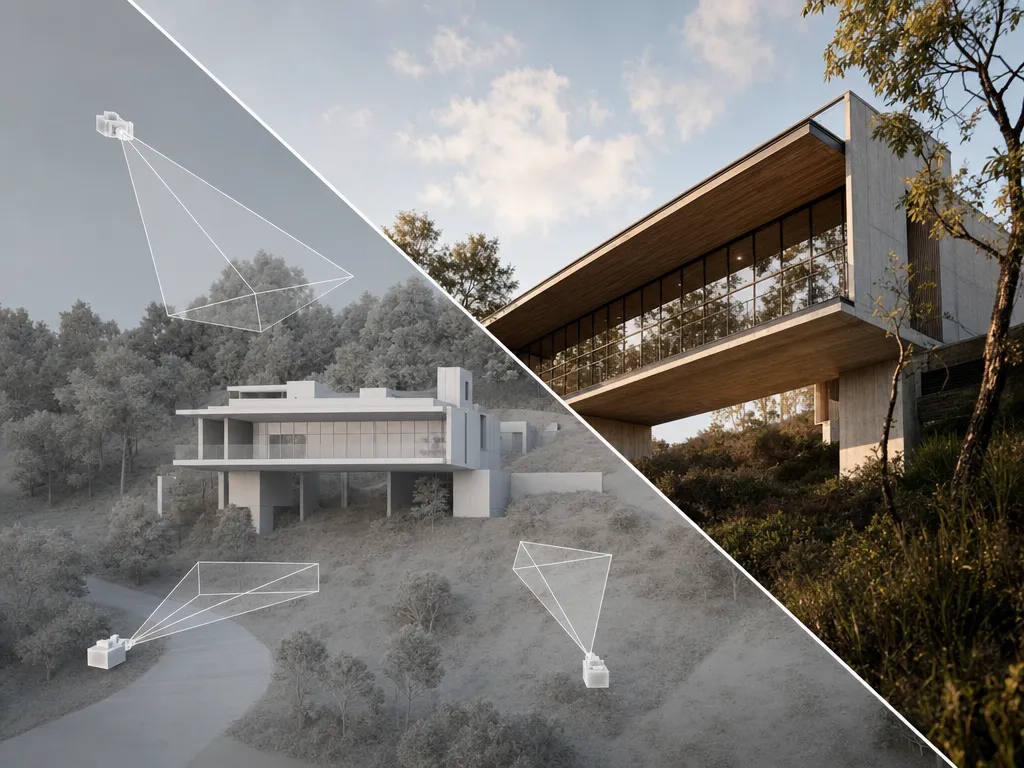
Every angle
Create every view of the building from one model: aerial, approach, low-angle, section-like view, terrace view, interior-looking-out, and hero render. Every angle stays consistent.
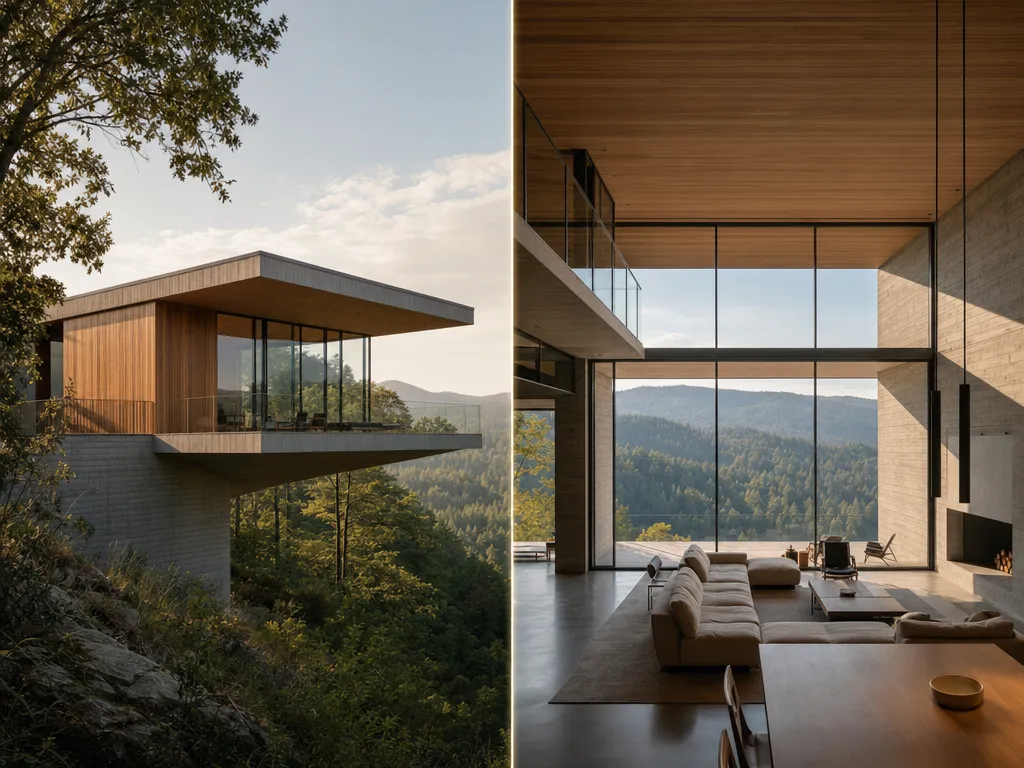
Built for architectural iteration, not just prettier renders.
Design workflows, not one-off renders
Save the process for a project and rerun it as the form, facade, site, lighting, camera, and interior evolve.
3D form before final pixels
Generate or import massing, then iterate in space. The render comes from the building, instead of the building being trapped inside a flat image.
Facade systems stay consistent
Test timber, concrete, stone, glass, brick, metal, and weathering steel across every view without rebuilding the project.
Site and light as design tools
Evaluate the same model in different landscapes, urban conditions, seasons, skies, and times of day before locking the direction.
Exterior and interior stay connected
Step inside the model you just rendered from the outside. Presentation sets feel coherent because the views come from one spatial source.
Options fast enough for review
Run form studies, facade palettes, site tests, lighting passes, and camera packages in parallel before the next client meeting.
Questions, answered.
- Render upscalers improve a flat image. Customuse gives you control earlier in the process: generate or import 3D form, iterate the model, test materials, change site context, render different angles, and create interiors from the same building.
- Yes. You can describe the building, use references, or start from existing model views. The workflow creates a spatial starting point your team can refine, not just a single inspirational image.
- Yes. You can test concrete, timber, brick, stone, glass, steel, white render, weathering steel, and mixed facade systems across the same model and camera angles.
- Yes. Site context is part of the workflow: forested hillside, desert plateau, coastal cliff, urban infill, or your own project context.
- Yes. The page is built around that payoff: the exterior render and interior render should belong to the same building, instead of feeling like two separate AI images.
- No. Customuse accelerates concept generation, design iteration, visualization, and presentation assets. Technical documentation, BIM coordination, code compliance, and final delivery stay in your existing tools.
- Yes. Private workspaces are built for confidential projects, competition entries, client work, site studies, and development concepts. We don't train generation models on your private uploads or prompts.

Start creating today.
Create with Customuse and bring your ideas to life.