





AI video is powerful. It is still hard to direct.
Every AI video tool today behaves like a prompt-to-video slot machine. You describe the shot, the model interprets it, and your team re-rolls until something acceptable comes out.
That is unusable for animation studios, indie filmmakers, motion designers, ad agencies, and cinematic teams. You cannot reliably direct a lens, hold character blocking, preserve continuity, or iterate on one element without breaking five others.
Customuse keeps the creative judgment with the director. Build the 3D scene, control the camera, pose the character, lock the style, and use AI as the render layer on top of your actual shot design.
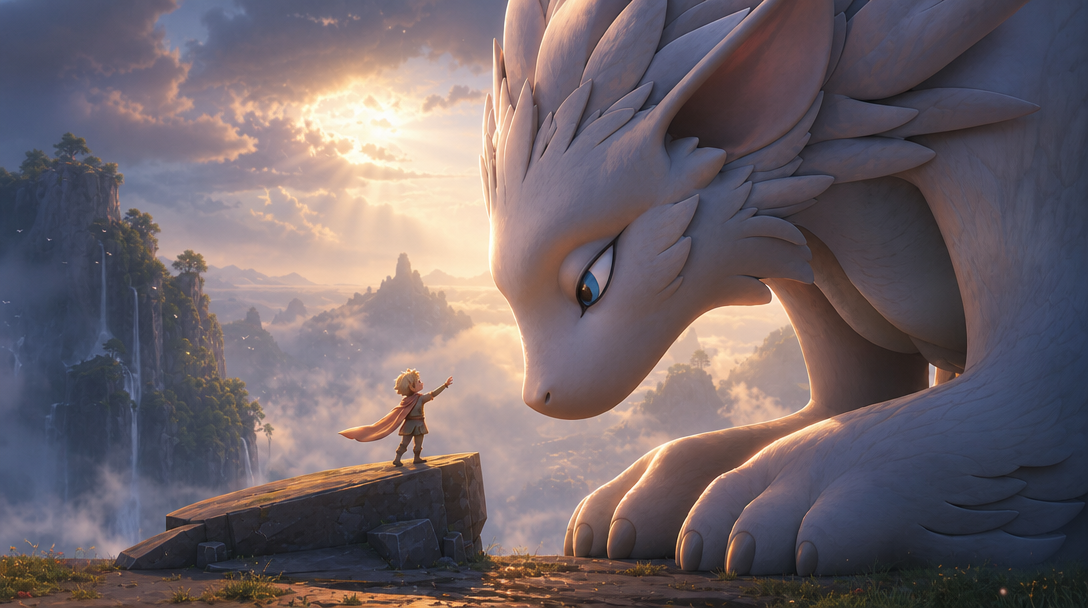
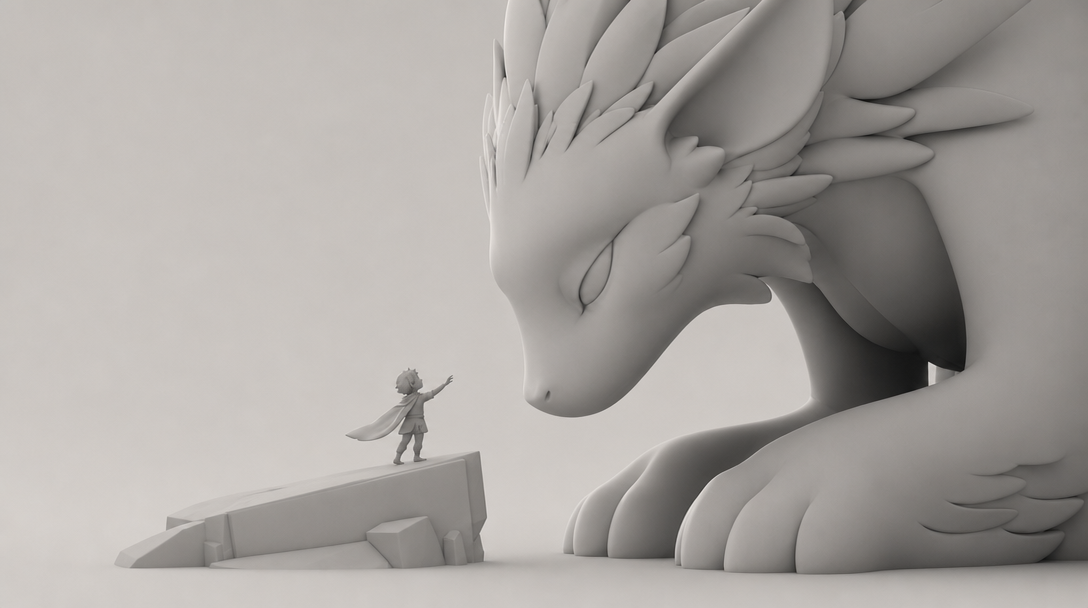
One scene. Every shot. Directed AI output.
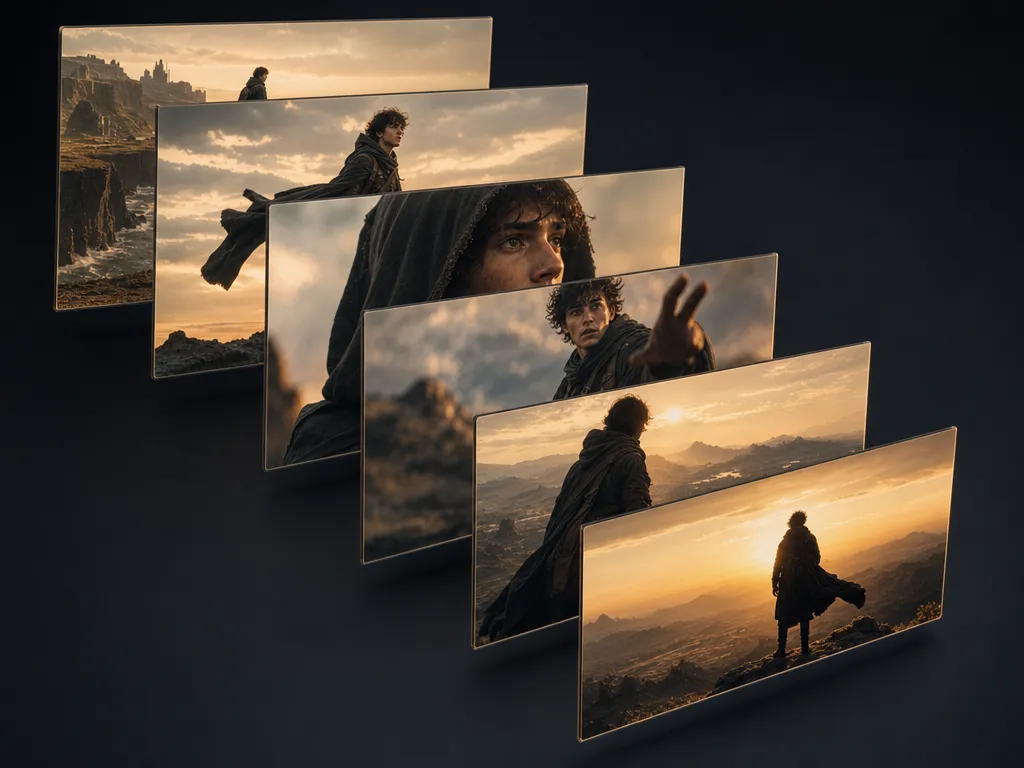
A hooded young explorer on a windswept rocky cliff at golden hour runs through the whole workflow, from clay blockout to consistent sequence.
Build the scene
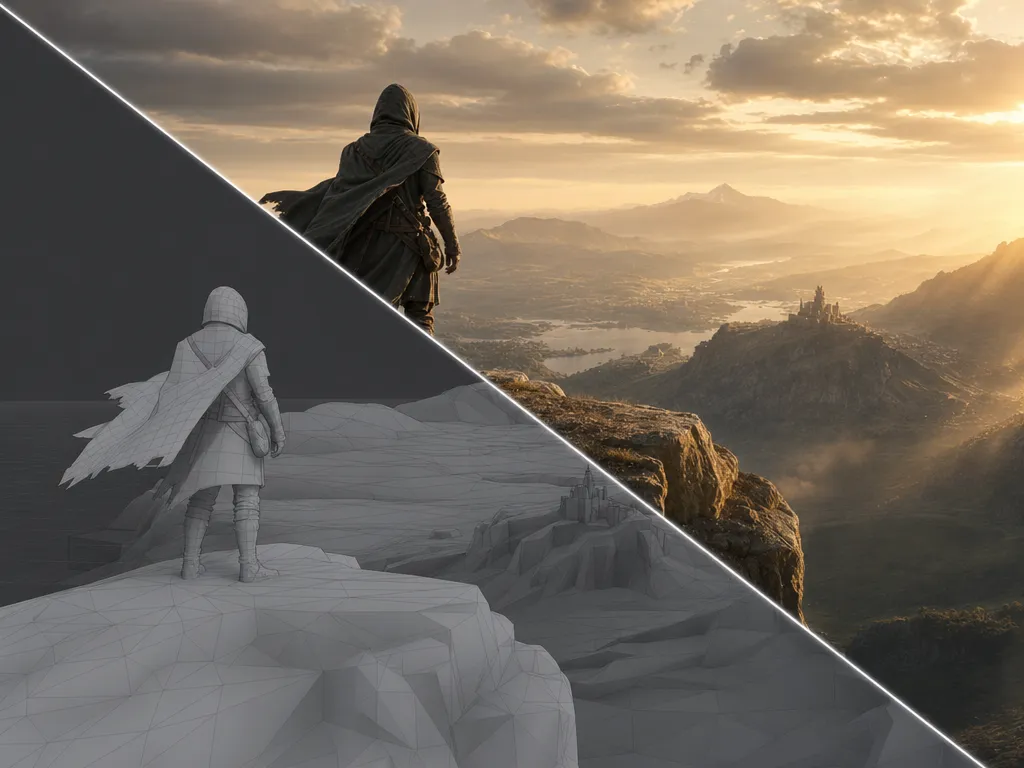
Generate or drop in 3D assets and compose a full environment with precise spatial control. Characters, props, cliffs, ruins, sky, and lighting all become the raw clay you will direct.
Direct the camera
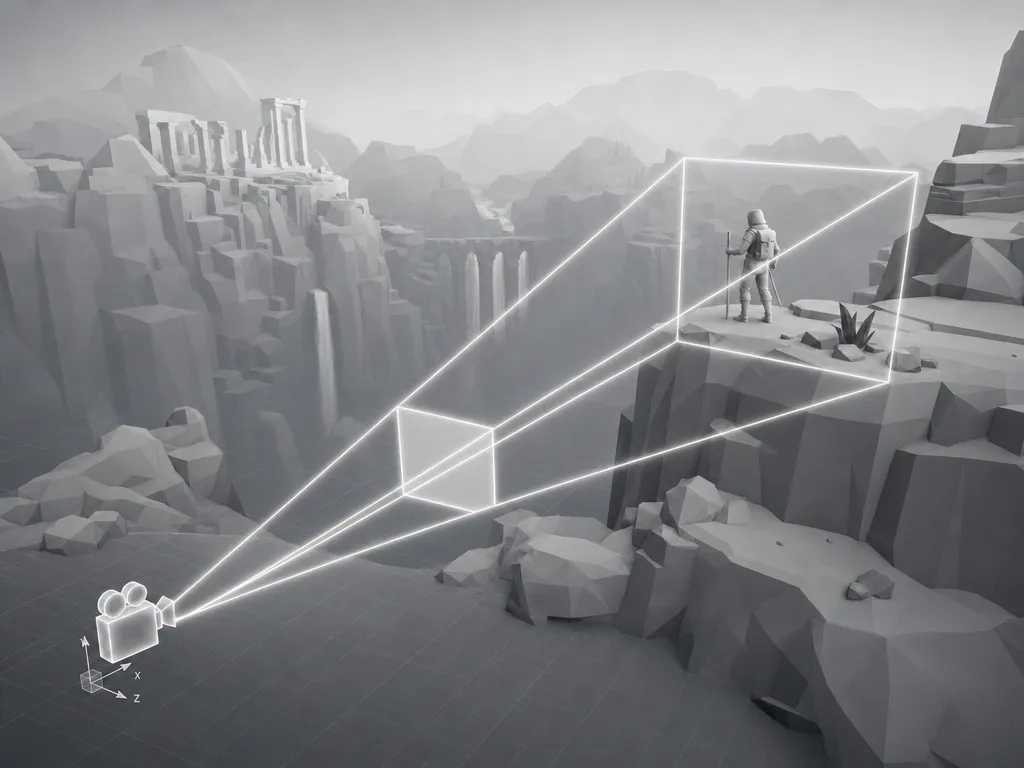
Place a real virtual camera with cinematographer-grade controls: focal length, focus distance, dolly, orbit, angle, and composition. The camera you set is the camera the AI renders from.
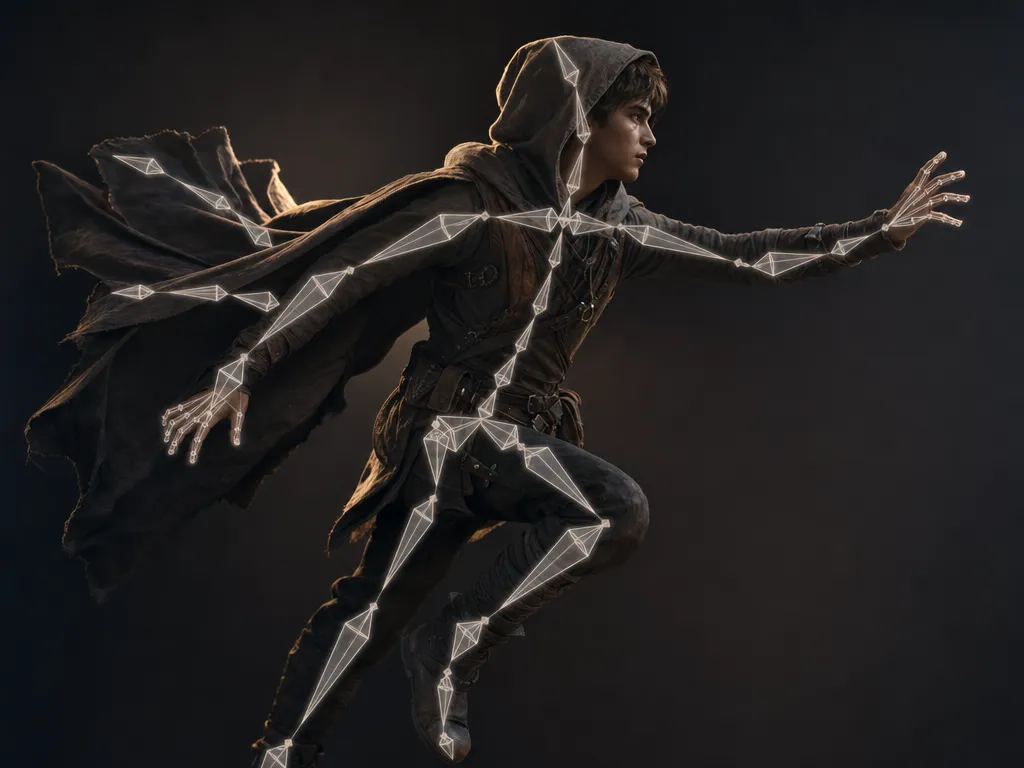
Pose your characters
Place characters in the exact pose, position, and orientation you want. The AI render preserves your blocking, silhouette, gesture, and screen direction instead of inventing a new performance.
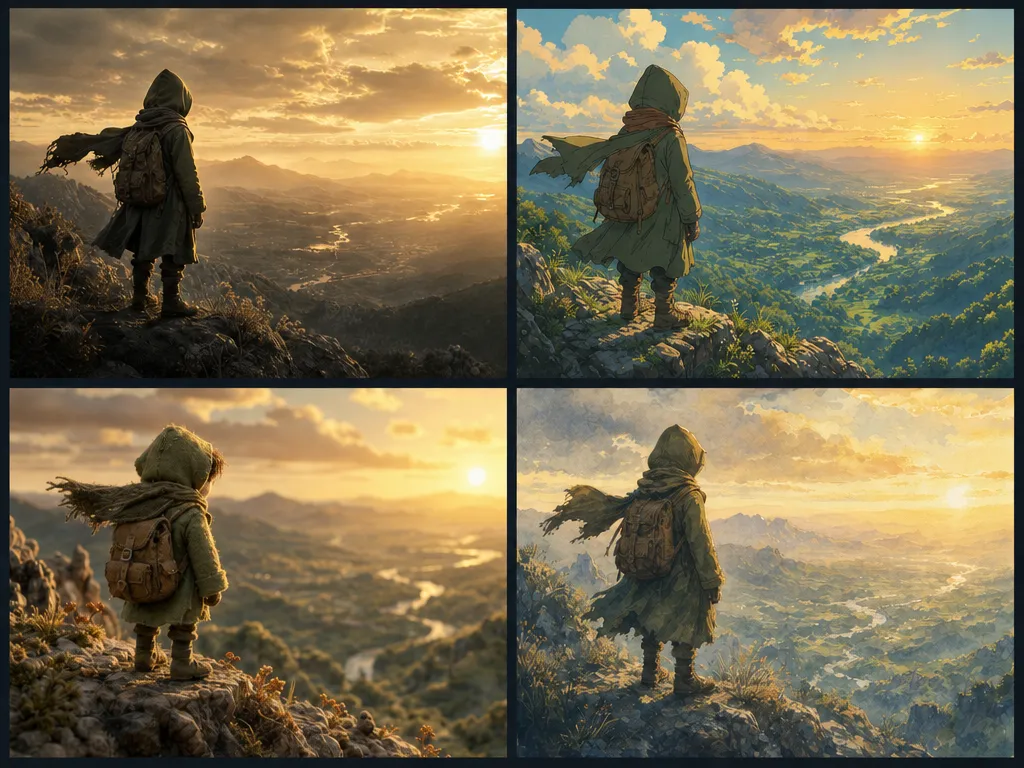
Style your render
Render the same scene in photoreal, anime, stop-motion, watercolor, your own trained studio style, or a campaign-specific look without rebuilding the scene.
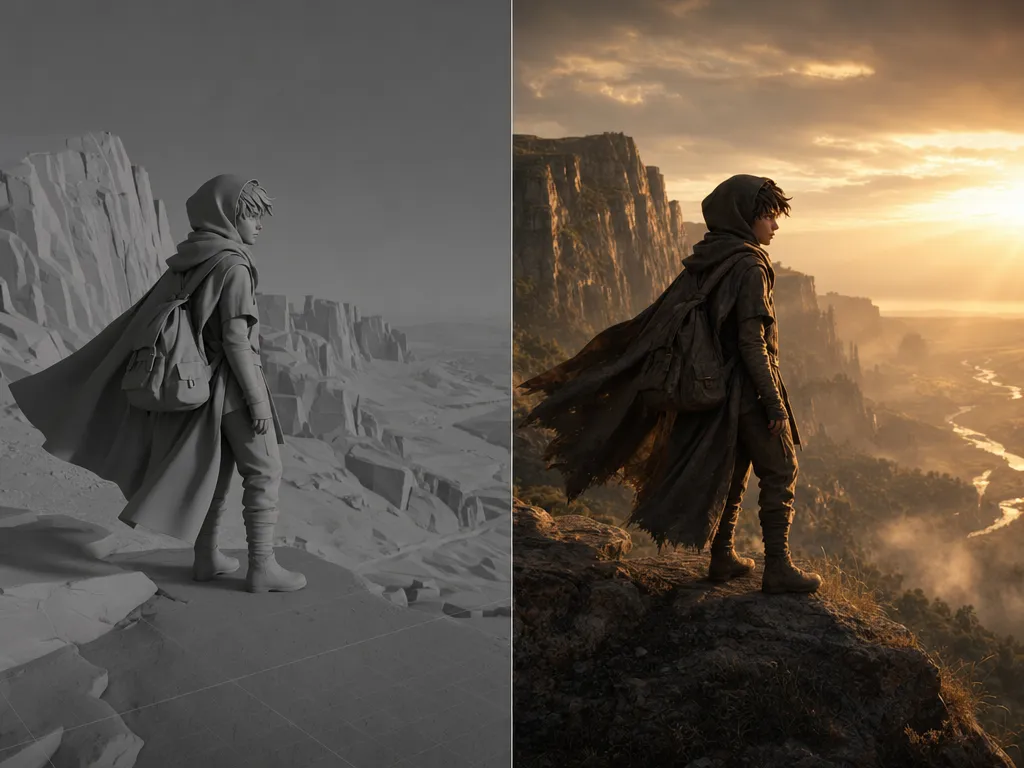
Capture to AI
Frame the shot in 3D, capture it, and Customuse generates the final image or video from that exact framing. The model renders the shot you designed, not a loose interpretation of a prompt.
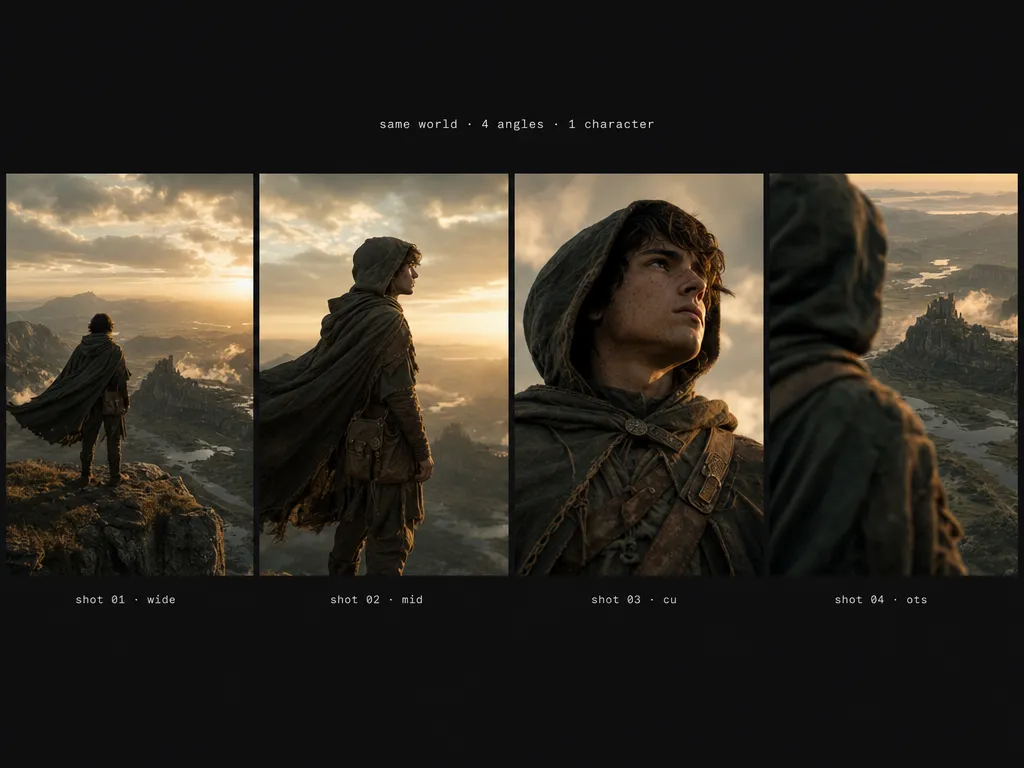
Shot-to-shot consistency
Hold the same character, world, lighting logic, costume, and geography across every camera angle in your sequence. This is the thing prompt-based tools fundamentally cannot do.
Built for filmmakers who need control.
A scene graph, not a prompt box
Control characters, props, camera, lighting, references, style, and render steps as separate parts of the workflow instead of hoping one text prompt contains everything.
Best-in-class models, directed by you
Use the latest image, video, and 3D models as render layers inside a workflow you control. Swap models without rebuilding the scene or losing the shot.
Continuity across shots
Keep the same character, costume, prop layout, world geography, and visual style across wide shots, close-ups, over-the-shoulders, and cutaways.
Iterate on one element
Change the lens, pose, lighting, costume treatment, art direction, or camera angle without throwing away the entire generation.
Designed for real production handoff
Export frames, boards, references, videos, camera notes, and scene assets into the tools your directors, editors, animators, and clients already use.
Explore looks in parallel
Run photoreal, anime, stop-motion, painterly, and studio-trained looks from the same shot setup, then keep the winning style through the sequence.
Questions, answered.
- Prompt-to-video tools ask the model to invent the shot from text. Customuse starts from a 3D scene you direct, with camera, pose, layout, lighting, and style separated into controllable parts.
- Yes. The workflow is designed around continuity: the same character, costume, world, prop layout, lighting logic, and style references can carry across multiple angles.
- No. You can generate scene assets in Customuse, upload your own models, or combine both. The point is to give the render model spatial structure before it generates the frame.
- Yes. The same scene setup can produce final image frames, shot boards, short video outputs, animatic frames, and sequence assets depending on the workflow.
- Yes. You can render the same scene in trained studio styles, campaign looks, or art-direction references without rebuilding the shot.
- No. Customuse keeps direction with the creative team. It removes render and iteration grunt work, but the shot design, performance decisions, edit, and approval stay with people.
Start creating today.
Create with Customuse and bring your ideas to life.